

ArtArch Newsroom
Producer's NoteAI Phone Pop-Out Effect from Photo: Build a POV Screen Illusion
Create an AI phone pop-out effect from photo with a top-down POV, wide-angle depth, layered type, and a 3D screen-breaking composition.
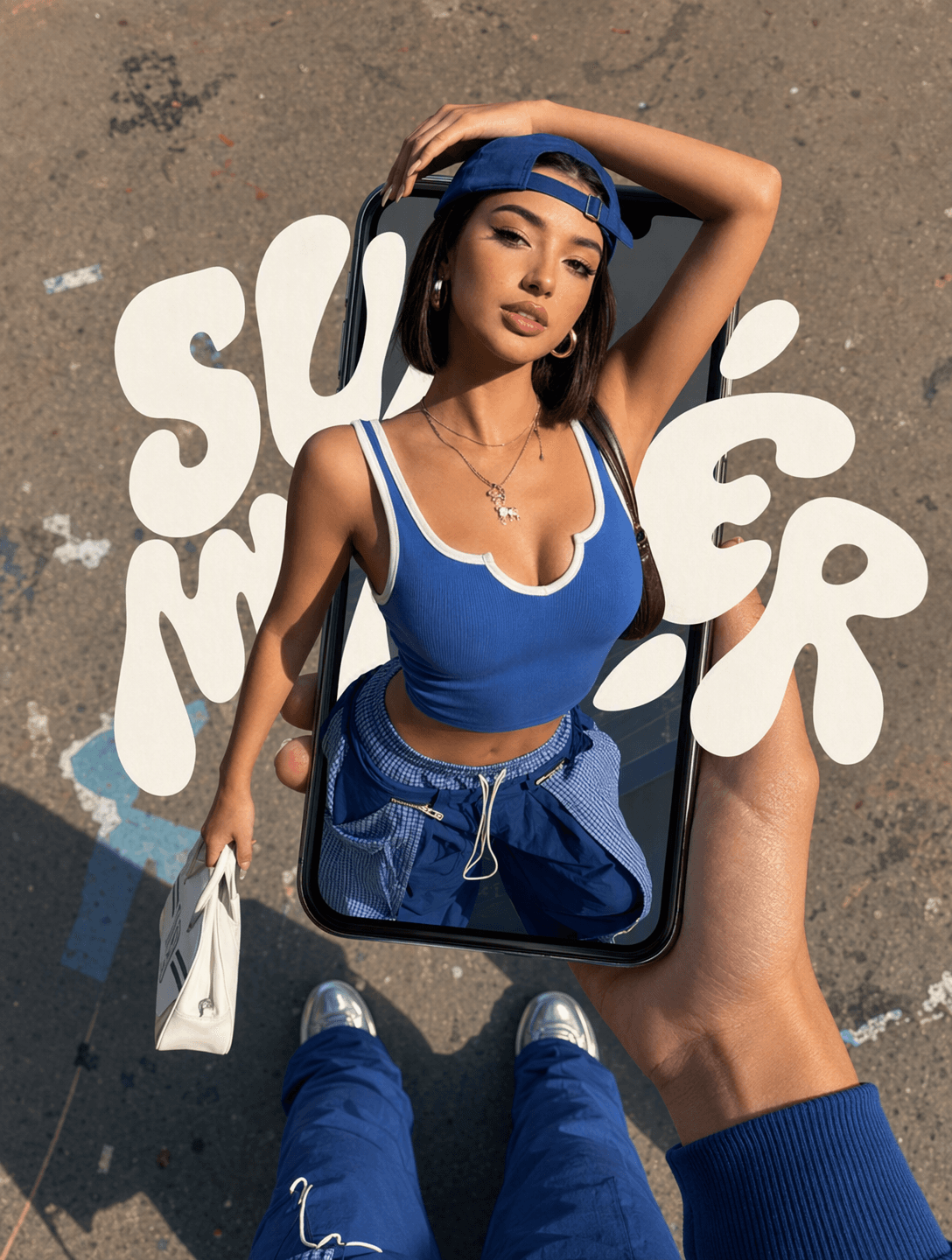
Upload one portrait to create an AI phone pop-out effect from photo in a wide 16:9 composition. The finished image places the person inside a handheld phone, then brings the upper body through the screen frame to form a strong first-person depth illusion.
What appears in the final image
The camera looks down from a high POV while a hand holds an iPhone XR over a real ground surface. Wide-angle perspective makes the face and upper body feel close to the viewer while the lower body recedes. The subject crosses the phone boundary with matched light, shadow, and physical overlap, so the phone, person, and background read as one scene.
Flat decorative lettering sits between the ground and the person. This middle layer adds a poster-like accent while the portrait remains the visual focus. The phone and holding hand occupy the front layer, completing the screen-breaking effect.
Pick a portrait that supports the perspective
A full-body or three-quarter portrait gives the composition enough information to preserve the pose and build the top-down angle. Clear clothing edges, visible arms, and an unobstructed face help the person remain recognizable after the perspective changes. Streetwear, performance poses, and portraits with a prop already in hand suit the exaggerated depth.
Create the effect in three steps
- Upload the portrait you want to place inside the phone.
- Remix the template and let it rebuild the pose in a first-person top-down scene.
- Review the face, hand, phone boundary, lettering, and cast shadows as one layered composition.
This format fits a creator announcing a new profile look, a dancer turning a performance still into a cover image, or a fashion account preparing a wide campaign graphic. In each case, the source portrait supplies the pose while the phone frame turns it into a staged visual hook.
Frequently asked questions
What photo works best for the phone pop-out effect?
Use a sharp portrait with a visible pose, clean subject edges, and enough space around the body for the new perspective.
What shape is the finished image?
The template creates a wide 16:9 image with a top-down POV composition.
Which details should I inspect before sharing?
Check facial identity, the hand holding the phone, the screen overlap, the subject's pose, and the direction of light and shadow.
Click the template card on this page, enter the experience page, and try the phone pop-out template with your portrait.
Keep creating
Explore the idea, then make it yours.
Discover more creative workflows in Spotlight, or open ArtArch Studio to start creating now.
Keep exploring
More in Producer's Note
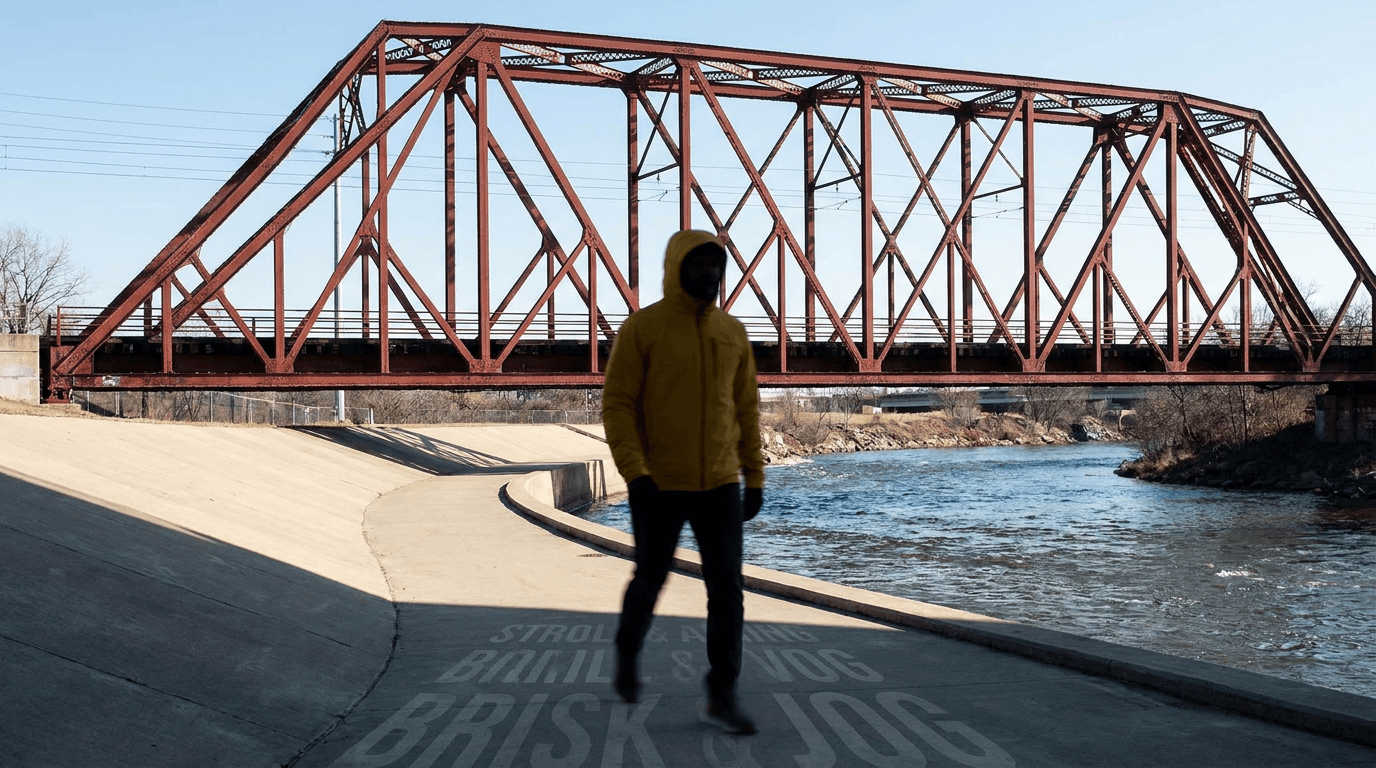
AI Video Action Verb Motion Control for Walking Speed
Learn how action verbs such as fast-walks and briskly strides shape walking speed and stride length in an AI video scene.

Remove Pseudo Quality Words from AI Image Prompts
Replace generic 4K and 8K slogans with concrete material, lighting, and texture constraints when you want a cleaner AI image prompt.
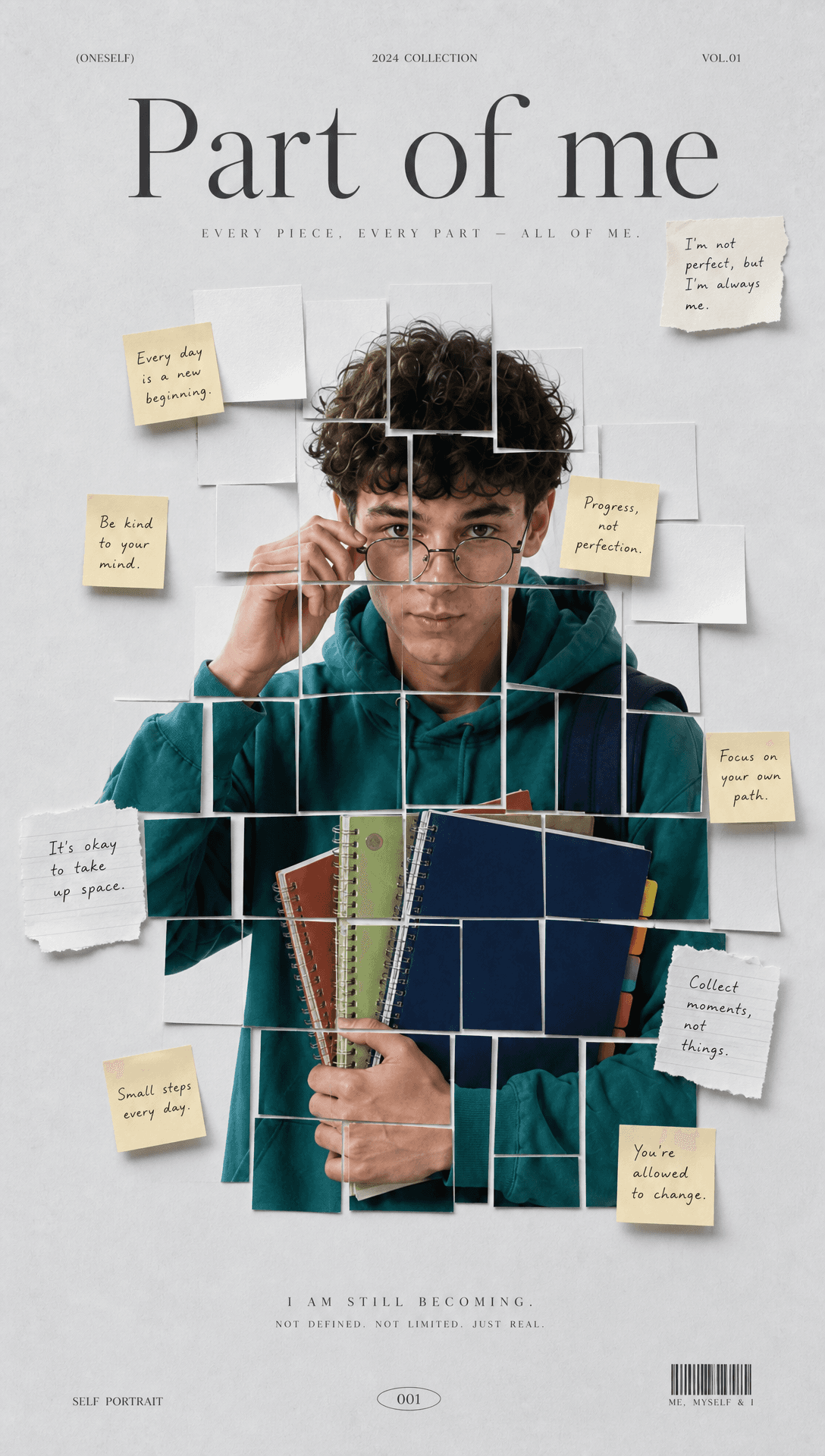
Sticky Note Portrait Collage from Photo: Make a Personal Visual Story
Upload one portrait to create a sticky note portrait collage from photo with layered fragments, handwritten notes, paper shadows, and magazine styling.

Family Trauma Short Film: After the Silence
Watch a family trauma short film told through Lydia's childhood drawings, fractured memories, her mother's courage, and the silence a child remembers.