

ArtArch Newsroom
Producer's NoteAI Outfit Switch Video from Portrait: Create an OOTD Photo Stack
Create an AI outfit switch video from portrait with a six-pose fashion sheet and a 15-second vertical instant-photo stacking animation.
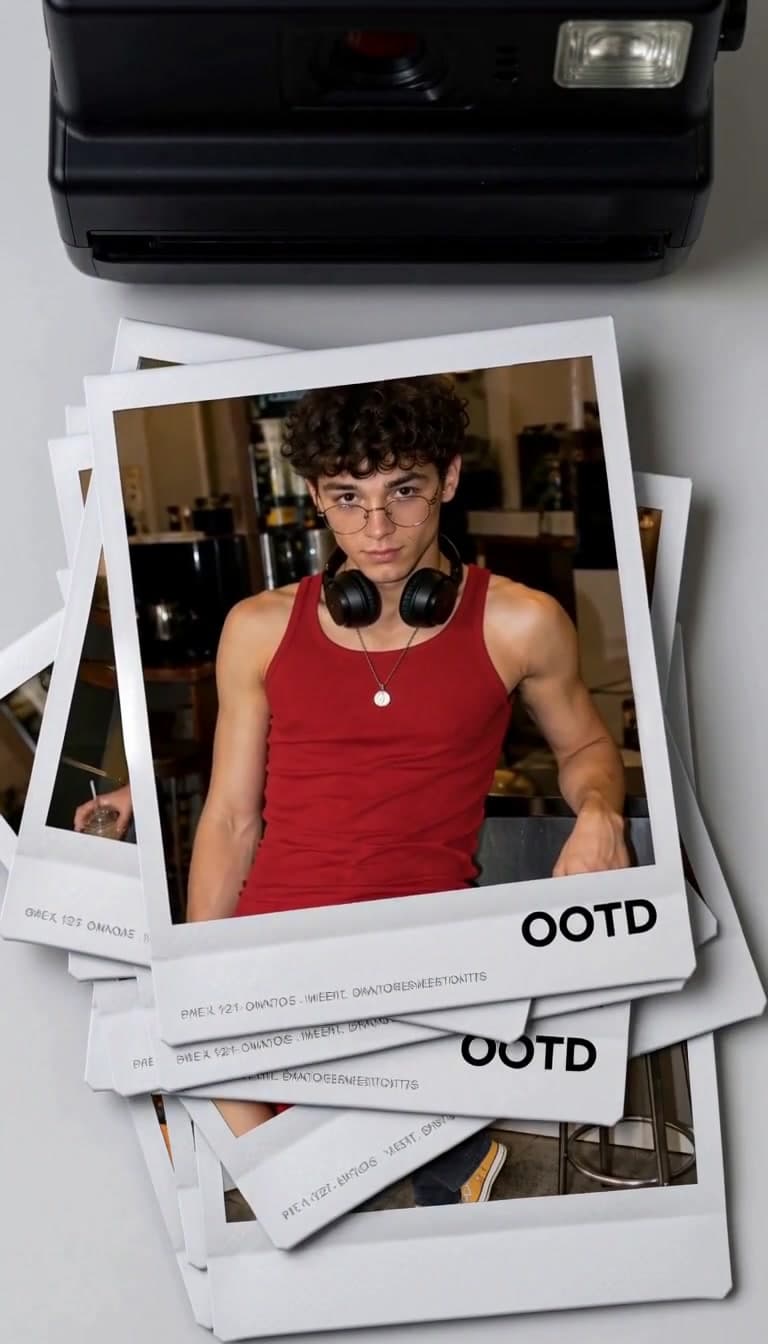
Upload one person image to create an AI outfit switch video from portrait. The workflow builds a fashion reference sheet around that identity, then turns the styled poses into a 15-second vertical instant-photo stack animation.
The outfit story begins with six poses
The person appears in one consistent early-2000s casual look: a fitted red tank, loose charcoal trousers, a black belt, silver pendant, black headphones, and an iced drink. Six editorial views cover seated and standing poses, a side profile, a relaxed waist-up portrait, and interactions with the drink. A warm retro café, direct flash, and candid snapshot treatment connect the set.
The video places those portraits inside clean white instant-photo borders. A black instant camera stays at the top of a light gray background as each print emerges, drops, rotates gently, overlaps the previous images, and builds a layered OOTD pile. Small neutral fashion metadata and an “OOTD” title complete the composition.
Prepare a portrait for a full fashion sheet
Use a clear adult portrait with a visible face, hair, and body proportions. A straight or three-quarter view gives the styling stage useful identity detail. Even light and an unobstructed face help the six poses belong to the same person.
Create the photo-stack video
- Upload the portrait that will anchor the fashion identity.
- Remix to generate the styled pose sheet and vertical animation.
- Review face consistency, outfit details, paper edges, overlap order, rotations, and the final stack.
A fashion creator can use the clip for an OOTD reveal. A stylist can present one coordinated look through several poses. A personal account can turn a single portrait into a retro café editorial with a built-in motion cover.
Frequently asked questions
What do I upload?
Provide one portrait with a clear face, hairstyle, and readable body proportions.
What is the finished format?
The result is a 15-second vertical fashion-collage video at 768P.
What remains consistent across the animation?
The person's identity, hair, outfit, accessories, portrait styling, instant-photo borders, camera position, and stacking direction connect the sequence.
Select the template card on this page, enter the experience page, and create an OOTD photo stack from your portrait.
Keep creating
Explore the idea, then make it yours.
Discover more creative workflows in Spotlight, or open ArtArch Studio to start creating now.
Keep exploring
More in Producer's Note
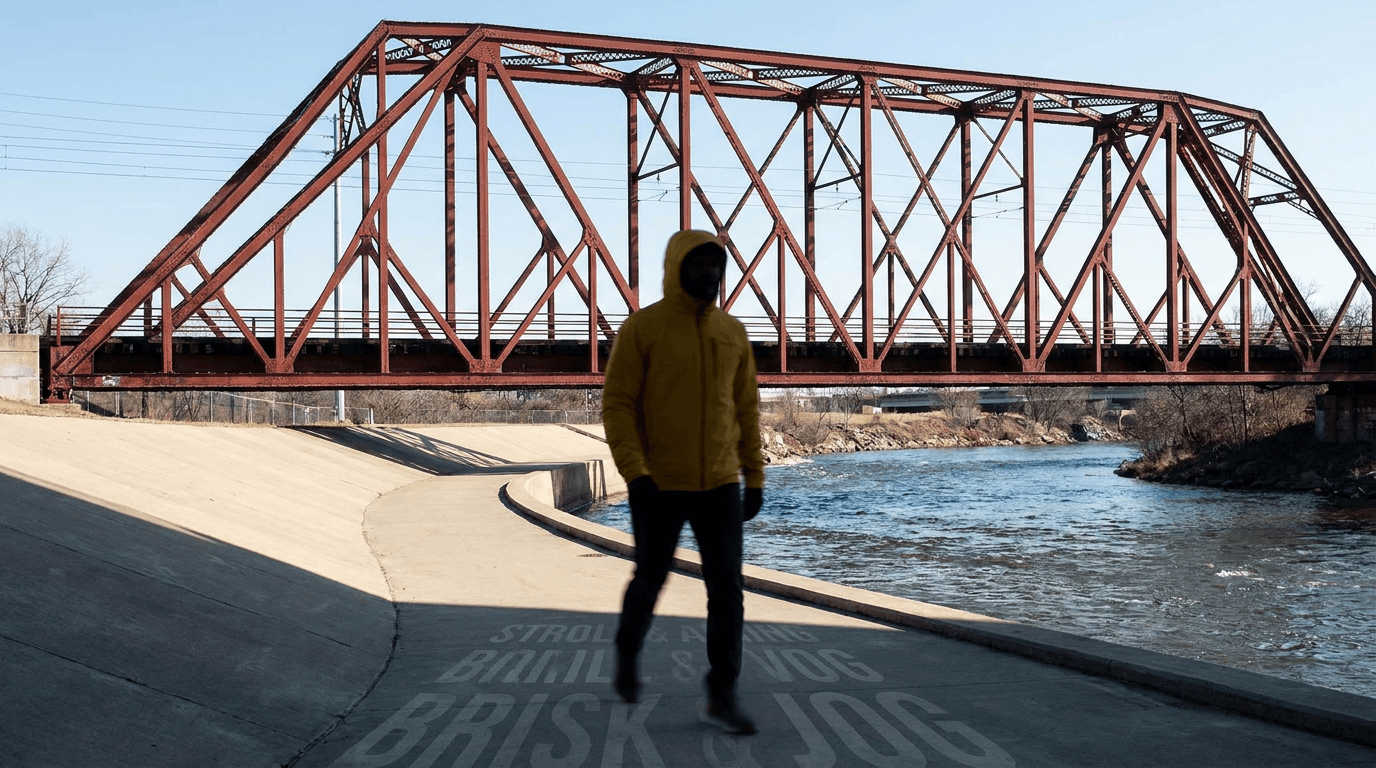
AI Video Action Verb Motion Control for Walking Speed
Learn how action verbs such as fast-walks and briskly strides shape walking speed and stride length in an AI video scene.

Remove Pseudo Quality Words from AI Image Prompts
Replace generic 4K and 8K slogans with concrete material, lighting, and texture constraints when you want a cleaner AI image prompt.
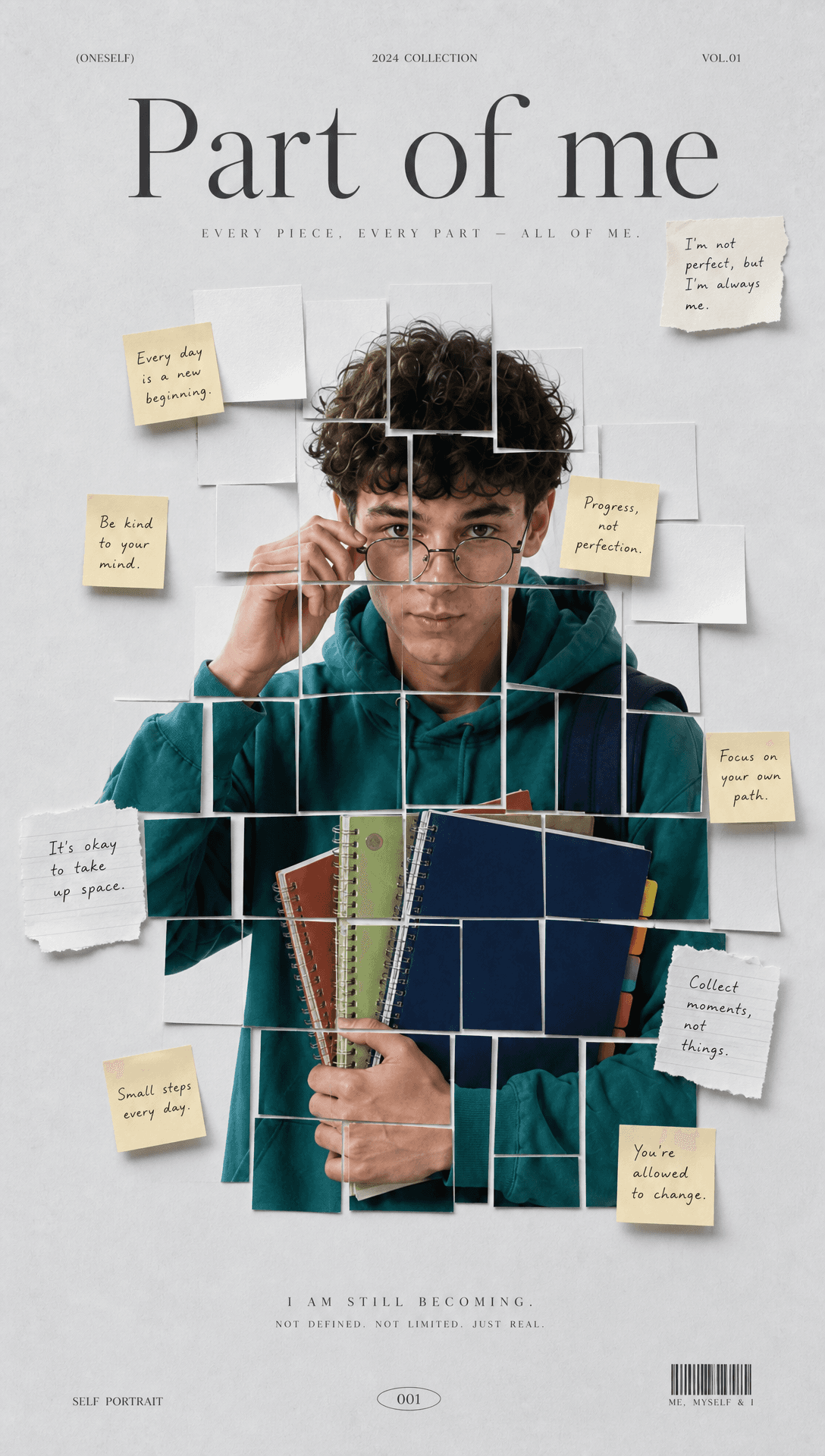
Sticky Note Portrait Collage from Photo: Make a Personal Visual Story
Upload one portrait to create a sticky note portrait collage from photo with layered fragments, handwritten notes, paper shadows, and magazine styling.
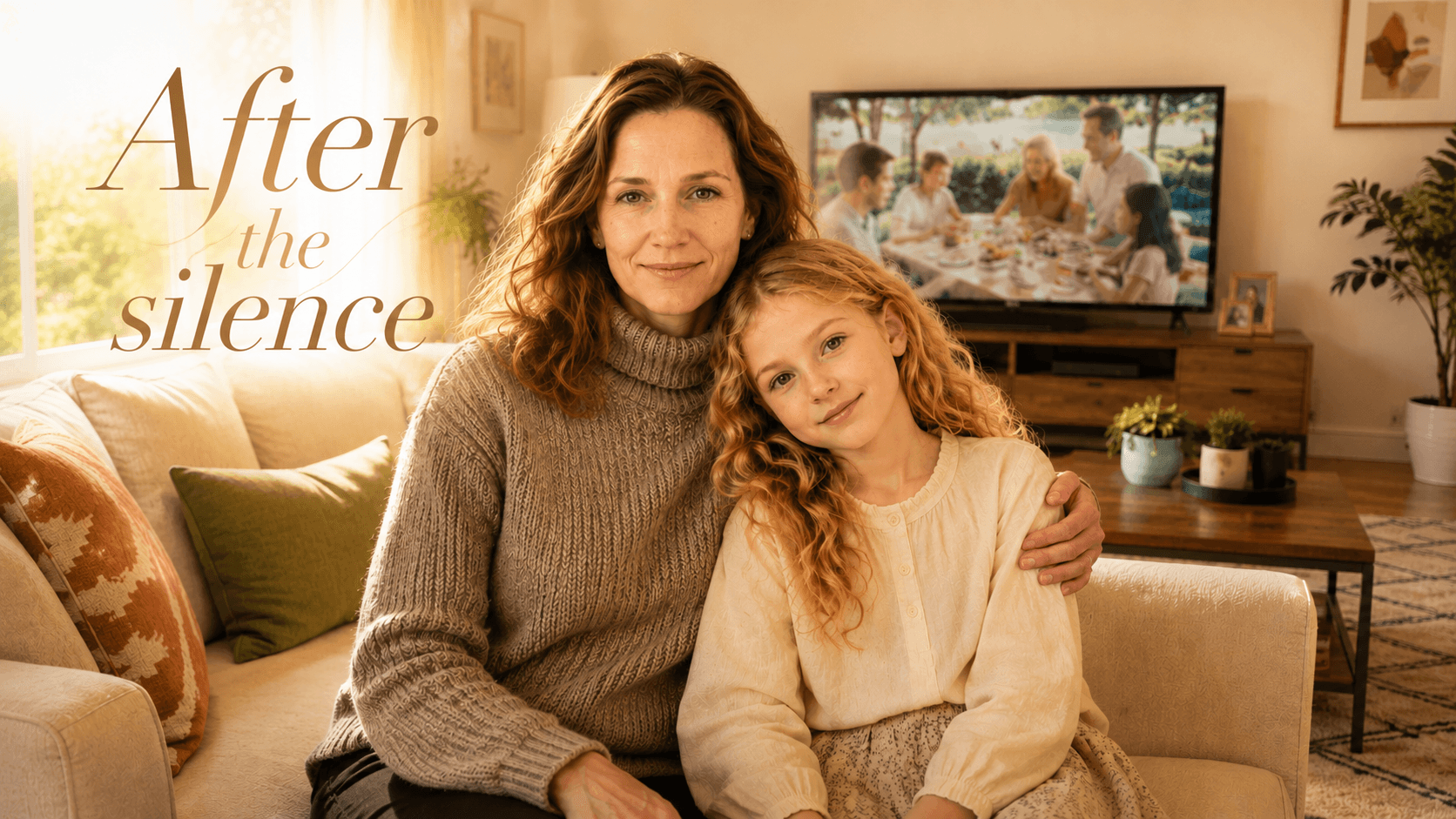
Family Trauma Short Film: After the Silence
Watch a family trauma short film told through Lydia's childhood drawings, fractured memories, her mother's courage, and the silence a child remembers.