

ArtArch Newsroom
Producer's NoteAI Fisheye Transition Video Maker from Photos: Build a Fashion Sequence
Use an AI fisheye transition video maker from photos to create CRT-styled portraits and a 4-second wide sequence with lens-cover transitions.
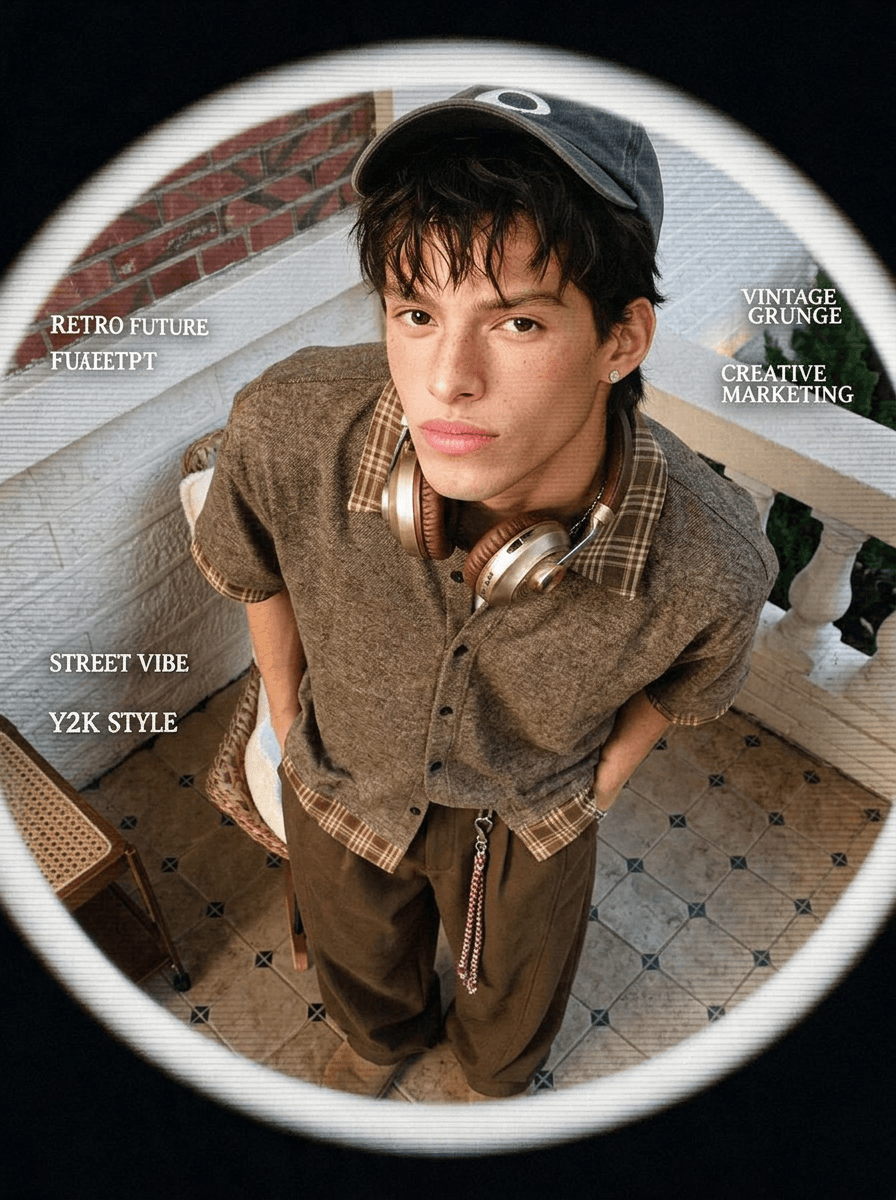
Upload two character photos to use this AI fisheye transition video maker from photos. The workflow turns the portraits into a set of fashion frames, then animates them as a 4-second 16:9 sequence with a fisheye look, rhythmic camera-cover transitions, and audio.
From portraits to retro-future frames
One stage creates a square 1K poster with a high-angle fisheye composition. The character appears inside a soft circular viewing frame with a black surround, CRT scan lines, light film grain, strong color contrast, and small English decorative type. Other wide frames carry the person's face and hair into new outfits, poses, and settings.
The video begins with a glitch-like opening. Characters move toward the center, hold a photo pose, and cover the lens with a hand. Each reveal introduces the next styled frame. The final movement can include a small natural action, such as lifting a drink or turning a page, before the sequence settles on its last portrait.
Choose two useful source photos
Pick clear character images with visible faces and hairstyles. Different outfits or settings give the styling stage more contrast, while similar camera angles help the sequence feel connected. Leave space around hands and shoulders because they play an active role in the lens-cover transition.
Assemble the transition
- Upload the two character photos.
- Remix the template to create the styled portraits and motion sequence.
- Inspect identity, wardrobe changes, circular lens treatment, hand covers, reveal timing, and audio.
The result suits a fashion drop teaser, a creator's rapid outfit edit, or a character account introducing several looks in one short clip. The square poster can also serve as a companion cover for the wide animation.
Frequently asked questions
How many images do I provide?
The editable input contains two image slots for your character photos.
What does the final animation include?
It uses a wide 16:9 frame, a 4-second sequence, 480p output, fisheye styling, hand-cover reveals, and generated audio.
How should the two photos relate?
Use clear faces and hairstyles in both. Coordinated camera angles support continuity, while different outfits or locations create stronger visual changes.
Open the template card on this page, enter the experience page, and turn your photos into a fisheye fashion transition.
Keep creating
Explore the idea, then make it yours.
Discover more creative workflows in Spotlight, or open ArtArch Studio to start creating now.
Keep exploring
More in Producer's Note
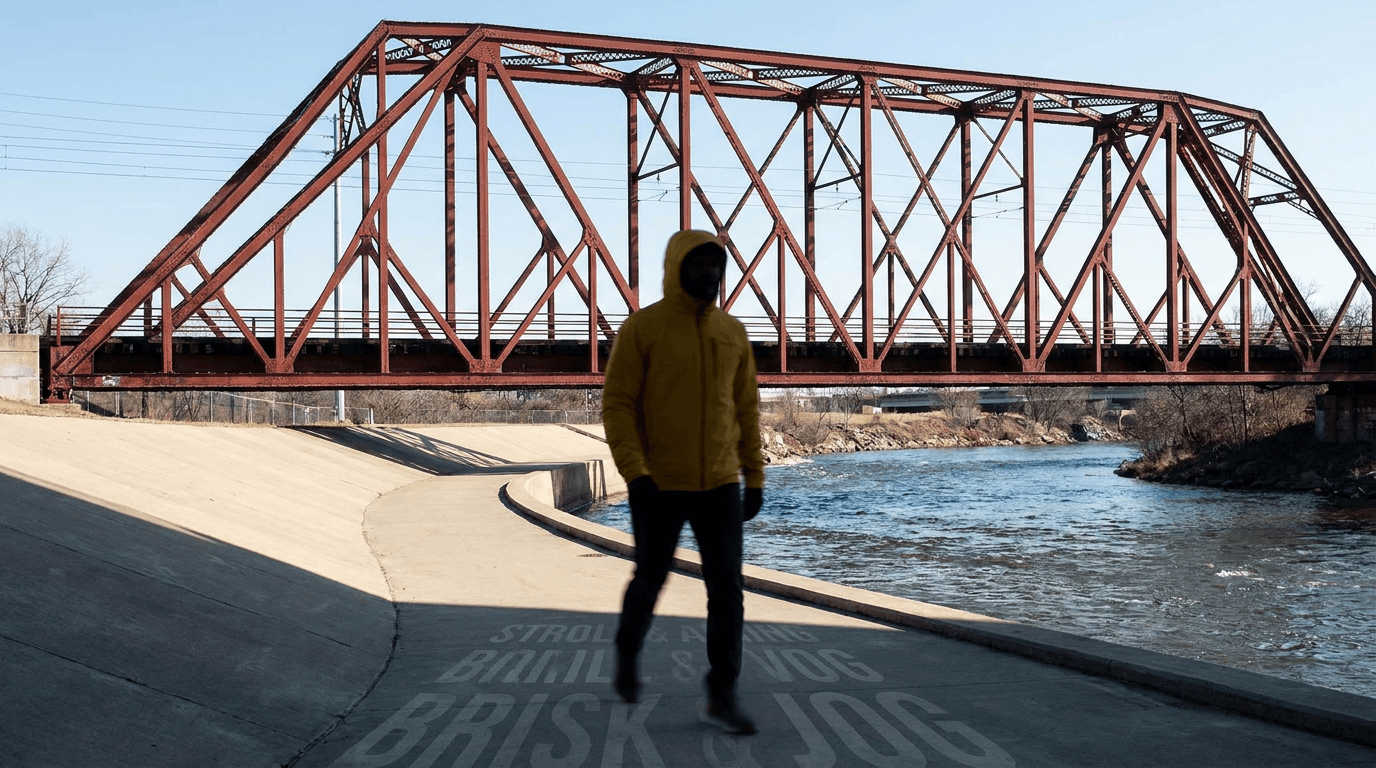
AI Video Action Verb Motion Control for Walking Speed
Learn how action verbs such as fast-walks and briskly strides shape walking speed and stride length in an AI video scene.
Remove Pseudo Quality Words from AI Image Prompts
Replace generic 4K and 8K slogans with concrete material, lighting, and texture constraints when you want a cleaner AI image prompt.
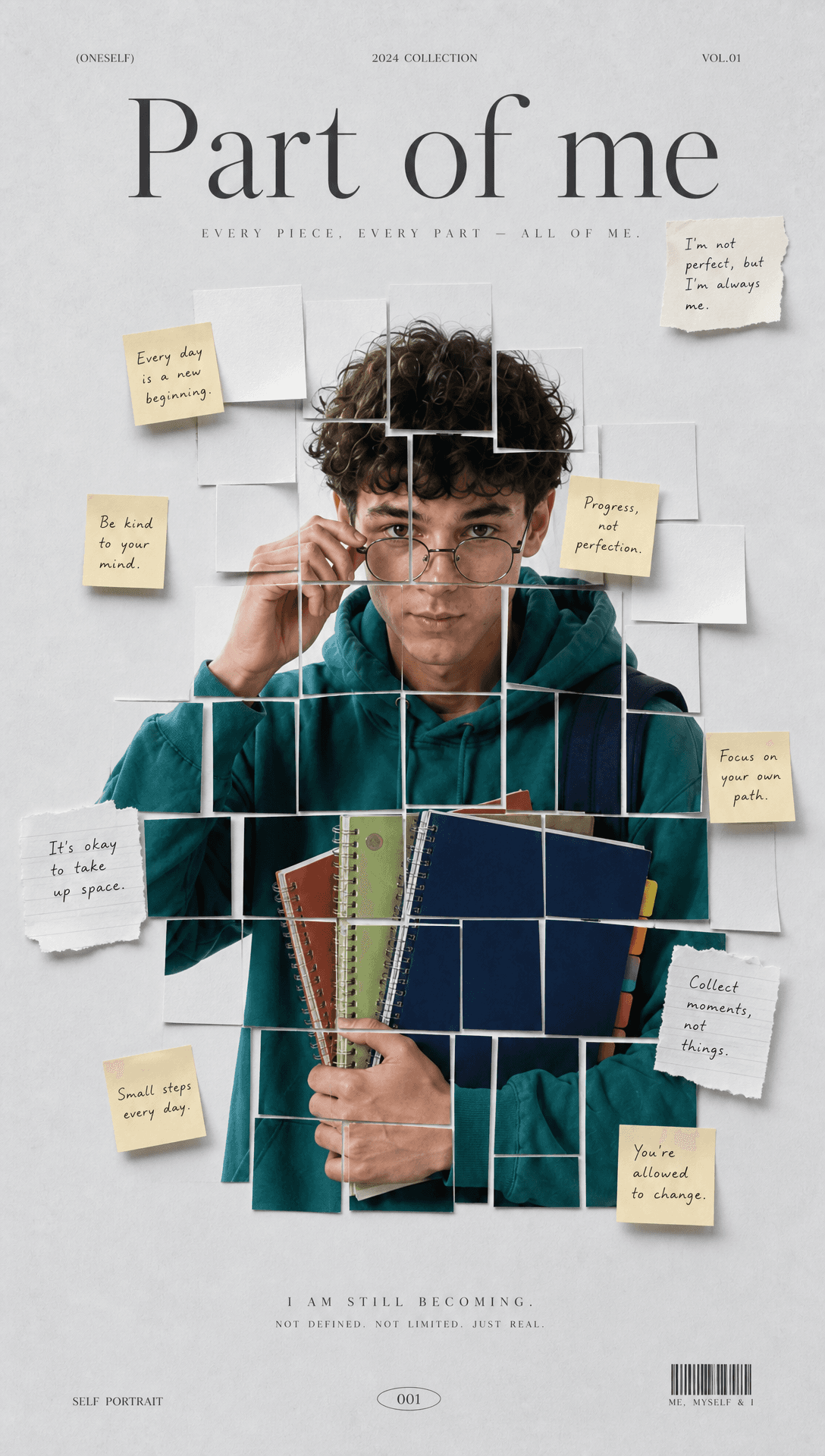
Sticky Note Portrait Collage from Photo: Make a Personal Visual Story
Upload one portrait to create a sticky note portrait collage from photo with layered fragments, handwritten notes, paper shadows, and magazine styling.
Family Trauma Short Film: After the Silence
Watch a family trauma short film told through Lydia's childhood drawings, fractured memories, her mother's courage, and the silence a child remembers.