

ArtArch Newsroom
Producer's NoteAI Big Head Avatar Maker from Childhood Photo: Create a Cute Portrait Set
Use an AI big head avatar maker from childhood photo to create four playful 3:4 portraits with expressive faces, styled hair, and accessories.
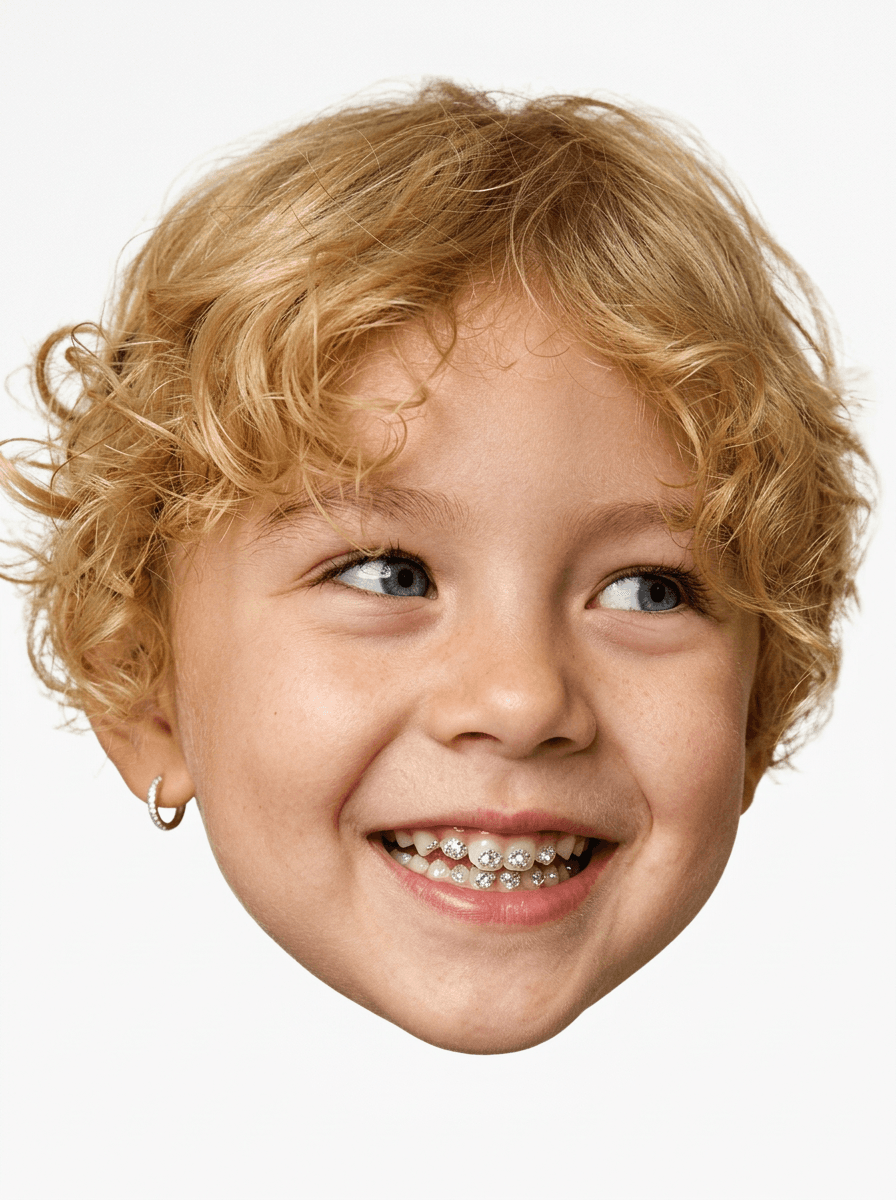
Upload one childhood picture to use this AI big head avatar maker from childhood photo and create a gallery of playful 3:4 portraits. The set focuses on the head against a white background, with varied expressions, hair styling, and small fashion details.
Four takes on one childhood portrait
The portrait set moves through cheeky looks such as a side glance, puffed cheeks, a bright smile, or a cool pose with retro sunglasses. Some versions add a small silver hoop earring or sparkling tooth details. Hair color stays tied to the source, while longer hair may be gathered into ponytails, buns, or braids to suit the compact head-only composition.
Soft natural light, visible skin texture, and a light film-photo treatment keep the avatars grounded as portraits. The white background and floating-head crop give every variation a consistent gallery shape.
Pick the right childhood photo
Use a well-lit image where the face, eyes, mouth, and hairline are easy to see. A straight or gently angled view gives the set room to vary the gaze and expression. Scan an older print at a useful size before uploading so small facial details remain available.
Make the avatar gallery
- Upload one childhood photo with a clear face and hairstyle.
- Remix the template to create the four portrait variations.
- Compare identity, hair, expression, earrings, sunglasses, and tooth details across the gallery.
The set can become a playful birthday post, a family chat reaction pack, or a nostalgic profile-image series. It also works as a before-and-after companion to a current portrait when you want the childhood image to lead the story.
Frequently asked questions
What image should I upload?
Choose a childhood photo with a clear face, visible hair, balanced light, and limited blur.
What shape are the avatars?
The template creates 3:4 head portraits on a white background and groups several variations into a gallery.
Which details change across the set?
Expressions, gaze, hair arrangement, earrings, sunglasses, and other small styling elements create the variations.
Select the template card on this page, enter the experience page, and turn a childhood photo into a mini-me avatar set.
Keep creating
Explore the idea, then make it yours.
Discover more creative workflows in Spotlight, or open ArtArch Studio to start creating now.
Keep exploring
More in Producer's Note
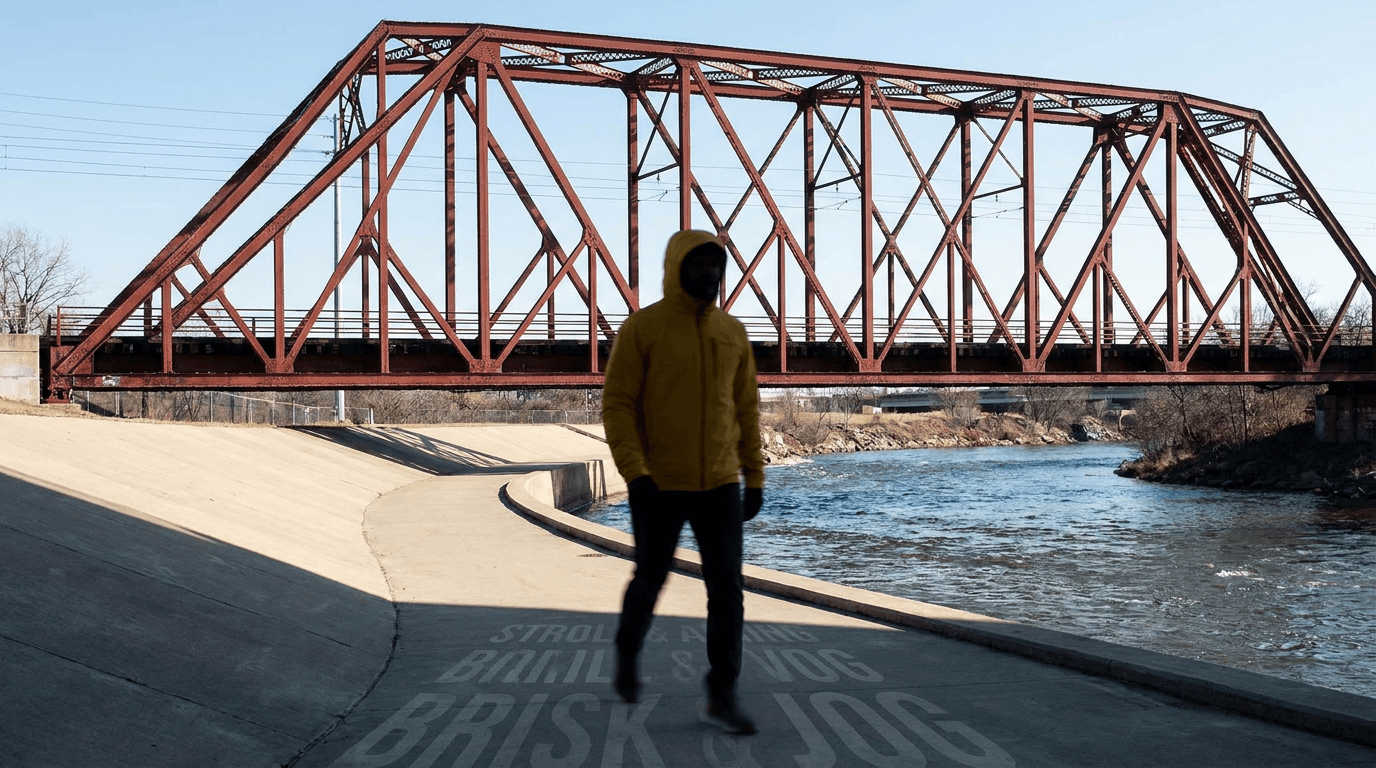
AI Video Action Verb Motion Control for Walking Speed
Learn how action verbs such as fast-walks and briskly strides shape walking speed and stride length in an AI video scene.
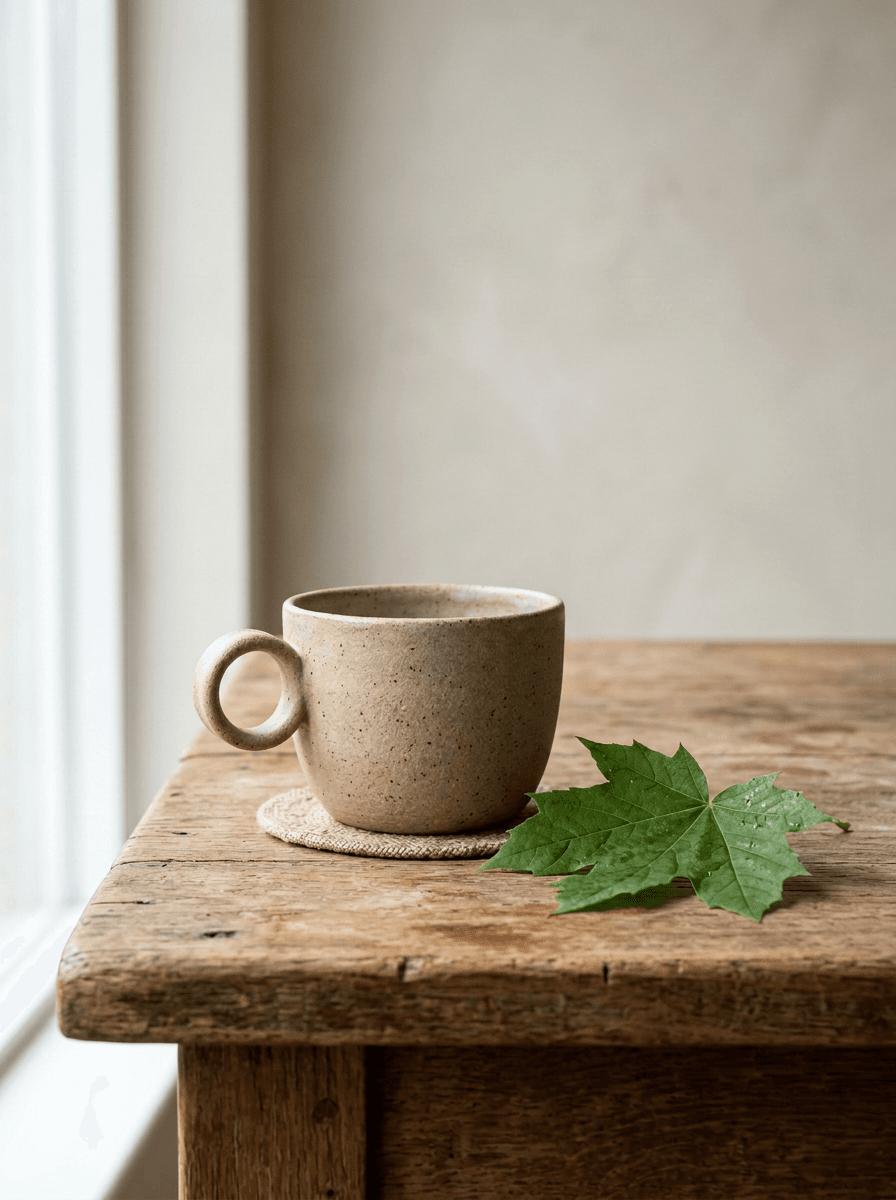
Remove Pseudo Quality Words from AI Image Prompts
Replace generic 4K and 8K slogans with concrete material, lighting, and texture constraints when you want a cleaner AI image prompt.
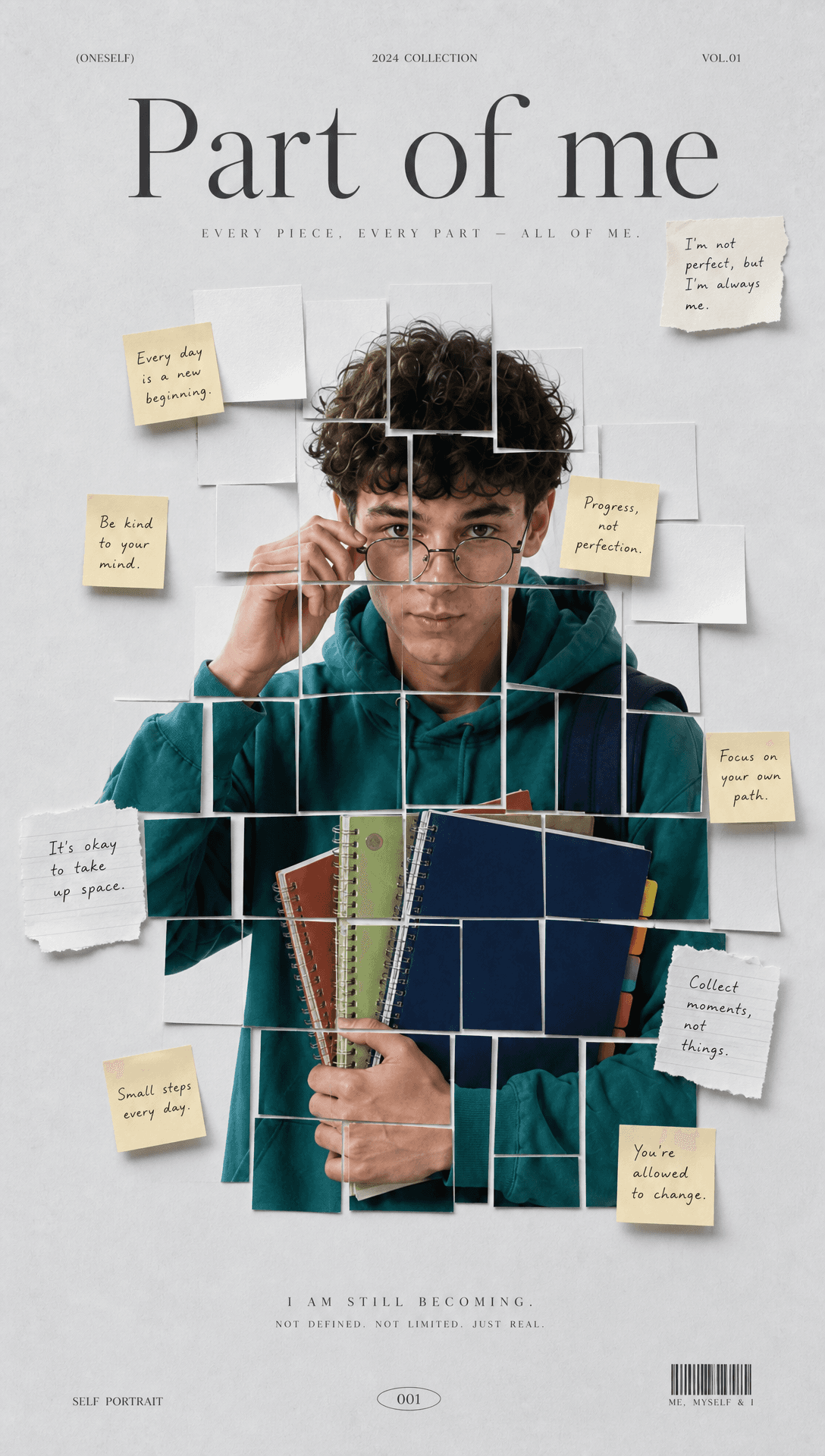
Sticky Note Portrait Collage from Photo: Make a Personal Visual Story
Upload one portrait to create a sticky note portrait collage from photo with layered fragments, handwritten notes, paper shadows, and magazine styling.
Family Trauma Short Film: After the Silence
Watch a family trauma short film told through Lydia's childhood drawings, fractured memories, her mother's courage, and the silence a child remembers.