

ArtArch Newsroom
AcademyMiniMax H3 Website Animation for Product and Brand Concepts
Prototype a MiniMax H3 website animation with scroll rhythm, hover states, typography, product focus, and a clear start-to-end interaction.
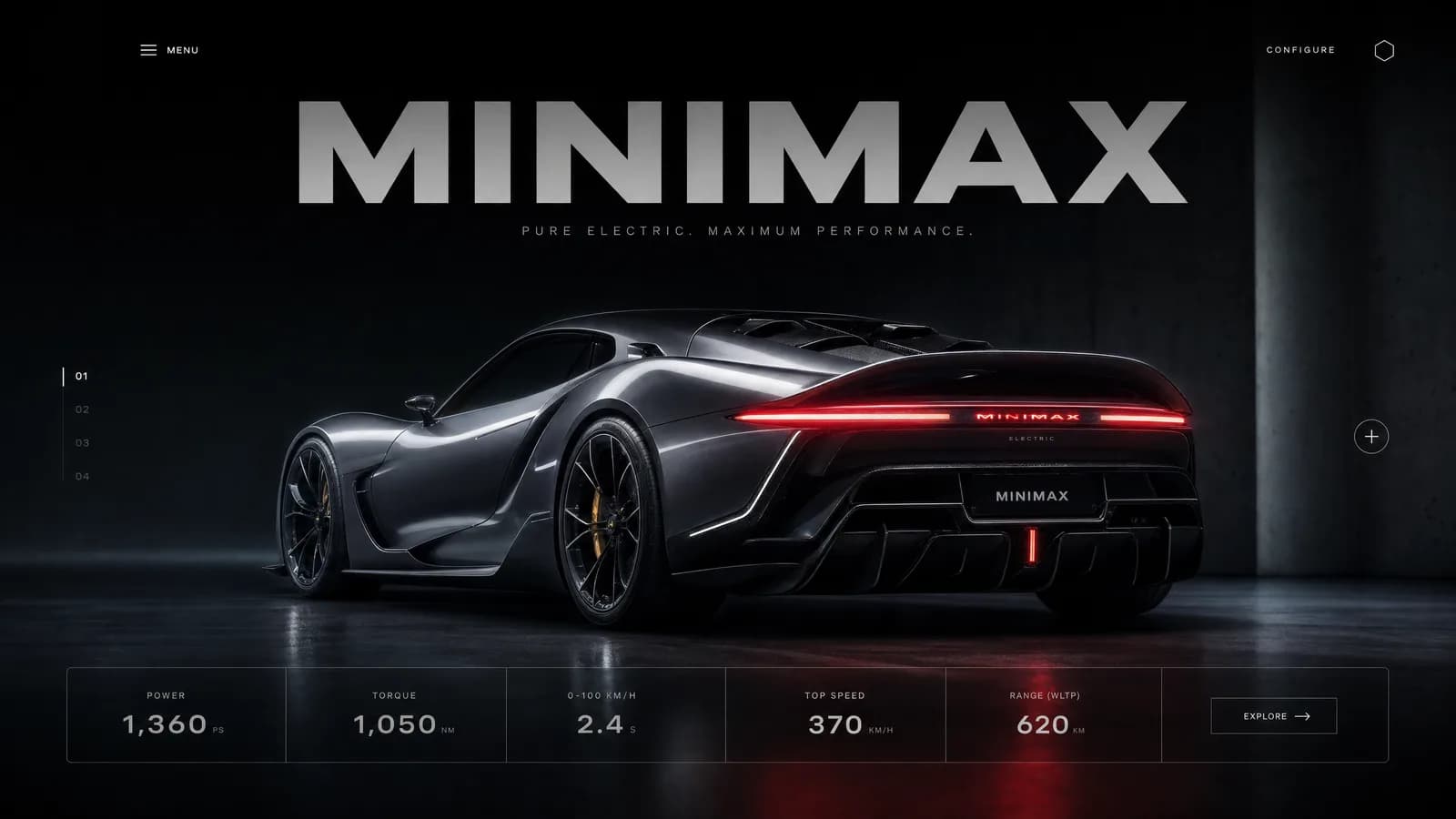
MiniMax H3 website animation for product and brand concepts
A MiniMax H3 website animation can visualize a scroll sequence, product transition, hover concept, or branded page reveal before the experience is coded. The generated clip is a design reference, not a working website. Its value is in making timing, hierarchy, and movement discussable.
Begin with real page states or design frames. Then describe the interaction that connects them.
Supplied H3 demonstration: a static product-page reference becomes a scrolling interaction preview.
Select a bounded web moment
Choose one path: hero product rotates as the page scrolls, a feature panel expands, a gallery changes selection, or typography gives way to a final call to action. Define the opening viewport and the end state. Avoid representing an entire site tour in 15 seconds.
Use images for the page layout, product, brand type, and state changes. If the final composition must match a design exactly, a last-frame reference can help establish the destination.
Separate user action from visual response
State whether the trigger is scroll, hover, click, drag, or automatic progression. Describe what remains fixed and what moves. A product-focused sequence may pin the object while copy panels change; a gallery may keep navigation stable while media transitions.
Choose a ratio matching the intended review viewport. H3 supports landscape, square, portrait, and ultrawide options, but responsive behavior must later be designed and tested separately.
Hand off implementable observations
Review focus order, text visibility, product accuracy, transition duration, and whether motion explains or distracts. Note easing, overlap, direction, and sound concepts in plain language for the frontend team. Do not expect generated interface text, controls, or cursor behavior to function.
Accessibility also needs implementation: reduced motion, keyboard states, semantic structure, contrast, and screen-reader behavior cannot be validated from a video concept.
Frequently asked questions
Can H3 create a functional website?
No. This workflow creates a video concept. Developers must build and test the actual experience.
Can I use screenshots as references?
Yes. Supported image formats include JPG, PNG, WEBP, HEIC, and HEIF variants listed in the manual.
Which animation should I prototype first?
Choose the highest-value interaction whose timing or hierarchy is difficult to understand from static frames.
Load the real page states, product evidence, interaction trigger, and final viewport into ArtArch, then translate the approved motion into an accessible implementation brief.
Keep exploring
More in Academy

MiniMax H3 Production Checklist for Commercial Video Teams
Review MiniMax H3 inputs, rights, prompt scope, identity, product accuracy, audio, format, retries, approvals, and delivery before production.

MiniMax H3 API Media Formats and URL Input Checklist
Prepare MiniMax H3 API media with supported codecs, image and audio formats, file limits, 64 MB request bodies, and URL-based inputs.

How to Plan 12 Reference Files for MiniMax H3
Assign clear identity, product, style, motion, camera, and audio roles across a MiniMax H3 mixed request without creating contradictory references.

Use MiniMax H3 for Storyboard and Visual Pitch Previews
Turn keyframes and a creative brief into a MiniMax H3 motion preview for shot order, transitions, timing, sound, and stakeholder review.