

ArtArch Newsroom
AcademyMiniMax H3 Vampire Romance Trailer Prompt Breakdown
Break down a MiniMax H3 vertical vampire romance trailer into identity references, gothic setting, relationship tension, close framing, and a hook.
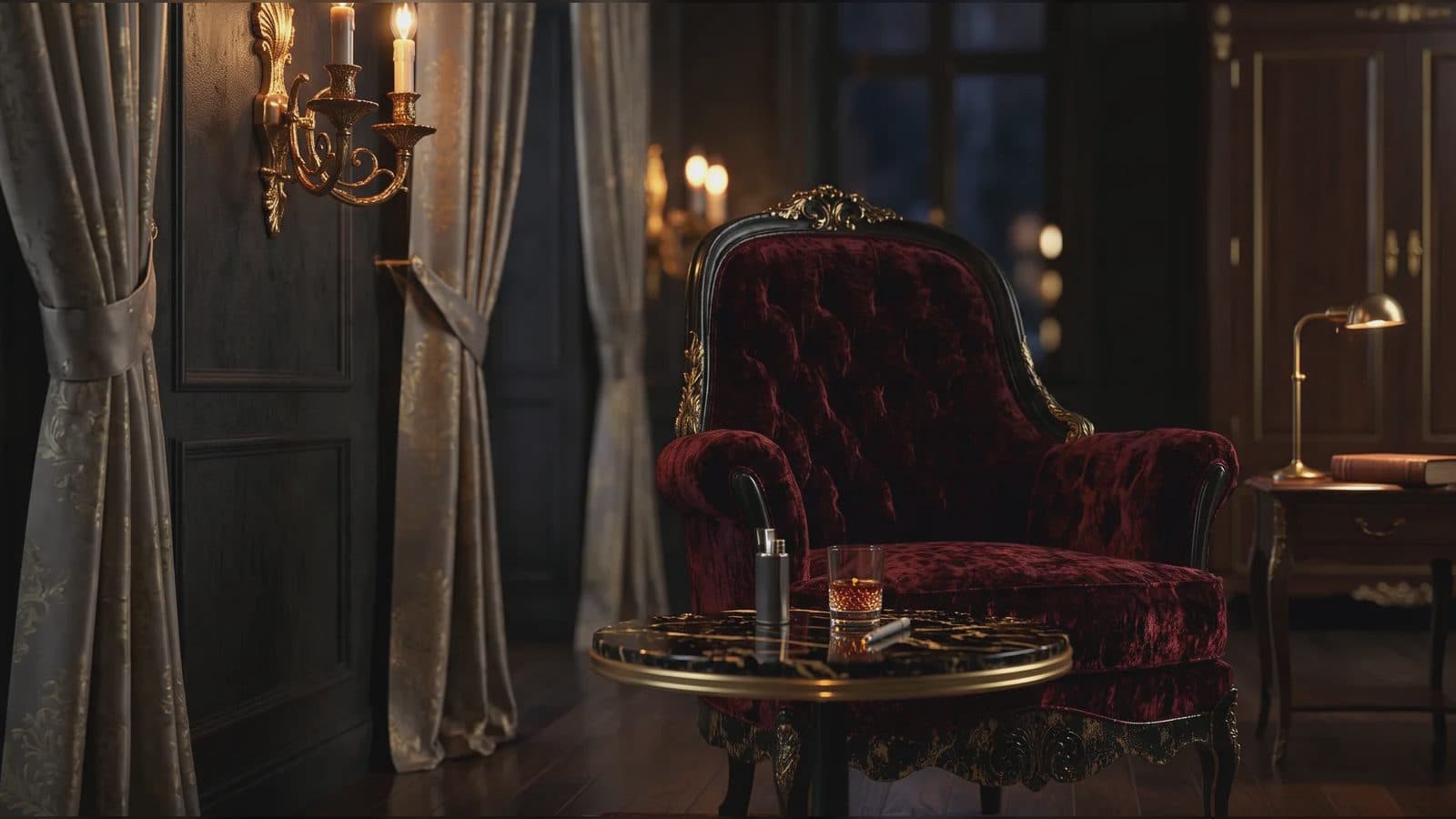
MiniMax H3 vampire romance trailer prompt breakdown
A MiniMax H3 vampire romance trailer succeeds when the supernatural premise and relationship tension appear in the same short scene. Gothic styling alone produces atmosphere; the trailer still needs a human choice, threat, or attraction. A 9:16 composition can keep faces close while using windows, corridors, mirrors, or doorways to create depth.
This workflow treats the genre as a set of visible decisions rather than a collection of vague mood words.
Supplied H3 demonstration: two character references and a gothic setting form a vertical romance hook.
Define the two identities and the tension
Assign separate references to the human and vampire characters. Protect facial structure, hair, costume, and height relationship. State what each knows at the opening and what changes by the end.
Choose one supernatural cue: an impossible reflection, altered eyes, a rapid appearance, a controlled glimpse of fangs, or a light reaction. One readable cue usually carries more story than several unrelated effects.
Build a vertical trailer arc
Open on a close detail or uneasy encounter. Escalate through a step closer, a revealed object, or one spoken warning. End on the other character's reaction or a title image. Keep the camera path simple enough that identity remains reviewable.
Use environment references for architecture and lighting, not as replacements for character evidence. A video clip may define a turn, approach, or camera move. Audio can define voice tone or a low rhythmic motif when paired with visual input.
Check genre details without losing clarity
Review eye lines, skin tone under dark lighting, costume continuity, reflections, and the timing of the supernatural reveal. Listen for exact dialogue and whether ambience supports the location. A title or final line needs enough quiet and stillness to register.
Avoid claims that one prompt will produce a finished series. Treat the output as a shot to approve, revise, or combine with other production work.
Frequently asked questions
Can MiniMax H3 make a vertical supernatural trailer?
H3 supports 9:16 output and mixed visual and audio references suited to planning this kind of shot.
How many character references should I use?
Use the smallest consistent set that establishes both identities. Omni Reference allows up to nine images.
Should the supernatural effect appear throughout?
Not necessarily. A single timed reveal can preserve the relationship focus and make review easier.
Organize the two characters, gothic environment, one supernatural cue, and final hook in ArtArch, then review story clarity before visual intensity.
Keep exploring
More in Academy

MiniMax H3 Production Checklist for Commercial Video Teams
Review MiniMax H3 inputs, rights, prompt scope, identity, product accuracy, audio, format, retries, approvals, and delivery before production.

MiniMax H3 API Media Formats and URL Input Checklist
Prepare MiniMax H3 API media with supported codecs, image and audio formats, file limits, 64 MB request bodies, and URL-based inputs.

How to Plan 12 Reference Files for MiniMax H3
Assign clear identity, product, style, motion, camera, and audio roles across a MiniMax H3 mixed request without creating contradictory references.

Use MiniMax H3 for Storyboard and Visual Pitch Previews
Turn keyframes and a creative brief into a MiniMax H3 motion preview for shot order, transitions, timing, sound, and stakeholder review.