

ArtArch Newsroom
AcademyMiniMax H3 Product Video: Turn Features Into Visible Scenes
Translate product features into MiniMax H3 shots with a defined product reference, interaction, proof moment, camera move, and closing frame.
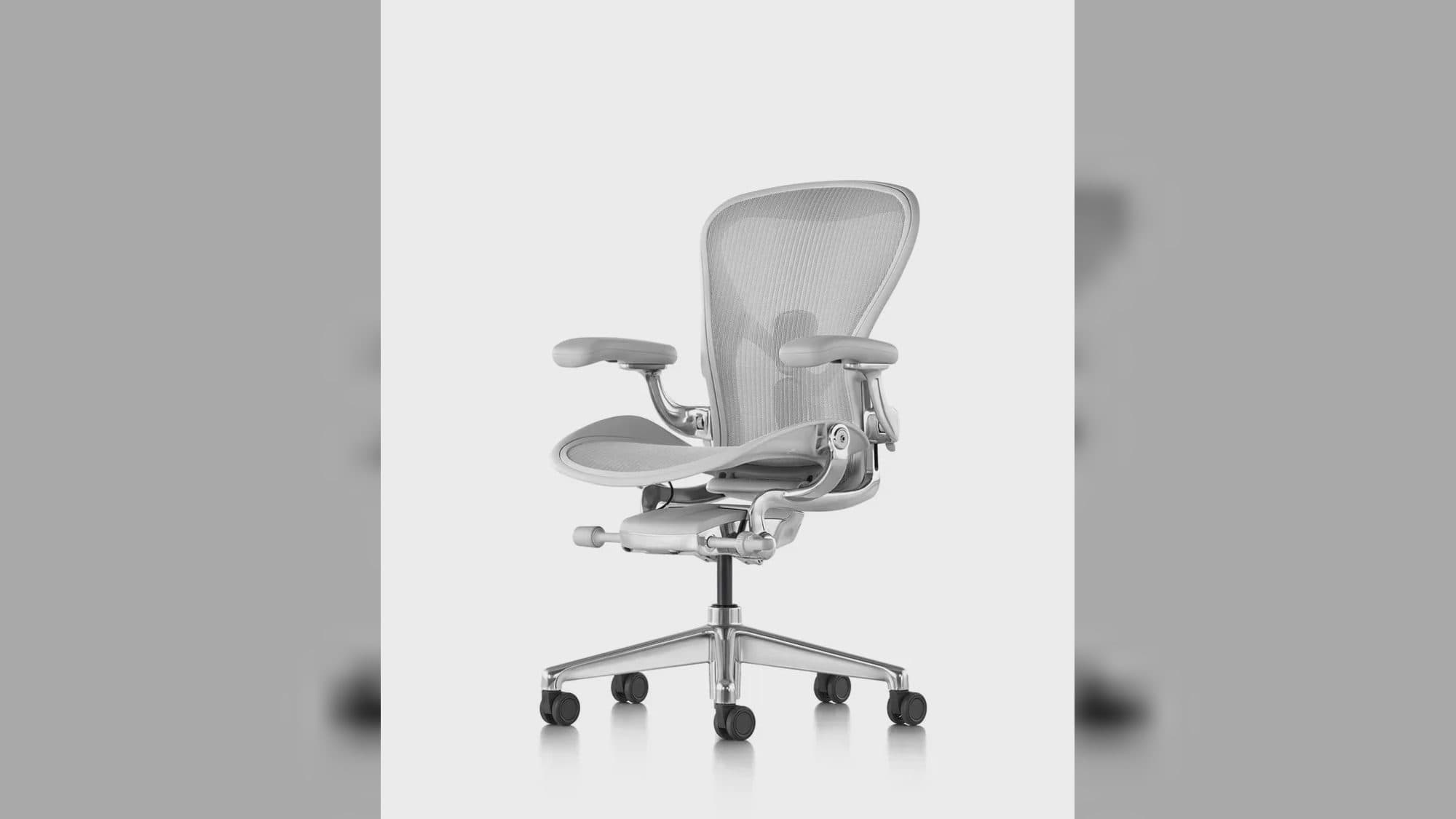
MiniMax H3 product video: turn features into visible scenes
A MiniMax H3 product video should show a feature becoming an action or result. A rotating object against a polished background may reveal form, but it does not explain why a mechanism, material, or interface matters. The shot plan needs a proof moment the audience can see.
Omni Reference can combine product images, human-use references, camera motion, and sound. The prompt turns those inputs into one controlled demonstration.
Supplied H3 demonstration: product construction and feature ideas are turned into visible scenes.
Establish the product evidence
Provide views that clarify silhouette, proportions, controls, material, color, and branding. State which details must remain exact. If the product opens, folds, lights up, dispenses, or attaches, include a view that makes the mechanism understandable.
Do not use unrelated beauty images as product evidence. Separate mood or lighting references and label their roles.
Convert one feature into a shot
Write the user action, product response, and visible benefit. A hand presses the marked control, the mechanism engages, and the final frame shows the changed state. Add a camera move only when it improves understanding.
For a 5-to-15-second result, focus on one feature or one tightly connected sequence. Choose the aspect ratio from the intended placement, then compose enough empty space for downstream copy if needed.
Review accuracy before polish
Check geometry, labels, logo direction, material behavior, hand contact, and state change. Compare opening and final product shape to the references. Listen for mechanical sounds, spoken claims, or music that could imply behavior not shown.
Avoid unsupported performance, pricing, or comparative claims. The video can demonstrate a referenced design and directed action; marketing copy still needs separate substantiation.
Frequently asked questions
How many product images can H3 use?
Omni Reference supports up to nine images within a 12-file mixed request.
Can I show a person using the product?
Yes. Assign separate references to product appearance and human identity or action, then describe their contact.
Which output sizes are available?
The manual lists six aspect ratios and 1440p geometry, with 24 FPS output.
Set the product evidence, one feature action, proof moment, and accuracy checks in ArtArch, then approve the object before judging campaign polish.
Keep exploring
More in Academy

MiniMax H3 Production Checklist for Commercial Video Teams
Review MiniMax H3 inputs, rights, prompt scope, identity, product accuracy, audio, format, retries, approvals, and delivery before production.

MiniMax H3 API Media Formats and URL Input Checklist
Prepare MiniMax H3 API media with supported codecs, image and audio formats, file limits, 64 MB request bodies, and URL-based inputs.

How to Plan 12 Reference Files for MiniMax H3
Assign clear identity, product, style, motion, camera, and audio roles across a MiniMax H3 mixed request without creating contradictory references.

Use MiniMax H3 for Storyboard and Visual Pitch Previews
Turn keyframes and a creative brief into a MiniMax H3 motion preview for shot order, transitions, timing, sound, and stakeholder review.