

ArtArch Newsroom
AcademyCreate a 15-Second Movie Trailer With MiniMax H3
Structure a MiniMax H3 movie trailer around setup, escalation, title treatment, sound hits, hard cuts, and one readable final beat.
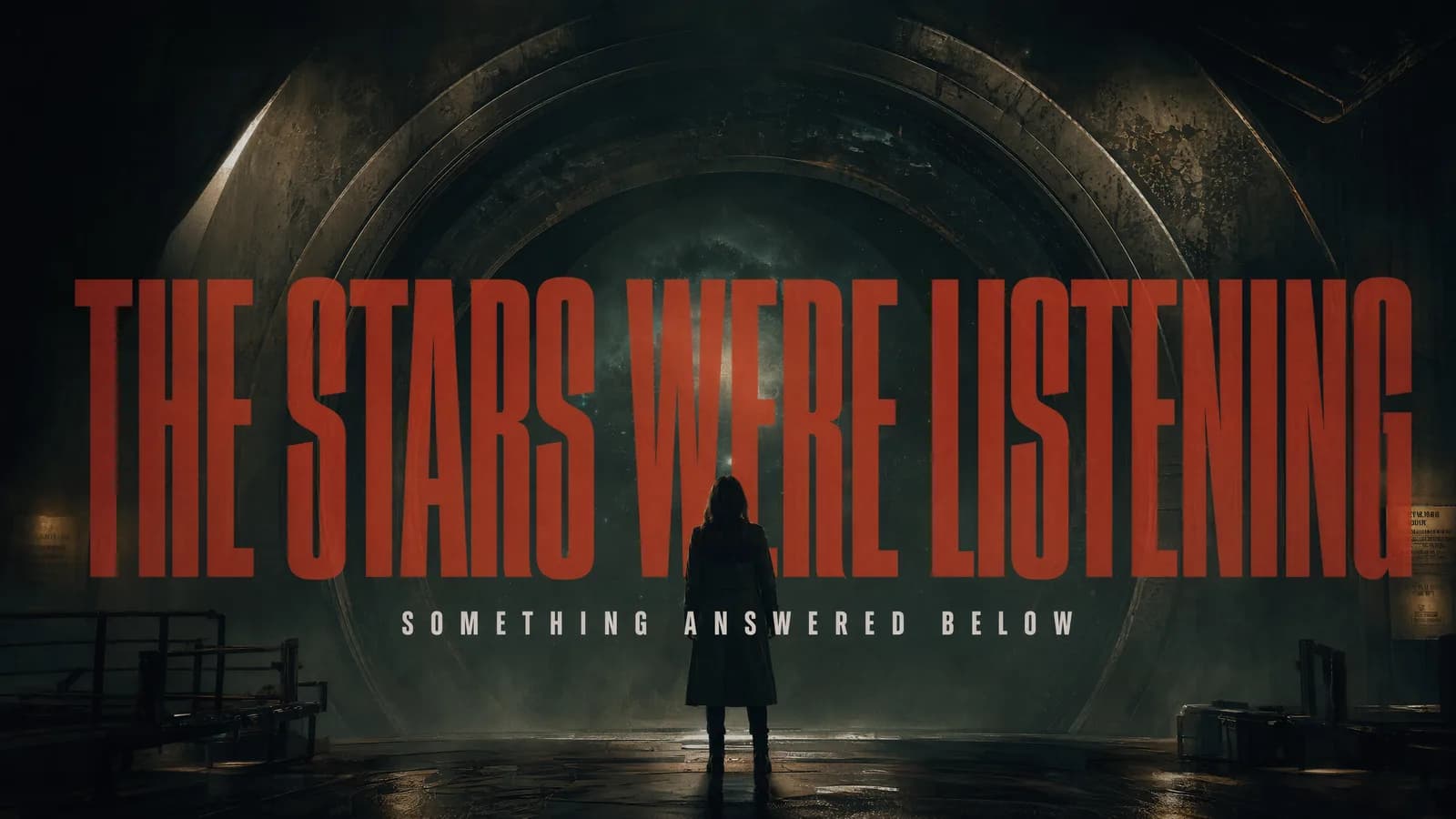
Create a 15-second movie trailer with MiniMax H3
A MiniMax H3 movie trailer has at most 15 seconds to establish a world, create tension, and land on a memorable ending. That constraint favors a compact idea over a summary of an entire film. One character objective, one escalation, and one title beat can produce a reviewable trailer structure.
H3 generates native stereo audio, so the sound plan can carry continuity across fast visual changes.
Supplied H3 demonstration: a science-fiction suspense brief becomes a compact audiovisual trailer.
Write a three-beat trailer
Use the opening seconds for orientation: who, where, and what feels wrong or urgent. The middle introduces a change, threat, discovery, or action. The ending holds a face, object, line, or title long enough to register.
If the trailer contains cuts, describe the order and purpose of each shot. Do not overload every beat with a new character and location. Repeated visual elements, such as one color, symbol, or prop, help the sequence feel related.
Assign references to story functions
Use images for characters, locations, props, or title design. A video reference can define camera energy or a performance beat. Audio may establish a voice, rhythm, or sonic motif, but it must accompany visual media.
Within Omni Reference, up to 12 mixed files are allowed. That is a capacity limit, not a target. Include only references that resolve a visible decision.
Make the soundtrack structural
Plan ambience under the opening, a rising or interrupted music element in the middle, and one controlled impact at the end. Place dialogue where it remains intelligible. If a title appears, reduce competing motion and sound long enough for it to read.
Review character identity, geography, cut timing, exact words, and the final hold. Watch once without audio to test visual clarity, then listen without the picture to test the sound arc.
Frequently asked questions
Can MiniMax H3 generate a full 15-second trailer?
The manual lists output durations from 5 to 15 seconds.
Can a trailer use several reference images?
Yes. Omni Reference supports up to nine images, within the 12-file mixed limit.
Does H3 generate trailer audio?
The manual states that generated results include native stereo audio.
Build the setup, escalation, closing beat, reference roles, and sound timeline in ArtArch, then review whether the trailer communicates one complete promise.
Keep exploring
More in Academy

MiniMax H3 Production Checklist for Commercial Video Teams
Review MiniMax H3 inputs, rights, prompt scope, identity, product accuracy, audio, format, retries, approvals, and delivery before production.

MiniMax H3 API Media Formats and URL Input Checklist
Prepare MiniMax H3 API media with supported codecs, image and audio formats, file limits, 64 MB request bodies, and URL-based inputs.

How to Plan 12 Reference Files for MiniMax H3
Assign clear identity, product, style, motion, camera, and audio roles across a MiniMax H3 mixed request without creating contradictory references.

Use MiniMax H3 for Storyboard and Visual Pitch Previews
Turn keyframes and a creative brief into a MiniMax H3 motion preview for shot order, transitions, timing, sound, and stakeholder review.