

ArtArch Newsroom
AcademyCreate a Vertical Eyewear Ad With MiniMax H3
Plan a MiniMax H3 eyewear ad using model, styling, product-design, studio-lighting, edit-rhythm, and 9:16 composition references.
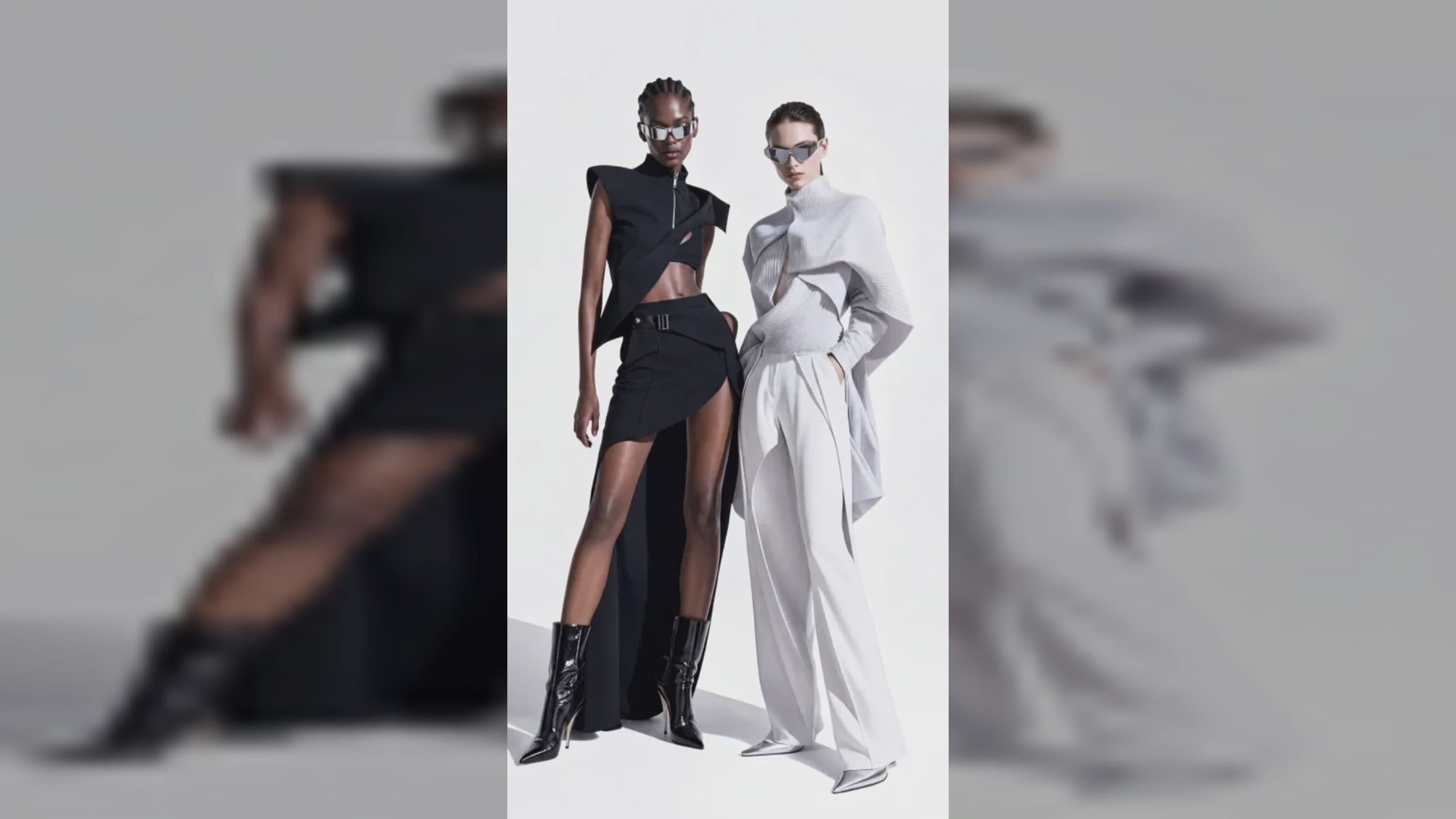
Create a vertical eyewear ad with MiniMax H3
A MiniMax H3 eyewear ad must keep a small, identity-defining product stable while the model moves, turns, and changes expression. Frame shape, lens tint, bridge, temples, logo placement, and facial fit all matter. A 9:16 campaign can move from a portrait to a detail shot and still preserve room for a closing brand frame.
The reference plan should distinguish the person from the glasses and the studio look from both.
Supplied H3 demonstration: separate model, styling, and eyewear references become a 9:16 campaign.
Build separate model and product references
Use clear face views for identity and product views for construction. Include a side view if temple design or profile fit matters. State whether lens reflections should reveal the studio, remain neutral, or carry a controlled visual effect.
Wardrobe and makeup references can support the campaign, but avoid conflicting eyewear in those images. Label them as styling evidence so they do not redefine the hero product.
Plan one product-led movement
Start with the frame silhouette readable. The model may turn toward light, put on the glasses, or transition from a medium portrait to a close detail. Explain hand placement and the moment the product becomes the focal point.
Use a video reference if a particular head turn, gesture, or edit rhythm matters. Keep the sequence within H3's 5-to-15-second output range and choose 9:16 when the primary placement is vertical.
Inspect fit and reflections
Check whether both temples connect naturally, the bridge stays centered, lenses share shape, and the frame does not merge with brows or hair. Review logo direction during profile turns. Look for reflections that jump independently or hide the eyes when eye contact matters.
Sound can support the reveal through a restrained click, cloth movement, music beat, or spoken line. Confirm that it does not imply a feature the visual does not demonstrate.
Frequently asked questions
Can MiniMax H3 use separate person and glasses images?
Yes. Omni Reference supports multiple images, and the prompt can assign identity and product roles.
Is 9:16 available for an eyewear campaign?
Yes. It is one of the listed MiniMax H3 aspect ratios.
What should I review first?
Check product geometry and facial fit across the full motion before evaluating lighting and edit style.
Arrange the model, eyewear, styling, motion, and sound references in ArtArch, then review frame construction and fit at every angle.
Keep exploring
More in Academy

MiniMax H3 Production Checklist for Commercial Video Teams
Review MiniMax H3 inputs, rights, prompt scope, identity, product accuracy, audio, format, retries, approvals, and delivery before production.

MiniMax H3 API Media Formats and URL Input Checklist
Prepare MiniMax H3 API media with supported codecs, image and audio formats, file limits, 64 MB request bodies, and URL-based inputs.

How to Plan 12 Reference Files for MiniMax H3
Assign clear identity, product, style, motion, camera, and audio roles across a MiniMax H3 mixed request without creating contradictory references.

Use MiniMax H3 for Storyboard and Visual Pitch Previews
Turn keyframes and a creative brief into a MiniMax H3 motion preview for shot order, transitions, timing, sound, and stakeholder review.