

ArtArch Newsroom
AcademyMiniMax H3 Clay Animation Prompt for Dynamic Action
Write a MiniMax H3 clay animation shot with material rules, a readable action arc, dramatic camera movement, scale cues, and physical continuity.
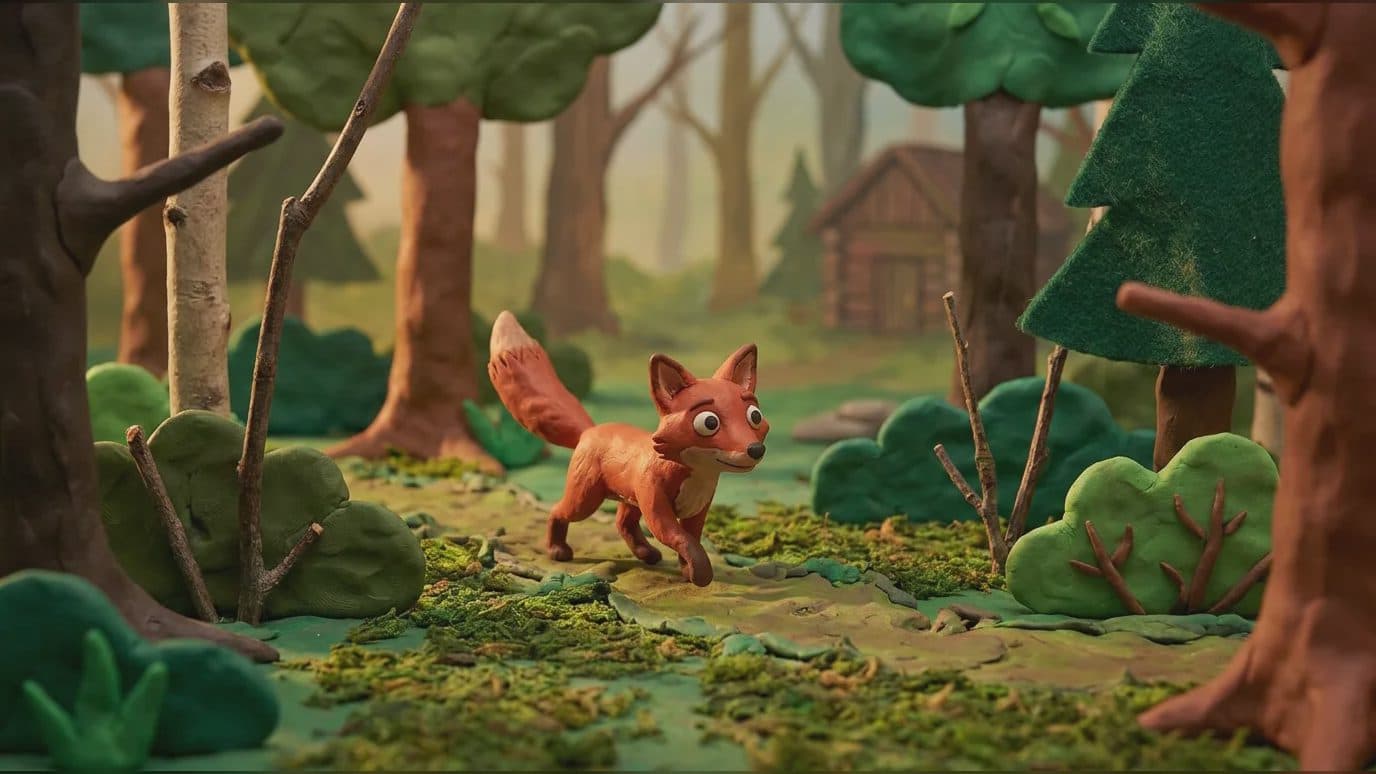
MiniMax H3 clay animation prompt for dynamic action
A MiniMax H3 clay animation prompt needs to define material behavior as carefully as character action. Fingerprint texture, softened edges, handmade sets, miniature scale, and frame-by-frame posing create the visual language. Dynamic camera movement and effects should still feel compatible with that physical world.
The aim is a readable action arc with consistent clay form, not simply a smooth video covered by a clay texture.
Supplied H3 demonstration: a clay fox performs a large-scale leap with dynamic camera motion.
Establish material and scale
Use reference images that show the character, surface texture, set construction, and important props. Describe whether parts bend, squash, stretch, crack, or retain rigid armatures. Add scale cues such as tabletop shadows, miniature dust, or crafted background pieces.
Protect color blocks and silhouette. Small facial features can drift during movement, so define the eyes, mouth, and signature marks that carry expression.
Choreograph one physical event
Break the action into a starting pose, force, reaction, and settled ending. A character may leap, collide, reshape, or pull a prop, but each beat needs clear contact and weight. A reference video can communicate timing while images define the clay design.
Describe camera motion in relation to the miniature set: low tracking at table height, a short orbit, or a push toward the impact. Avoid moves that erase the practical scale cues.
Review the physical illusion
Check volume continuity, footprints or contact, shadows, prop deformation, and whether loose pieces behave consistently. Look for textures that slide over the surface or details that become photographic rather than crafted.
Sound can reinforce scale through soft impacts, material creaks, table resonance, and restrained ambience. Match each sound to a visible cause.
Frequently asked questions
Can MiniMax H3 use an action video with clay character images?
Yes. Omni Reference supports mixed image and video inputs within its limits.
Which duration suits one clay action?
H3 supports 5 to 15 seconds. Choose enough time for setup, action, and a readable ending.
What should the prompt protect?
Protect character silhouette, material texture, color, prop relationships, and miniature scale cues.
Load the clay design, action reference, physical rules, camera path, and sound causes in ArtArch, then review weight and material continuity frame by frame.
Keep exploring
More in Academy

MiniMax H3 Production Checklist for Commercial Video Teams
Review MiniMax H3 inputs, rights, prompt scope, identity, product accuracy, audio, format, retries, approvals, and delivery before production.

MiniMax H3 API Media Formats and URL Input Checklist
Prepare MiniMax H3 API media with supported codecs, image and audio formats, file limits, 64 MB request bodies, and URL-based inputs.

How to Plan 12 Reference Files for MiniMax H3
Assign clear identity, product, style, motion, camera, and audio roles across a MiniMax H3 mixed request without creating contradictory references.

Use MiniMax H3 for Storyboard and Visual Pitch Previews
Turn keyframes and a creative brief into a MiniMax H3 motion preview for shot order, transitions, timing, sound, and stakeholder review.