

ArtArch Newsroom
AcademyCreate an Anime Character PV With MiniMax H3
Build a MiniMax H3 character PV with identity references, close-up rules, costume continuity, shot progression, atmosphere, and sound.
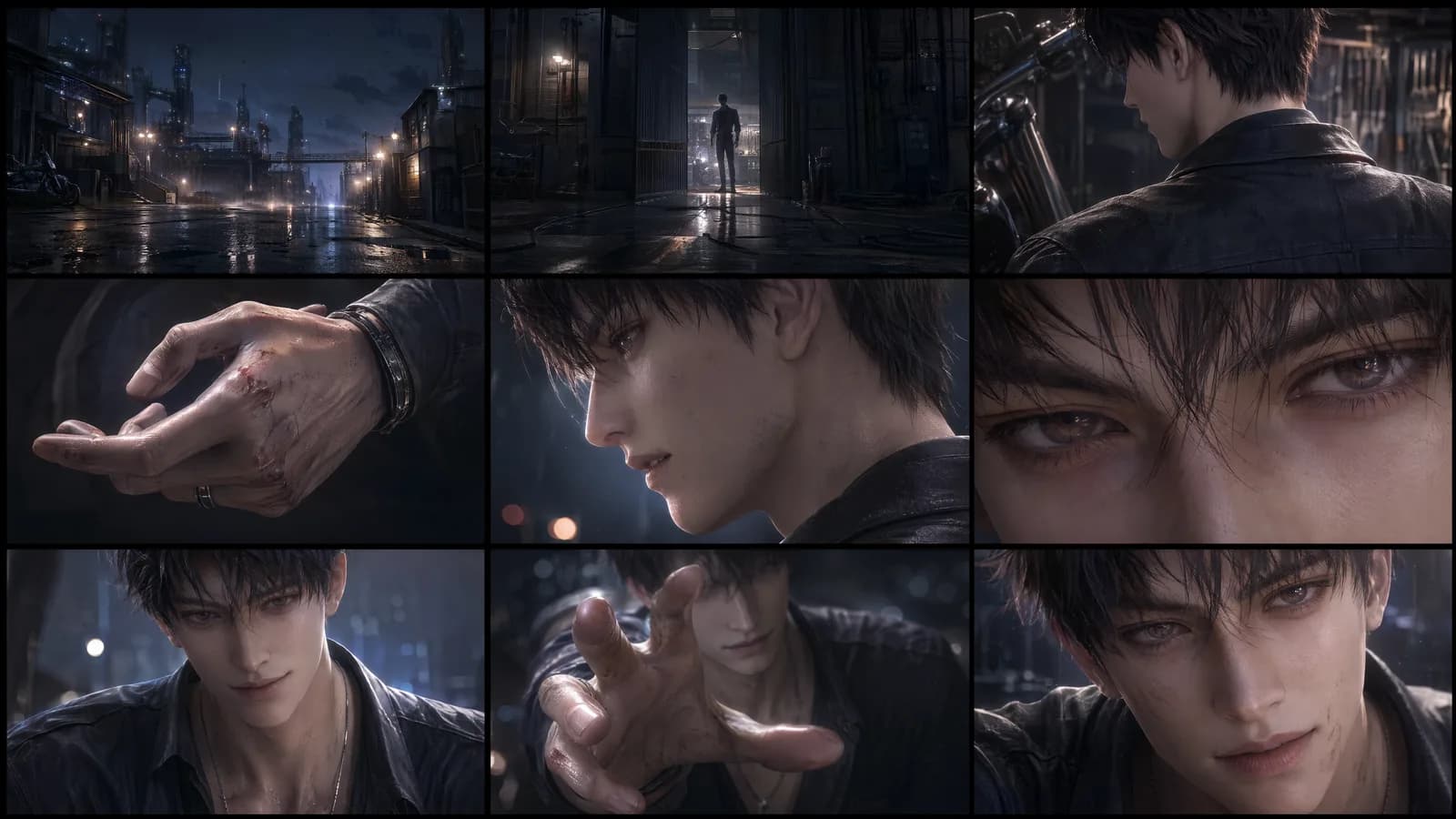
Create an anime character PV with MiniMax H3
A MiniMax H3 character PV should reveal personality through a sequence of poses, expressions, and actions while keeping the design recognizable. The short format is well suited to one character promise: controlled confidence, explosive power, quiet mystery, or playful energy.
Multiple references can establish face, costume, weapon, environment, movement, and sound. Their consistency matters more than their number.
Supplied H3 demonstration: identity and costume references guide a short character-focused PV.
Create a character evidence sheet
Choose a primary face image, a full-body design, and any detail needed for costume or equipment. Check hair length, eye color, silhouette, fasteners, and which side carries an accessory. Avoid references from incompatible redesigns.
State the rendering style through visible traits such as line treatment, shading, material, and color rather than relying only on a genre label.
Build a reveal sequence
Open on a detail or calm pose, develop into the signature action, and finish with a recognizable portrait or stance. Use a video reference when a turn, attack, or camera move needs specific timing. Protect face and costume during fast motion and effects.
Native audio can connect the beats with ambience, a voice line, an equipment sound, and one musical accent. Keep the exact line short enough to land before the final pose.
Inspect animation-specific continuity
Check facial design at profile and three-quarter angles, costume layers during movement, weapon shape, limb count, and effect origin. Make sure the camera does not hide the signature action. Compare the ending identity with the opening rather than approving only the most dramatic middle frame.
If the result will join a larger PV, record the accepted color, light direction, sound motif, and transition frame for the next shot.
Frequently asked questions
Can H3 use several anime character images?
Yes. Omni Reference supports up to nine images within the mixed total.
Can I add a voice line?
Audio references and native stereo output support voice-oriented direction when visual media is also supplied.
How long can one PV shot be?
The listed output range is 5 to 15 seconds.
Arrange the identity sheet, signature action, reveal order, effects, and sound motif in ArtArch, then review the character design at every major pose.
Keep exploring
More in Academy

MiniMax H3 Production Checklist for Commercial Video Teams
Review MiniMax H3 inputs, rights, prompt scope, identity, product accuracy, audio, format, retries, approvals, and delivery before production.

MiniMax H3 API Media Formats and URL Input Checklist
Prepare MiniMax H3 API media with supported codecs, image and audio formats, file limits, 64 MB request bodies, and URL-based inputs.

How to Plan 12 Reference Files for MiniMax H3
Assign clear identity, product, style, motion, camera, and audio roles across a MiniMax H3 mixed request without creating contradictory references.

Use MiniMax H3 for Storyboard and Visual Pitch Previews
Turn keyframes and a creative brief into a MiniMax H3 motion preview for shot order, transitions, timing, sound, and stakeholder review.