

ArtArch Newsroom
AI Video TechniquesDepth-Based Action Reenactment for Beginners
Learn how depth-based action reenactment turns a dance reference into a motion guide for a new character with ArtArch.
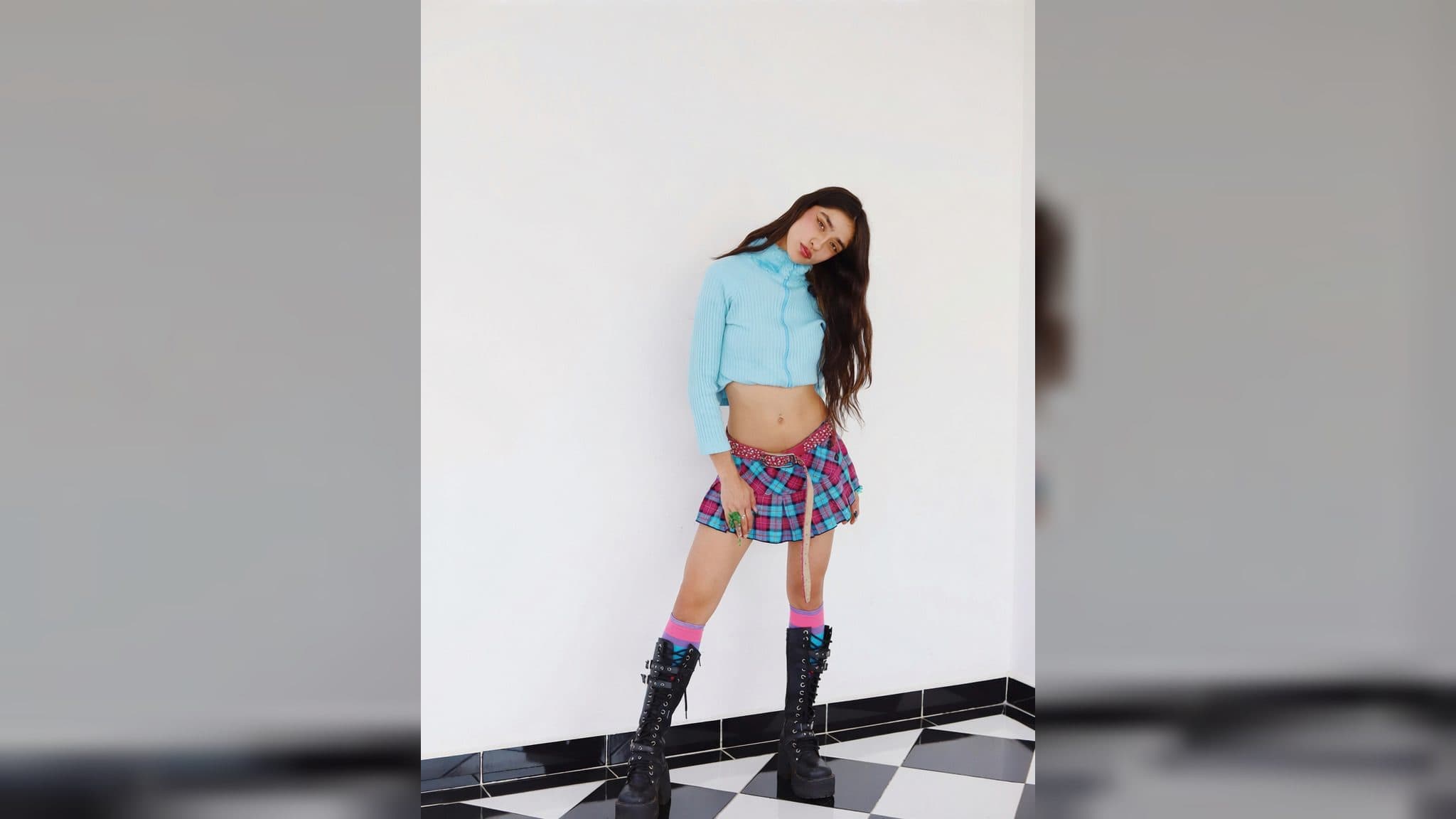
Depth-Based Action Reenactment: A Beginner's Guide to Motion Transfer
Depth-based action reenactment separates the parts of a video that beginners often mix together. A character image controls appearance. An optional environment image controls the scene. A tracked-depth video controls the movement. This separation lets an agent transfer a dance or other human action to a new subject without treating the original performer as the new subject. The ArtArch CLI page shows this workflow as an agent-led creation path.
What the depth step actually provides
ArtArch's action-reenactment workflow prepares a grayscale relative-depth video from a human-action reference. Depth Anything V2 Small estimates relative depth, so the result describes near and far relationships in the frame. It is a motion guide, not a measurement of physical distance in meters.
The guide carries the selected performer's action order, timing, body silhouette, screen position, and weight shifts. These are the details a new character needs to follow a dance. The guide does not own the subject's face, clothing, species, or visual identity.
The input map is easier than it sounds
Think of the workflow as three roles:
- The subject image tells the final video who or what to show.
- The optional environment frame tells it where the scene is and how it is framed.
- The person-tracked depth video tells it how the selected performer moves.
The tracked-depth pattern uses exactly one video reference for the generation step. The original dance video stays separate, so its appearance, wardrobe, background people, and unrelated movement do not become extra instructions for the new clip.
This is useful for a beginner because each correction has a clear place. Change the character image when the subject looks wrong. Change the environment frame when the location or composition is wrong. Change the motion reference when the dance timing or body action is wrong.
Why there are two depth previews
The strict grayscale depth file is the evidence artifact. It preserves the relative-depth result without adding visual labels. The colored person-track preview is easier to inspect because each tracked person receives a stable temporary color across nearby segments.
Those colors are motion IDs, not identity evidence. A color means “this tracked foreground subject” inside the preparation output. It does not mean the system recognized a person or proved that a performer remains the same after a hard cut.
How the preparation is organized
The action workflow samples compressed representative frames before model processing. This gives the agent a chance to check whether the video is decodable, whether human movement is the main subject, and how many people appear together.
The processor works in frame-aligned segments near 15 seconds. It keeps the source display width and height, average frame rate, frame count alignment, and aspect ratio for the depth and people-track variants. The output includes source segments, grayscale depth segments, colored people-depth segments, and a manifest with the verification results.
For a first dance experiment, one clearly visible performer is the simplest case. If the reference shows several people, the agent should use the sampled frames to determine the minimum simultaneous people and keep the selected action scope explicit.
When to choose depth-based reenactment
Choose this route when you want a new character to follow a visible dance, exercise, gesture, sports move, or product demonstration. It is especially useful when the motion matters more than transferring the original performer's look.
It also gives you a better review point. You can inspect the motion guide before the final video run, catch missed limbs or heavy occlusion early, and keep the original source unchanged while you adjust the preparation.
Frequently asked questions
Is depth the same as a 3D measurement?
No. Depth Anything V2 Small produces relative depth, which describes the ordering of near and far areas in the frame. It is not metric distance.
Does the depth guide copy the dancer's identity?
The guide is used for movement. The subject image owns the appearance and identity of the character in the reenacted clip.
Why keep the grayscale file if the colored preview is easier to see?
The grayscale file is the strict depth artifact and the colored version is an interpretation aid for checking person tracks. They serve different review purposes.
How long are the prepared segments?
The default preparation uses frame-aligned segments near 15 seconds. The source dimensions, frame rate, frame alignment, and aspect ratio remain part of the verification.
Open the ArtArch CLI page, install the action-reenactment skill for your agent, and try a depth-based motion transfer with one clear dance reference.
Keep exploring
More in AI Video Techniques
How to Make an AI Motion Transfer Video from a Dance Reference
Learn how beginners can use a character image, dance reference, and tracked depth motion to make an AI motion transfer video with ArtArch.
AI Dance Video Reenactment from a Reference Video for Beginners
Learn how to use a character image, dance reference video, and depth motion guide to create an AI dance reenactment with ArtArch.
Build an AI Video Workflow with an Agent and ArtArch CLI
Build an AI agent video workflow with ArtArch CLI: inspect a canvas, connect references, run a flow, wait on the same run, and download artifacts.
AI Image Generation CLI: Use an Agent to Build ArtArch Workflows
Use an AI image generation CLI with ArtArch to inspect a canvas, configure image nodes, run a task, and download the result through your agent.