

ArtArch Newsroom
AI Video TechniquesHow to Make an AI Motion Transfer Video from a Dance Reference
Learn how beginners can use a character image, dance reference, and tracked depth motion to make an AI motion transfer video with ArtArch.
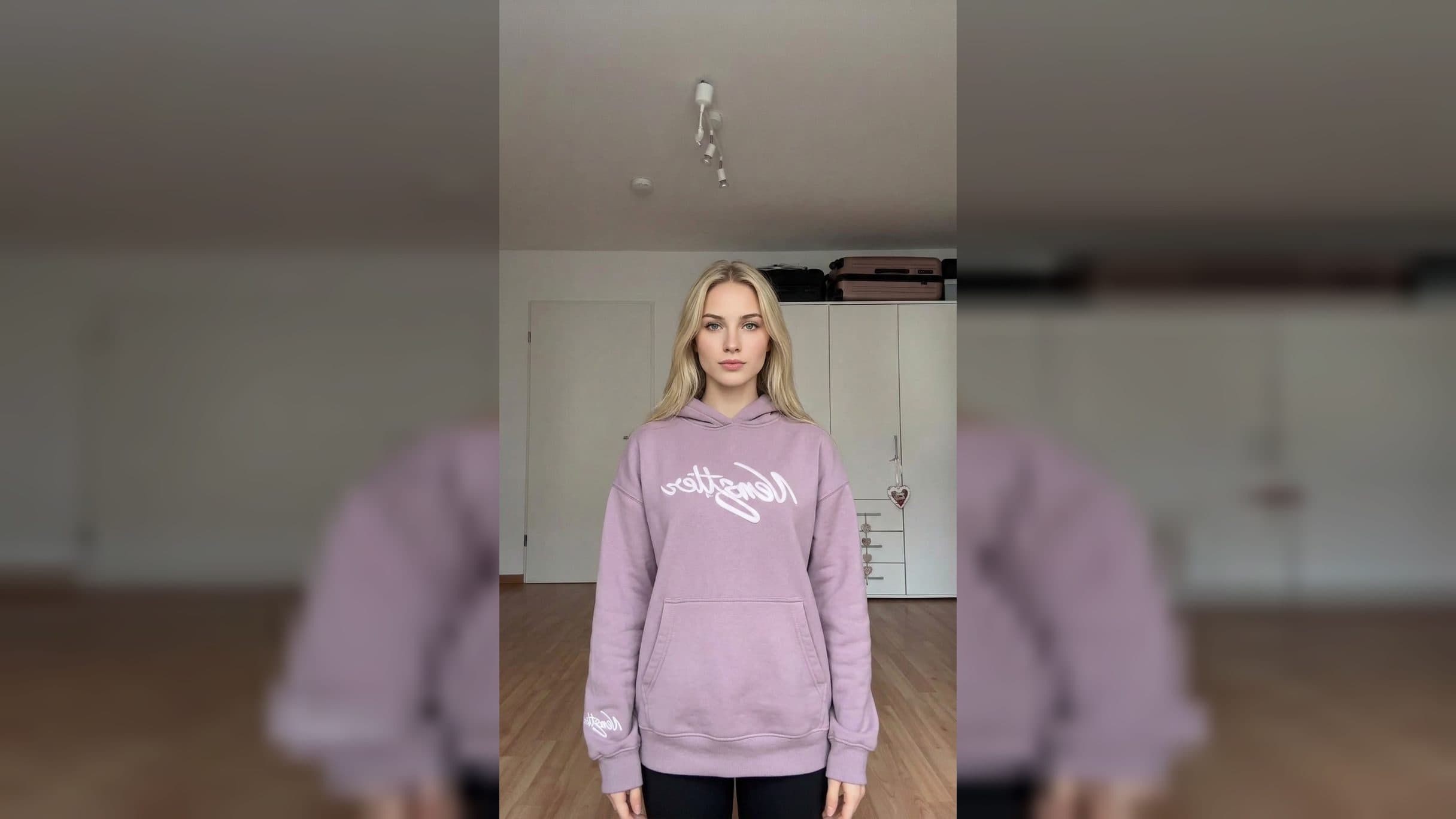
To make an AI motion transfer video from a dance reference, start with a readable movement source and a separate image for the new subject. ArtArch's agent workflow checks the dance reference, prepares a depth motion guide, and uses that guide to drive the subject image through the same body movement. The ArtArch CLI page is the starting point for installing the skill.
Choose a reference that a beginner can read
The first result depends on the reference more than on a long description. Look for a clip with one main performer, visible body movement, a stable aspect ratio, and enough space around the hands and feet. A clean full-body dance is easier to transfer than a cropped close-up.
Before any model processing, the action-reenactment skill extracts compressed representative frames. The agent uses this inspection to confirm that the video has a decodable video stream, that human movement is the main subject, and that the number of simultaneous people is understood.
Fast motion blur, strong occlusion, and hard cuts deserve attention at this stage. They can interrupt a body track or reset the visual relationship between one segment and the next. Reviewing the frames first gives you a chance to choose a better source.
Use two references with different jobs
The subject image owns the new character. It controls appearance, proportions, face, wardrobe, and stable accessories. A full-body image makes it easier for the final clip to show the movement you care about.
The tracked-depth video owns the selected motion. It carries action order, timing, body silhouette, screen position, and weight shifts. The original dance video remains the source used to prepare this guide.
If the final shot needs the same setting, an environment frame can provide the location, viewpoint, composition, and lighting. People, faces, wardrobe, stickers, and foreground subjects in that frame are not part of the new subject's identity.
The final generation pattern uses one tracked-depth video reference. Keeping the original dance video out of that step helps separate movement from the source performer's appearance and background action.
A simple four-step workflow
- Give your agent a character image and a dance reference video. State the action you want the new character to follow.
- Let the agent inspect compressed frames and report the visible performer count, cuts, blur, and occlusion.
- Review the grayscale depth guide and colored person-track preview. Confirm that the selected dancer's movement is the motion you want.
- Approve the final generation after the agent shows the connected subject image, optional environment frame, and single tracked-depth video reference.
The ArtArch CLI page demonstrates this kind of request:
Make the character in this image perform the dance from the reference video.
The agent can tell you before credits are consumed. That gives a first-time user a clear checkpoint between preparing the motion and running the final video.
Common beginner mistakes
Using a dance with several equally visible performers makes the intended motion ambiguous. Choose one performer or tell the agent which track should drive the reenactment.
Connecting the original dance video together with the tracked-depth video gives the final step two video authorities. Keep the tracked-depth preview as the single motion reference for this pattern.
Treating colored tracks as identity labels leads to the wrong expectation. Track colors help you inspect motion continuity. They are temporary markers, not face recognition.
Replacing a source file during a retry can also make the result hard to compare. Keep the original video and use a new output directory when the approved preparation settings change.
Frequently asked questions
Can I use a dance video recorded on my phone?
Yes, when the video has a decodable stream and the human action is the main subject. Review the sampled frames for full-body visibility, motion blur, hard cuts, and occlusion.
What does the new character copy from the dance?
The tracked-depth guide supplies the selected movement's order, timing, body silhouette, screen position, and weight shifts. The subject image supplies the character's appearance.
Can I use two videos as motion references?
The tracked-depth action-reenactment pattern uses one video reference for the final generation step. Keep the original source separate from the person-tracked depth preview.
How can I tell whether the motion preparation passed?
The agent should read the manifest and confirm a succeeded status, passed person-tracking verification, passed segment verification, and existing output files before describing the preparation as complete.
Open the ArtArch CLI page, install the skill for your agent, and start with one clear dance reference and one full-body character image.
Keep exploring
More in AI Video Techniques
Depth-Based Action Reenactment for Beginners
Learn how depth-based action reenactment turns a dance reference into a motion guide for a new character with ArtArch.
AI Dance Video Reenactment from a Reference Video for Beginners
Learn how to use a character image, dance reference video, and depth motion guide to create an AI dance reenactment with ArtArch.
Build an AI Video Workflow with an Agent and ArtArch CLI
Build an AI agent video workflow with ArtArch CLI: inspect a canvas, connect references, run a flow, wait on the same run, and download artifacts.
AI Image Generation CLI: Use an Agent to Build ArtArch Workflows
Use an AI image generation CLI with ArtArch to inspect a canvas, configure image nodes, run a task, and download the result through your agent.