ArtArch Newsroom
AI Video TechniquesThe 3-Step Strategy I Used to Create Viral "Blind Box" AI Avatars with Storyboard
Let’s be real: mastering Storyboard isn't about clicking "Generate" and hoping for the best. After weeks of deep-diving into the Skira community, I’ve realiz...
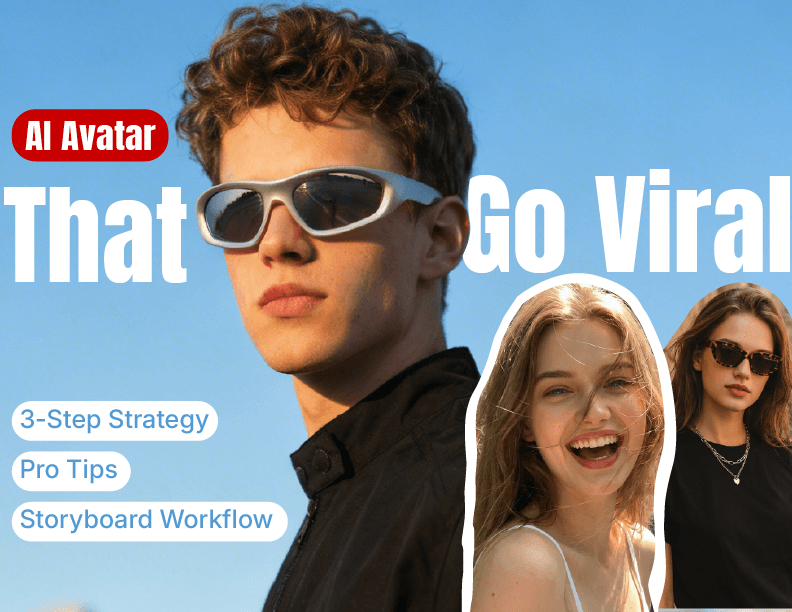
Let’s be real: mastering Storyboard isn't about clicking "Generate" and hoping for the best. After weeks of deep-diving into the Skira community, I’ve realized that AI lowers the technical barrier, but it actually raises the bar for your creative judgment.
Everyone asks me: "Why do my AI avatars look like cheap plastic toys?" or "How do I get that high-end 'Pop Mart' aesthetic?"
The truth is, the secret isn't in the button—it's in thinking like a Creative Director. Here is my personal playbook for turning raw AI generations into a cohesive, viral-ready image collection.
🧭 Phase 1: The "Curator’s Mindset" (Before You Hit Generate)
Most creators fail because they generate random images that don't tell a story. To stand out in a crowded feed, you need a Visual Signature.
1. Consistency is Your Brand
Don't just make "cute toys." Pick a lane. Whether it’s "Frosted Jelly Texture" or "Matte Vinyl Vibes," your collection needs to look like it belongs in the same universe. When a user swipes to your third image, they should feel the "collectible" value of your series.
2. The "Thumb-Stop" Rule
In a carousel/image collection, your first slide is your only chance. Before you start, ask yourself: "Is my cover image a visual slap?" Is it a high-contrast close-up? A mysterious silhouette of a "chase" figure? If the first slide doesn't stop the scroll, the rest of your gallery doesn't exist.
Keep exploring
More in AI Video Techniques
How to Make an AI Motion Transfer Video from a Dance Reference
Learn how beginners can use a character image, dance reference, and tracked depth motion to make an AI motion transfer video with ArtArch.
Depth-Based Action Reenactment for Beginners
Learn how depth-based action reenactment turns a dance reference into a motion guide for a new character with ArtArch.
AI Dance Video Reenactment from a Reference Video for Beginners
Learn how to use a character image, dance reference video, and depth motion guide to create an AI dance reenactment with ArtArch.
Build an AI Video Workflow with an Agent and ArtArch CLI
Build an AI agent video workflow with ArtArch CLI: inspect a canvas, connect references, run a flow, wait on the same run, and download artifacts.