

ArtArch Newsroom
Latest ModelHow to Use Seedance 2.5 Reference Assets in ArtArch
Use Seedance 2.5 reference assets in ArtArch to define appearance, movement, camera direction, and audio inside focused 30-second video nodes.
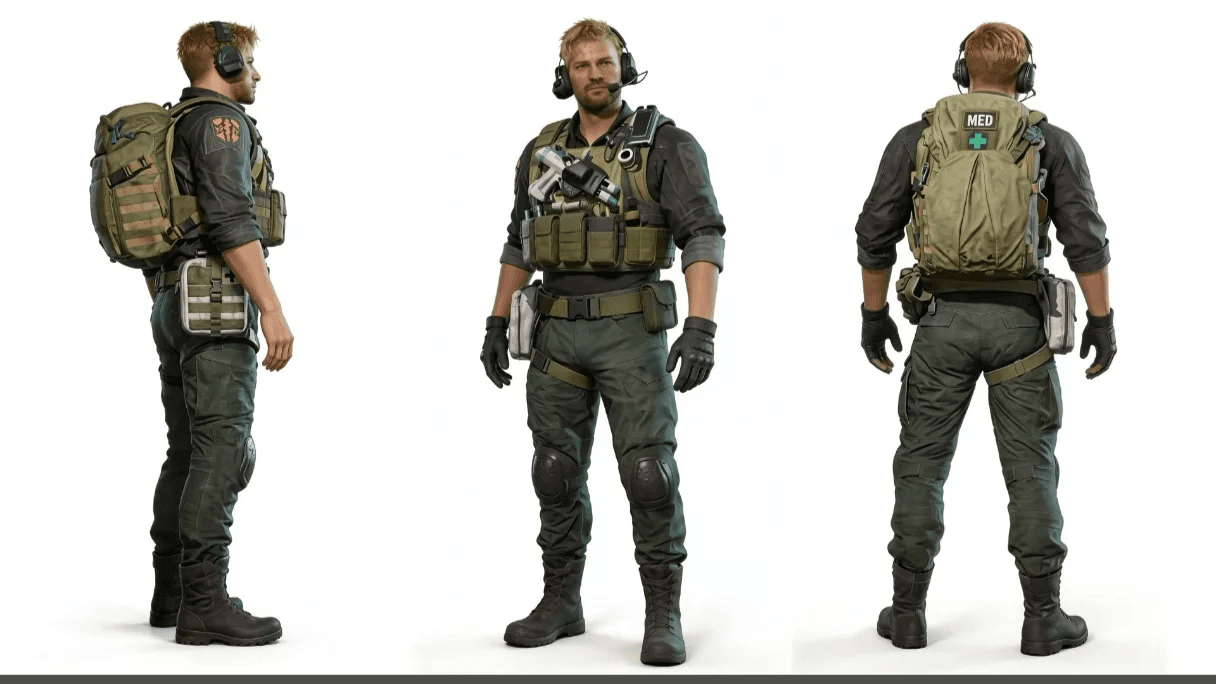
Seedance 2.5 reference assets in ArtArch can carry appearance, movement, camera language, and sound as separate parts of a video brief. Creators can provide material that already expresses those choices, then connect it with written direction. Each Seedance 2.5 node supports up to 30 seconds, so the reference set can be built around one focused shot or scene.
Decide what each reference is responsible for
Begin with roles, not file types. Ask what must remain recognizable, what should move in a particular way, which camera behavior matters, and whether the sound needs a reference of its own.
An image might define a character's face, wardrobe, or location. A video can demonstrate movement or camera timing. Audio can guide timbre or carry the idea when the concept begins with sound. Text connects these materials by explaining how they should work together during the node.
Use images to establish visual facts
For image-guided video editing, the Seedance 2.5 guide recommends one to five reference images for stronger stability. Choose images that add new information. A clean front view and a separate side view are often more useful than one crowded sheet containing several angles.
Keep the role of each image visible in the instruction. "Use Image 1 for the character and Image 2 for the room" gives the model a clearer assignment than a list of uploads with no explanation.
Use video and audio for behavior
Movement is often easier to show than describe. A reference clip can communicate action rhythm, camera direction, or the structure of a transition. Seedance 2.5 also supports creative transfer from video references, allowing the brief to point to movement and shot language already present in the supplied clip.
Audio-only input is supported. Timbre reference can guide spoken delivery, and background music can be removed from source video while dialogue and subtitles remain.
Connect the references with timed direction
Once every asset has a role, write the node in chronological order. Timestamp instructions can place an action, line of dialogue, or camera change at a specific second or interval.
Start with the subject and location. Then describe the visible action and identify the reference that governs it. Add camera direction beside the action it supports. If the scene changes, state when the change begins and what should remain recognizable after it.
A multi-panel storyboard can also act as a plot reference. Simple drawings can communicate composition, shot size, movement, and action without requiring finished artwork for every panel.
Keep the node readable in ArtArch
The strongest reference brief is easy to inspect. A creator should be able to look at the node and answer four questions: what is the subject, which asset defines it, what happens during the shot, and when does each change occur?
If one node needs too many unrelated references, divide the idea by shot or scene. The surrounding ArtArch canvas keeps the wider sequence visible while each Seedance 2.5 node retains a focused set of instructions.
Keep exploring
More in Latest Model

Wan3.0 for An Independent Short Film: Build Audio-Led Storytelling Video Stories in Studio
Use Wan3.0 in Studio to turn a screenplay excerpt, character references, and a visual mood reference into a scene where voice, ambience, and effects reinforce the visible action. Explore audio-led storytelling workflows with up to 30 seconds of native video.
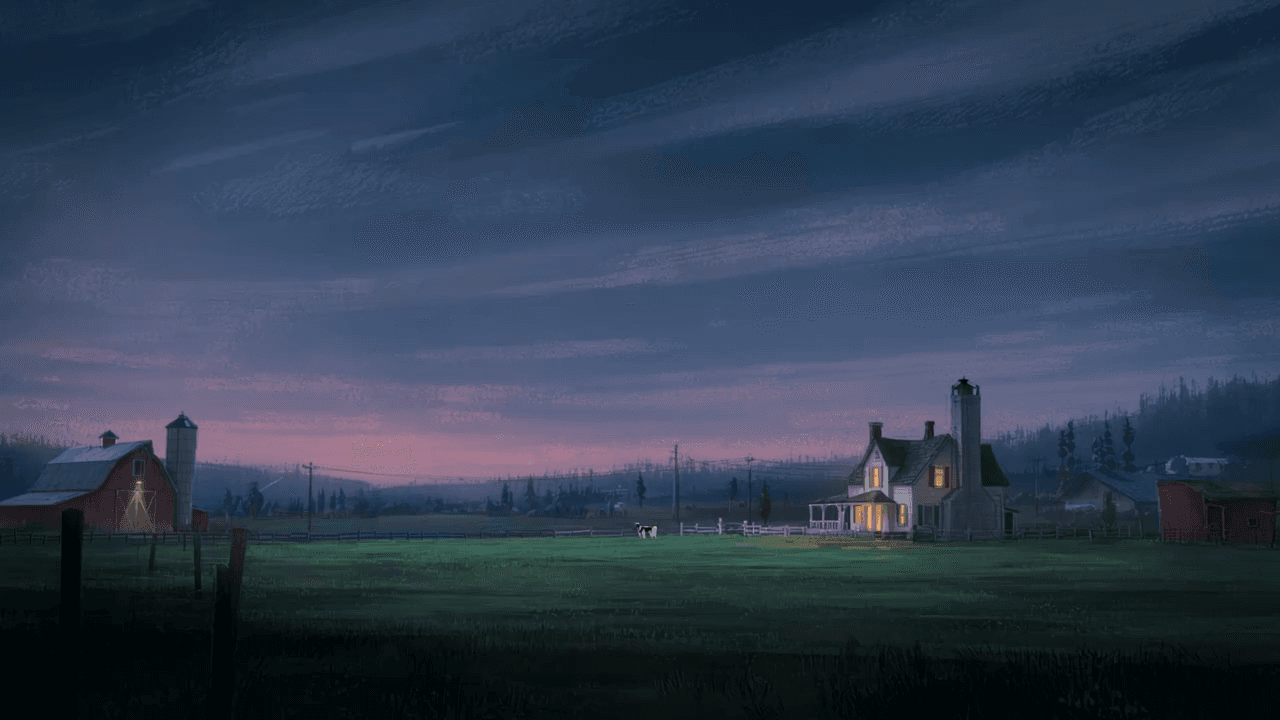
Wan3.0 for An Event Opener: Build Audio-Led Storytelling Video Stories in Studio
Use Wan3.0 in Studio to turn venue photos, an event brief, and a music reference into a scene where voice, ambience, and effects reinforce the visible action. Explore audio-led storytelling workflows with up to 30 seconds of native video.
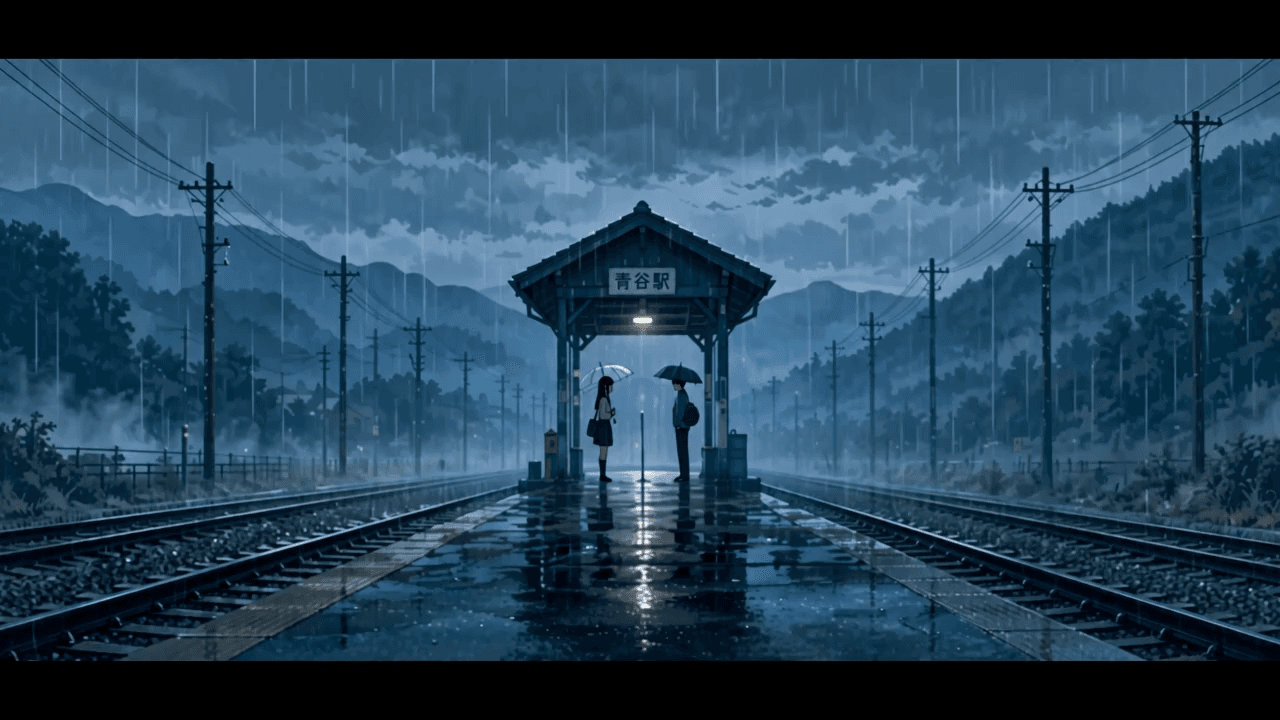
Wan3.0 for An Educational Explainer: Build Audio-Led Storytelling Video Stories in Studio
Use Wan3.0 in Studio to turn a PDF or slide deck, a diagram image, and a narration outline into a scene where voice, ambience, and effects reinforce the visible action. Explore audio-led storytelling workflows with up to 30 seconds of native video.
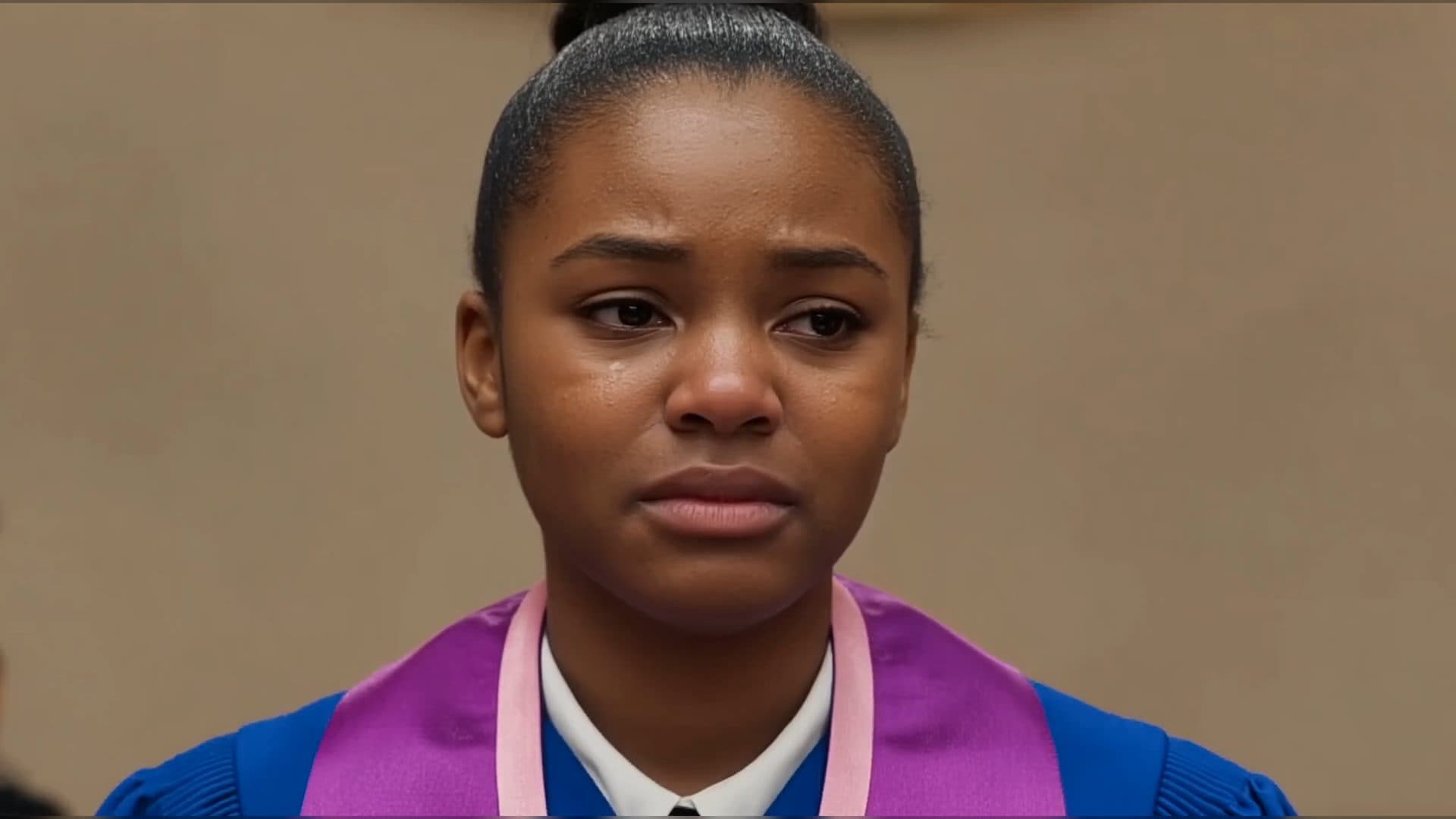
Wan3.0 for A Social Campaign: Build Audio-Led Storytelling Video Stories in Studio
Use Wan3.0 in Studio to turn a campaign image, a concise message, and a web reference into a scene where voice, ambience, and effects reinforce the visible action. Explore audio-led storytelling workflows with up to 30 seconds of native video.
From insight to creation
Turn the latest model into your next shot.
Take what you learned into ArtArch Studio and start building with the latest creative models.