

ArtArch Newsroom
Latest ModelSeedance 2.5 Is Live in ArtArch Today
Seedance 2.5 is now live in ArtArch, with multimodal references, timestamp control, focused editing, and video generation of up to 30 seconds per node.
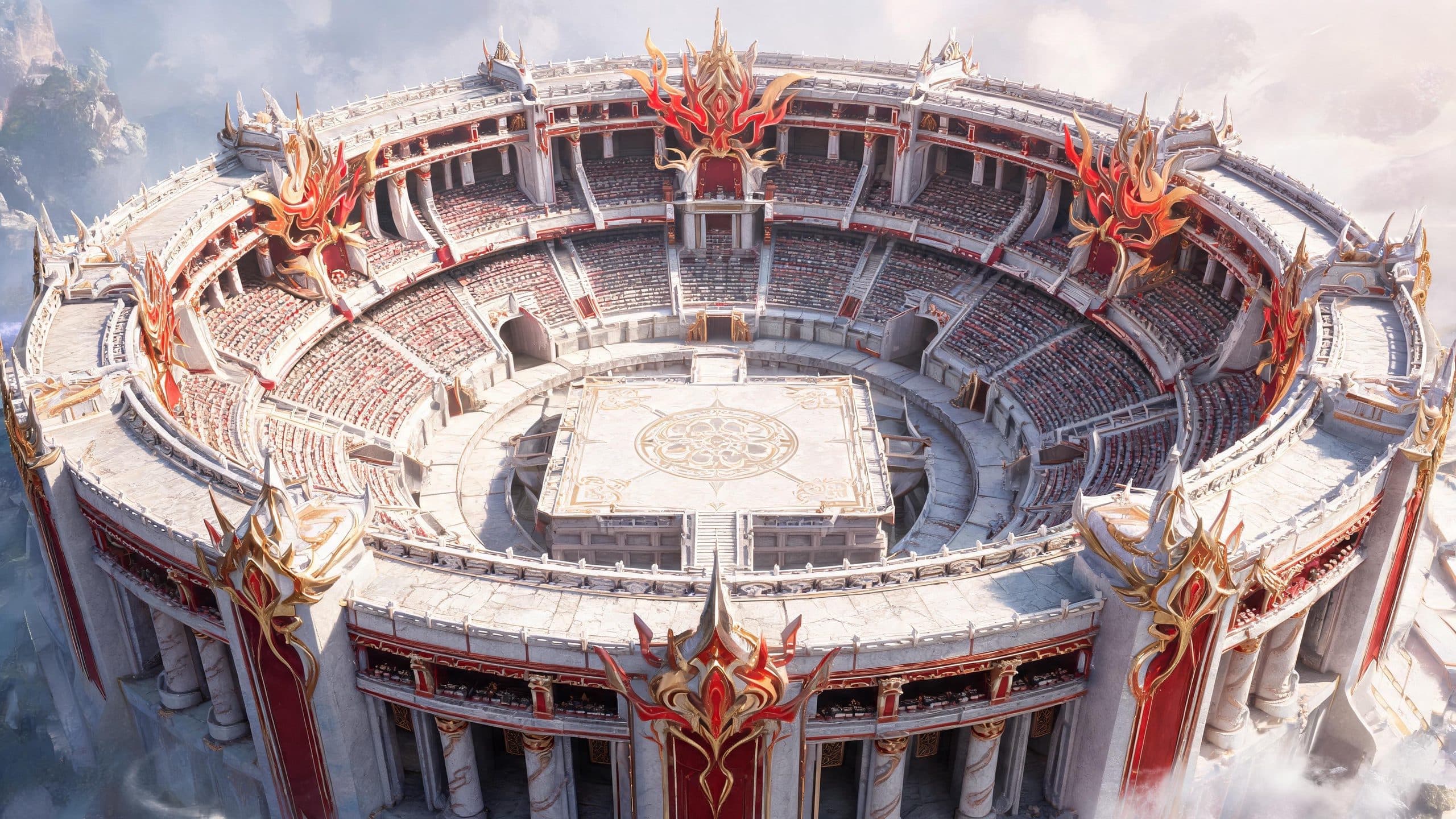
Seedance 2.5 is officially live in ArtArch as of August 7, 2026. Creators can now combine written direction with image, video, or audio references to produce video inside the ArtArch canvas. Each Seedance 2.5 node supports up to 30 seconds, giving every shot a clear scope for generation and revision.
Build one shot at a time
The 30-second node format fits a complete shot, a short scene, or one focused part of a larger story. A creator might use one node for a character entrance and another for the main action. Each section can have its own references and direction, so the brief stays readable as the project develops.
This structure helps during review. If the opening works but the product close-up needs another pass, the creator can focus on that part of the sequence.
Control when events happen
Timestamp instructions give creators control inside each node. An action, line of dialogue, camera change, or scene transition can be assigned to a specific second or interval.
A product video could open with a wide view, move closer to one material detail, and end with the product in use. A narrative scene could hold a character's reaction before the camera changes position. Written direction becomes a timed sequence, which is close to the way directors and editors already plan a shot.
Build from existing references
Seedance 2.5 accepts text, images, video, and audio as references. A director can provide character images and a rough storyboard. An editor can use a movement clip when timing is awkward to explain in prose. A product team can supply several visual angles to make the intended shape and composition clearer.
Audio can guide the result too. Timbre reference gives spoken lines a vocal reference, while audio-only input is supported for sound-led ideas. Background music can be removed while retaining dialogue and subtitles from the original video.
The model supports multi-person references for scenes involving distinct characters. It can also read a multi-panel storyboard for composition, shot size, camera movement, and action.
Revise a specific part of the video
Smart Edit lets creators describe a change in text. Marked-region editing adds visual direction: select an area with a box, arrow, or anchor point, attach an instruction to a timestamp, and generate the revision. Videos created with the model can also be opened for another editing pass.
These tools address common production changes. An object can be removed or replaced. The camera perspective can be adjusted while the surrounding space is completed. Green-screen material can be placed into a new background, and two clips can be connected by generating the passage between them.
A distracting object, incorrect color, or weak transition can be treated as a specific edit while the rest of the shot stays in place.
A more direct ArtArch video workflow
Inside ArtArch, a Seedance 2.5 node brings references, timing, generation, and revision into the same canvas workflow. Filmmakers can plan a sequence shot by shot. Product teams can build structured demonstrations. Social creators can test an opening or revise one visual detail.
Creators can choose the clearest way to express each instruction. Use text for action and timing, a frame for appearance, a clip for movement, or audio for voice. The node stays focused while the surrounding canvas keeps the wider project visible.
Frequently asked questions
Is Seedance 2.5 available in ArtArch now?
Yes. Seedance 2.5 officially went live in ArtArch on August 7, 2026.
How long can one Seedance 2.5 node be?
A Seedance 2.5 node in ArtArch supports up to 30 seconds.
What references can I use?
Seedance 2.5 supports text, images, video, and audio references, including audio-only input.
Can I edit a generated video?
Yes. Use Smart Edit, mark a specific region at a chosen timestamp, or open the generated video for another editing pass.
Open ArtArch and start a Seedance 2.5 node with the references you already have.
Keep exploring
More in Latest Model
Wan3.0 for An Independent Short Film: Build Audio-Led Storytelling Video Stories in Studio
Use Wan3.0 in Studio to turn a screenplay excerpt, character references, and a visual mood reference into a scene where voice, ambience, and effects reinforce the visible action. Explore audio-led storytelling workflows with up to 30 seconds of native video.
Wan3.0 for An Event Opener: Build Audio-Led Storytelling Video Stories in Studio
Use Wan3.0 in Studio to turn venue photos, an event brief, and a music reference into a scene where voice, ambience, and effects reinforce the visible action. Explore audio-led storytelling workflows with up to 30 seconds of native video.
Wan3.0 for An Educational Explainer: Build Audio-Led Storytelling Video Stories in Studio
Use Wan3.0 in Studio to turn a PDF or slide deck, a diagram image, and a narration outline into a scene where voice, ambience, and effects reinforce the visible action. Explore audio-led storytelling workflows with up to 30 seconds of native video.
Wan3.0 for A Social Campaign: Build Audio-Led Storytelling Video Stories in Studio
Use Wan3.0 in Studio to turn a campaign image, a concise message, and a web reference into a scene where voice, ambience, and effects reinforce the visible action. Explore audio-led storytelling workflows with up to 30 seconds of native video.
From insight to creation
Turn the latest model into your next shot.
Take what you learned into ArtArch Studio and start building with the latest creative models.