

ArtArch Newsroom
Latest ModelSeedance 2.5 for Product Teams in ArtArch: A Practical Workflow
Seedance 2.5 for product teams in ArtArch: plan focused 30-second nodes with product references, timestamp direction, and targeted video revisions.
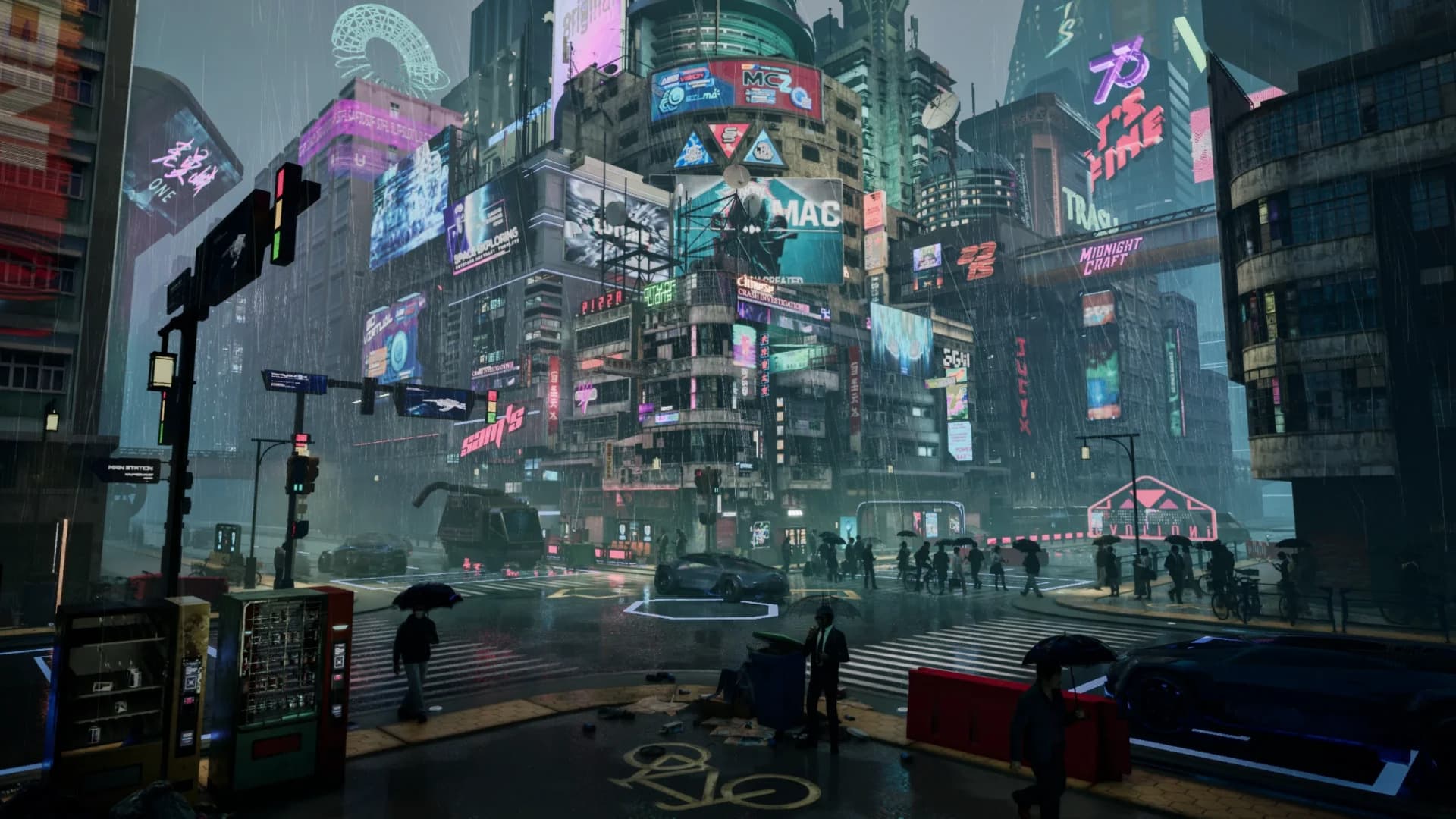
Seedance 2.5 for product teams in ArtArch turns reference material and a written shot plan into a focused video workflow. Each Seedance 2.5 node supports up to 30 seconds, giving a product demonstration a clear sequence and a manageable review scope.
Give each node one job
Start by deciding what the viewer should understand after the shot ends. One node might introduce the product's overall shape. Another can focus on a material detail, a moving part, or a moment of use. A closing node can place the product in its intended setting.
Prepare references around the product
Seedance 2.5 accepts images, video, audio, and text as references. For image-guided video editing, one to five reference images are recommended when stability matters. A front view can establish the main silhouette, while side and detail views clarify proportions, surface treatment, and construction.
A movement reference is useful when the product opens, folds, rotates, or changes state. Camera references can communicate the pace of a push-in or orbit more clearly than a long paragraph. If spoken delivery matters, audio-only input and timbre reference provide a vocal starting point.
Assign a clear purpose to every reference. Label one image as the main appearance reference, another as the material detail, and a clip as the movement guide. The instruction becomes easier to follow when each asset has one role.
Turn the product brief into a timeline
Timestamp instructions let the team place actions and camera changes at chosen moments inside the node. A 30-second product shot could begin with a wide view, move to two details, show the product in use, and reserve the closing seconds for a clean final composition.
Write what should be visible during each interval. Include the subject, camera position, action, and transition that belong there. Concrete direction such as "move from the full product to the control surface" is easier to evaluate than a general request for a dynamic commercial.
Review the product, then revise the shot
The first review should focus on recognizable product details and the order of information. Check the silhouette, colors, material cues, moving parts, and camera path. Then note the exact frame and object that need attention.
Smart Edit handles a change described in text. Marked-region editing lets the team point to an area with a box, arrow, or anchor point and attach the request to a timestamp. An incorrect color can be changed across the relevant shot. A distracting object can be removed, and a camera perspective can be adjusted while the surrounding space is completed.
This creates a practical review loop inside ArtArch: define one product message, generate the node, inspect the result, and focus the next pass on a specific issue. The rest of the canvas can hold the other shots in the campaign without crowding the current brief.
Where this workflow fits
An ecommerce team can build a short overview from existing pack shots. A launch team can plan a reveal around approved references, while a designer can test how an early concept reads in motion. Each use case matches one node to one product decision.
Keep exploring
More in Latest Model

Wan3.0 for An Independent Short Film: Build Audio-Led Storytelling Video Stories in Studio
Use Wan3.0 in Studio to turn a screenplay excerpt, character references, and a visual mood reference into a scene where voice, ambience, and effects reinforce the visible action. Explore audio-led storytelling workflows with up to 30 seconds of native video.
Wan3.0 for An Event Opener: Build Audio-Led Storytelling Video Stories in Studio
Use Wan3.0 in Studio to turn venue photos, an event brief, and a music reference into a scene where voice, ambience, and effects reinforce the visible action. Explore audio-led storytelling workflows with up to 30 seconds of native video.
Wan3.0 for An Educational Explainer: Build Audio-Led Storytelling Video Stories in Studio
Use Wan3.0 in Studio to turn a PDF or slide deck, a diagram image, and a narration outline into a scene where voice, ambience, and effects reinforce the visible action. Explore audio-led storytelling workflows with up to 30 seconds of native video.
Wan3.0 for A Social Campaign: Build Audio-Led Storytelling Video Stories in Studio
Use Wan3.0 in Studio to turn a campaign image, a concise message, and a web reference into a scene where voice, ambience, and effects reinforce the visible action. Explore audio-led storytelling workflows with up to 30 seconds of native video.
From insight to creation
Turn the latest model into your next shot.
Take what you learned into ArtArch Studio and start building with the latest creative models.