

ArtArch Newsroom
Latest ModelGPT Image 2.5 Unexpected Text Observation: Logging a Reported Early Detail
Learn how to log reported unexpected text in early GPT Image 2.5 public material without turning one visual detail into an unsupported product claim.
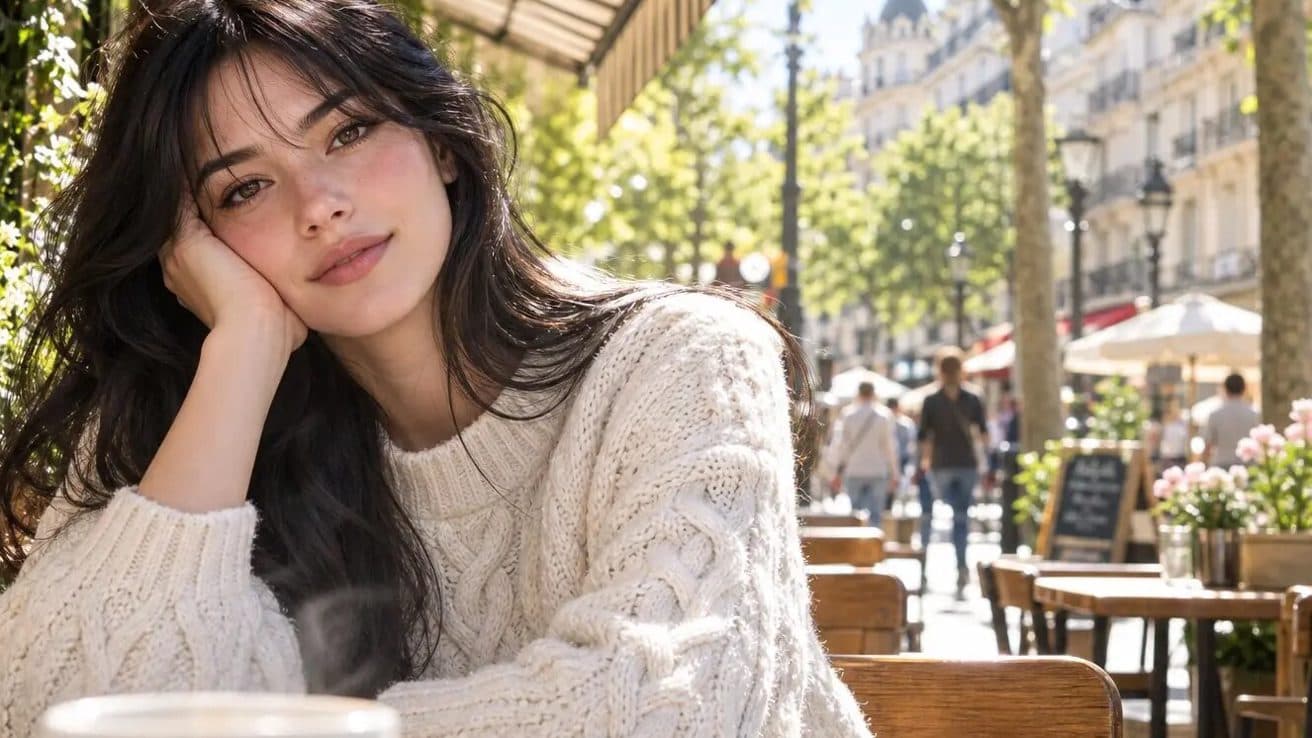
Public posts connected with mona-lisa-1 are driving interest in GPT Image 2.5 unexpected text observation. Those posts use material that can be inspected and archived, while GPT Image 2.5 remains a community name rather than a confirmed OpenAI product label. The distinction matters throughout this review.
Reported details need their source label
Early reporting around the candidate discussion has mentioned unexpected text in image scenes. That is a report about a particular observed example. A responsible record should identify the publication, describe the scene, and quote the detail only with its original context attached.
Classify the observation
Use separate fields for visible text, reported text, text that a native reader can verify, and text that remains unclear in a reposted image. This prevents a sentence in coverage from being silently converted into a statement about a model’s general behavior.
Add it to a later stress test
A controlled text-in-scene test can include signs, door banners, cafe boards, or product labels at stated sizes. Log every requested string and compare each returned character against the source. The public report then provides a test idea, not a substitute for the result.
Make later corrections easy
Retain the date, publisher, full-size asset, and candidate label with every observation. When first-party documentation appears, add it to the record and update operational claims from that source instead of rewriting what the early post actually showed.
Frequently asked questions
How should a reported detail be stored?
Save the original publication, scene description, displayed image, and a label showing that it is reported rather than directly verified.
How can teams test text-in-scene later?
Use fixed requested strings, stated sizes, original result files, and native-language comparison notes.
Is GPT Image 2.5 an official model name?
The public material reviewed here uses GPT Image 2.5 as a community label around the anonymous candidate mona-lisa-1.
Source note: this article is based on public material and reporting from Linux DO, Sohu, and NovaImage, reviewed on August 11, 2026.
Keep exploring
More in Latest Model

Wan3.0 for An Independent Short Film: Build Audio-Led Storytelling Video Stories in Studio
Use Wan3.0 in Studio to turn a screenplay excerpt, character references, and a visual mood reference into a scene where voice, ambience, and effects reinforce the visible action. Explore audio-led storytelling workflows with up to 30 seconds of native video.

Wan3.0 for An Event Opener: Build Audio-Led Storytelling Video Stories in Studio
Use Wan3.0 in Studio to turn venue photos, an event brief, and a music reference into a scene where voice, ambience, and effects reinforce the visible action. Explore audio-led storytelling workflows with up to 30 seconds of native video.
Wan3.0 for An Educational Explainer: Build Audio-Led Storytelling Video Stories in Studio
Use Wan3.0 in Studio to turn a PDF or slide deck, a diagram image, and a narration outline into a scene where voice, ambience, and effects reinforce the visible action. Explore audio-led storytelling workflows with up to 30 seconds of native video.
Wan3.0 for A Social Campaign: Build Audio-Led Storytelling Video Stories in Studio
Use Wan3.0 in Studio to turn a campaign image, a concise message, and a web reference into a scene where voice, ambience, and effects reinforce the visible action. Explore audio-led storytelling workflows with up to 30 seconds of native video.
From insight to creation
Turn the latest model into your next shot.
Take what you learned into ArtArch Studio and start building with the latest creative models.