

ArtArch Newsroom
Latest ModelGPT Image 2.5 Portrait Samples: Reading Early Public Images
Review GPT Image 2.5 portrait samples in public mona-lisa-1 discussions, from rural full-body scenes to cafe portraits and reported flash tests.
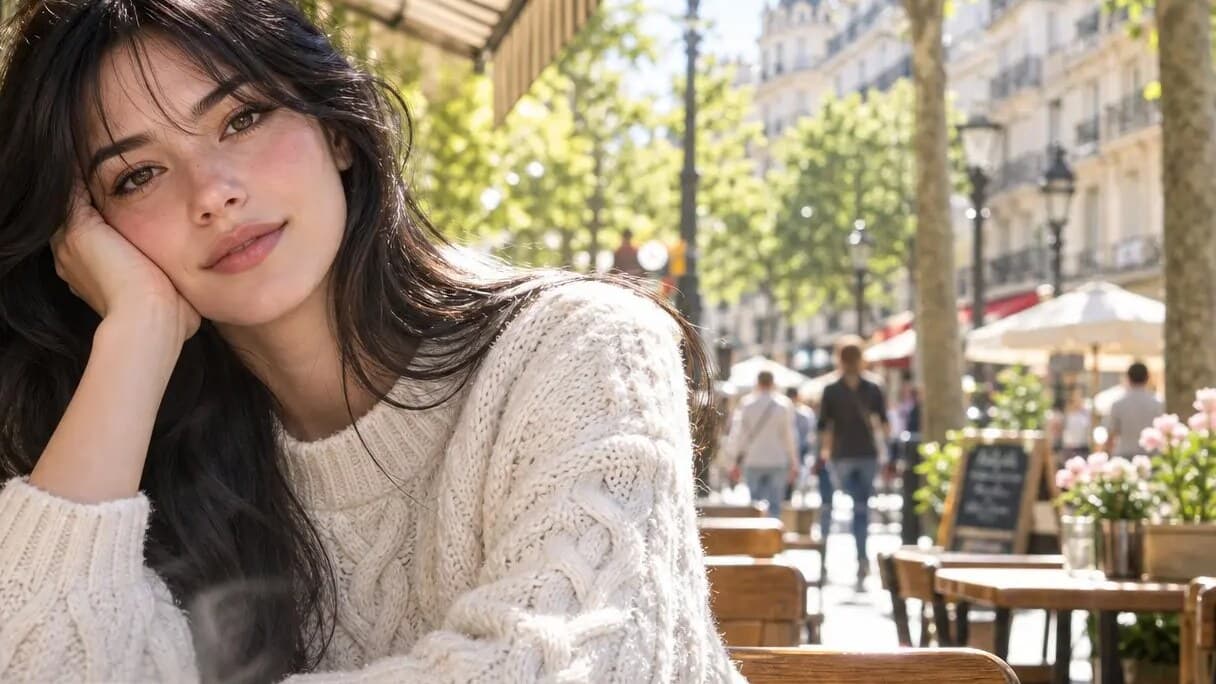
GPT Image 2.5 Portrait Samples: Reading the Early Public Images
The current GPT Image 2.5 portrait samples discussion is built around public posts that associate an anonymous candidate, mona-lisa-1, with a possible next-generation image model. The label is not a confirmed OpenAI product name. What readers can examine today are several specific portrait images and reports about how they were discussed.
The rural full-body comparison
One public comparison shows a person standing outdoors in two vertical frames. The scene includes bright midday light, green hills, tiled roofs, a doorway with red banners, a pale top, denim bottoms, shoes, and distinct changes in the background and pose between the two panels. This makes it a richer review image than a close face crop: a reviewer can look at the subject and the setting at the same time.
The useful observation is not a broad verdict. It is a list of visible decisions. Where does the subject sit within the frame? How does the sun fall on the wall? What happens around the hairline, clothing edge, shoes, and characters on the banner? These details give a later official test plan a concrete starting point.
The cafe portrait
Another published image shows a person seated at a Paris sidewalk cafe. The foreground includes a cup; the subject wears a textured light sweater; trees, tables, pedestrians, and a chalkboard recede behind the subject. The photograph-like composition offers several separate areas to inspect: foreground blur, sweater pattern, hair against bright light, skin detail, face framing, and the density of the street scene.
This is also a reminder to label samples precisely. The image is a public example associated with the candidate discussion. It should not be presented as an official benchmark or as proof of production behavior.
What reported portrait tests add
Early coverage has described street portraits and flash-photo scenarios, pointing readers to skin texture, freckles, flyaway hair, background blur, and photographic noise. Those descriptions are useful prompts for closer review. They remain observations reported by those publications, not a substitute for a documented first-party evaluation.
A practical portrait review sheet
Save the uncropped image and note the scene, lighting, camera distance, subject count, visible text, and source. Then make targeted notes on face, hair, hands, garments, depth, and background objects. This approach lets a designer revisit the same image when access to a released model makes controlled testing possible.
Frequently asked questions
What portrait scenes appear in the public material?
The material includes a rural full-body comparison and a cafe portrait, with coverage describing street and flash-photo tests.
Which details can be inspected in the rural comparison?
Review the pose, sunlight, doorway, foliage, clothes, footwear, and visible banner text in the two vertical frames.
Keep exploring
More in Latest Model
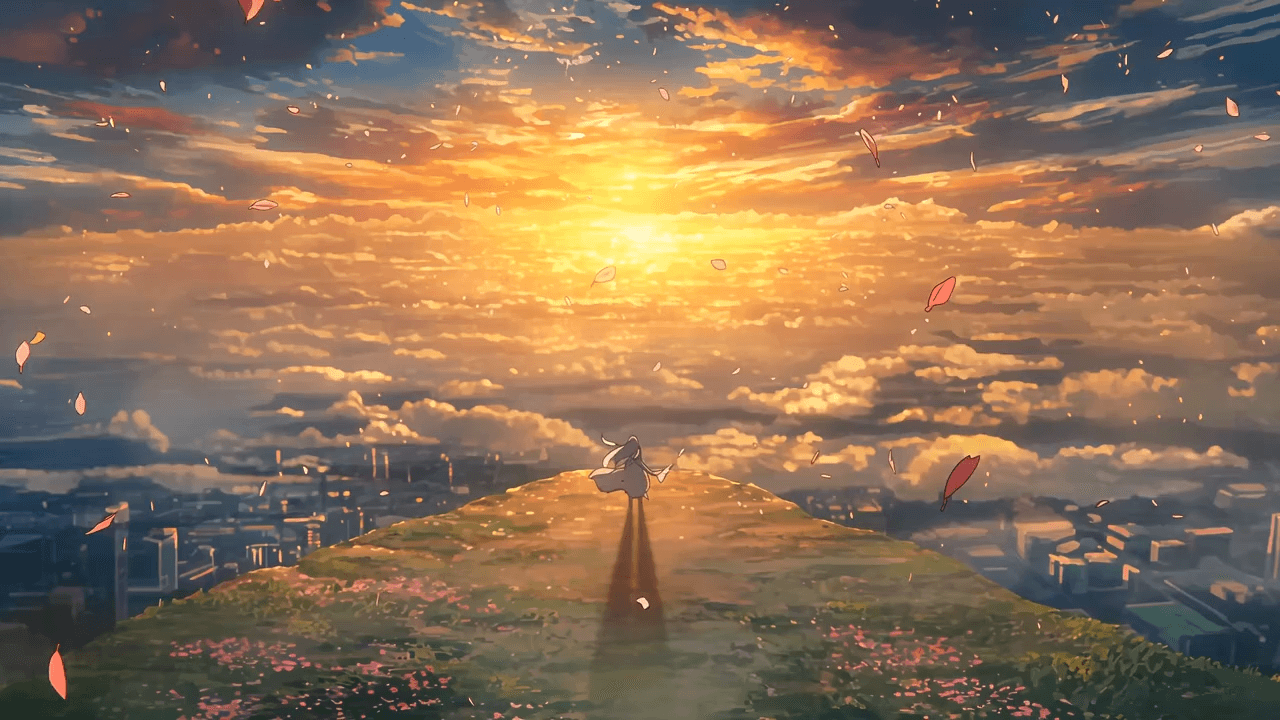
Wan3.0 for An Independent Short Film: Build Audio-Led Storytelling Video Stories in Studio
Use Wan3.0 in Studio to turn a screenplay excerpt, character references, and a visual mood reference into a scene where voice, ambience, and effects reinforce the visible action. Explore audio-led storytelling workflows with up to 30 seconds of native video.
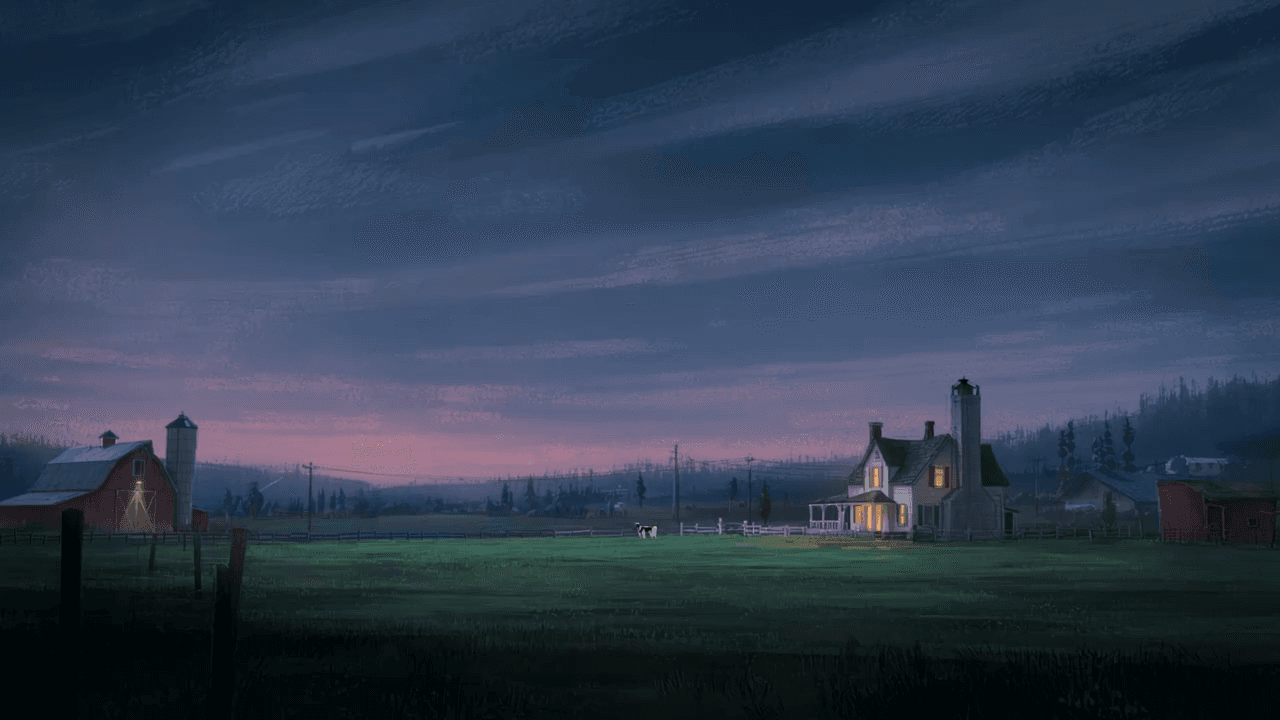
Wan3.0 for An Event Opener: Build Audio-Led Storytelling Video Stories in Studio
Use Wan3.0 in Studio to turn venue photos, an event brief, and a music reference into a scene where voice, ambience, and effects reinforce the visible action. Explore audio-led storytelling workflows with up to 30 seconds of native video.
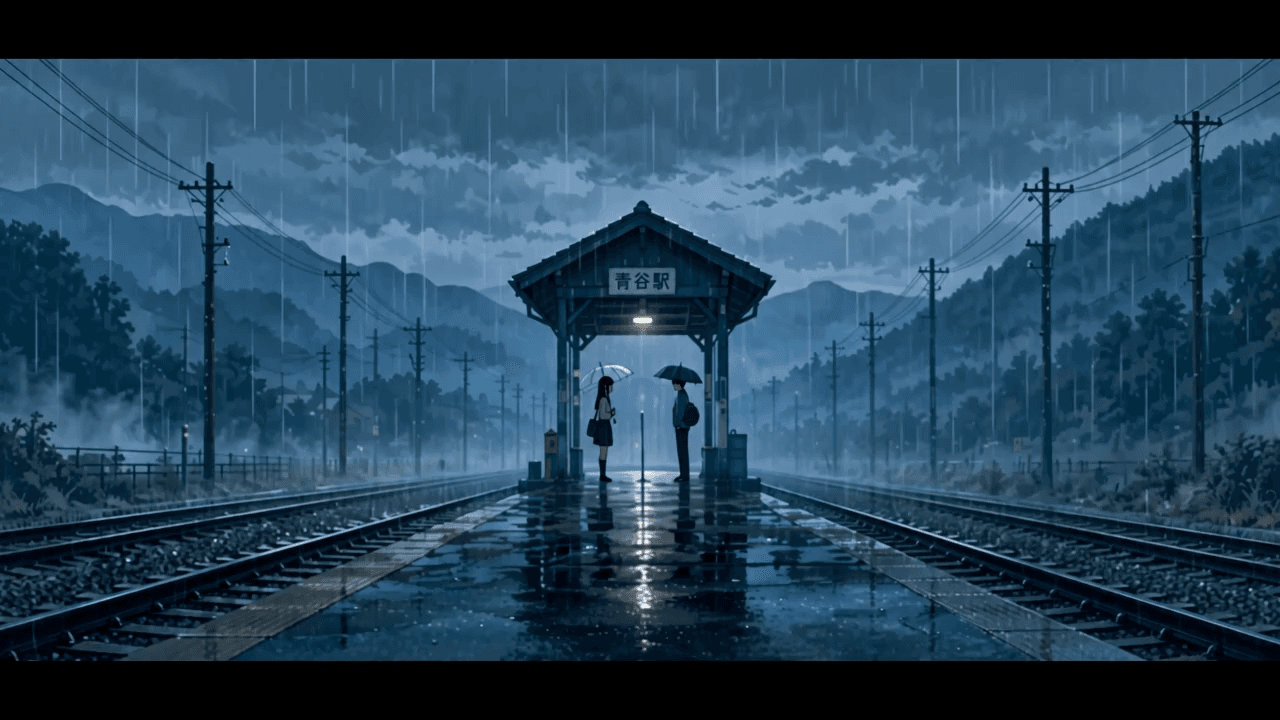
Wan3.0 for An Educational Explainer: Build Audio-Led Storytelling Video Stories in Studio
Use Wan3.0 in Studio to turn a PDF or slide deck, a diagram image, and a narration outline into a scene where voice, ambience, and effects reinforce the visible action. Explore audio-led storytelling workflows with up to 30 seconds of native video.
Wan3.0 for A Social Campaign: Build Audio-Led Storytelling Video Stories in Studio
Use Wan3.0 in Studio to turn a campaign image, a concise message, and a web reference into a scene where voice, ambience, and effects reinforce the visible action. Explore audio-led storytelling workflows with up to 30 seconds of native video.
From insight to creation
Turn the latest model into your next shot.
Take what you learned into ArtArch Studio and start building with the latest creative models.