

ArtArch Newsroom
Latest ModelGPT Image 2.5 Portrait Pose Comparison: What Two Rural Frames Show
Compare pose and framing in two public GPT Image 2.5 rural portrait panels, with notes on hands, shoulders, stance, background, and crop.
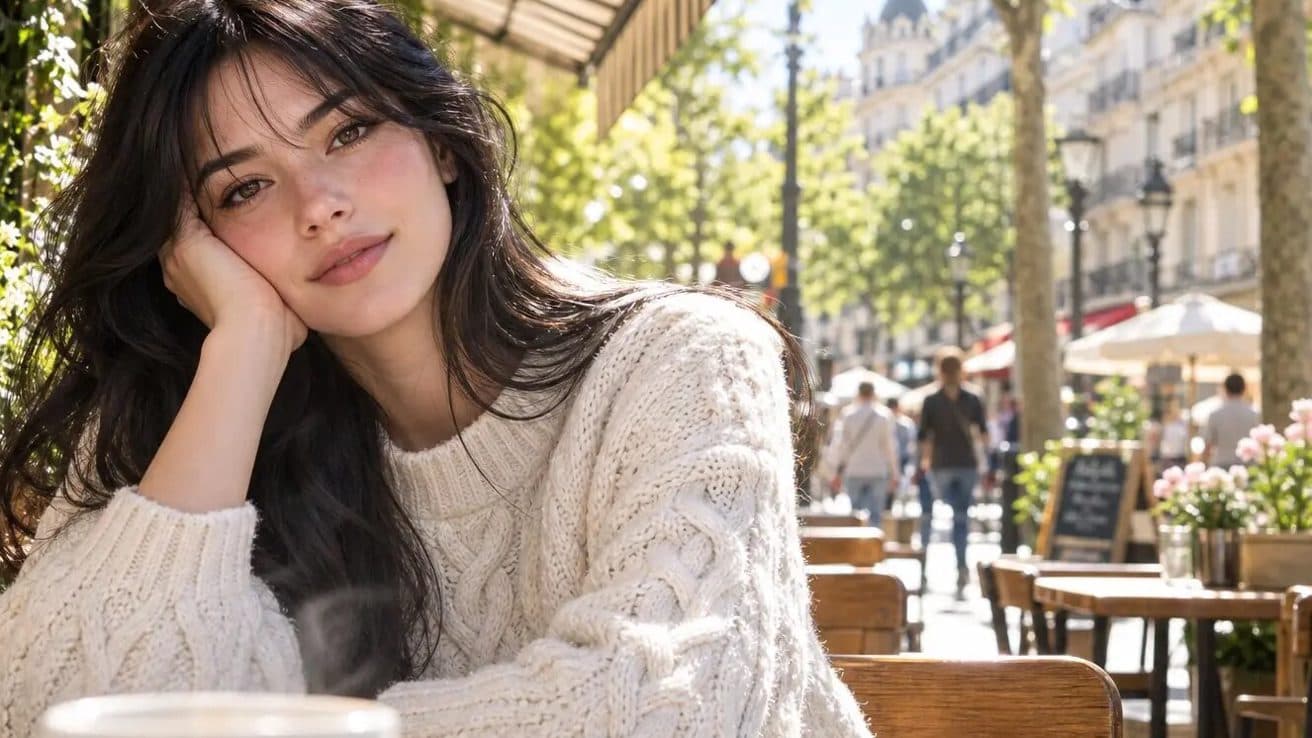
Public posts connected with mona-lisa-1 are driving interest in GPT Image 2.5 portrait pose comparison. Those posts use material that can be inspected and archived, while GPT Image 2.5 remains a community name rather than a confirmed OpenAI product label. The distinction matters throughout this review.
The two panels invite a pose comparison
The public rural pair shows the subject in different positions and with different surroundings. One panel gives the building and road more room; the other presents a closer doorway scene. Reviewers can track shoulder angle, arm position, hand placement, weight distribution, and the subject’s distance from the camera.
Pose needs the frame around it
Hands and shoulders should be checked alongside the available space around the body. A pose can look balanced in one crop and crowded in another. The doorframe, ground, and background lines offer useful references for noting how the subject sits inside each composition.
Keep a comparison log
For each panel, capture a full frame, a hands crop, and a note about posture. Do not assign a universal score from this pair. Use the observations to design later tests that hold camera distance and setting constant while varying only the requested pose.
Make later corrections easy
Retain the date, publisher, full-size asset, and candidate label with every observation. When first-party documentation appears, add it to the record and update operational claims from that source instead of rewriting what the early post actually showed.
Frequently asked questions
What pose details are available to compare?
The pair supports notes on shoulders, arms, hands, stance, body position, and distance from the camera.
How can teams use the comparison later?
Keep full frames and targeted crops, then recreate a controlled pose brief after formal access is available.
Is GPT Image 2.5 an official model name?
The public material reviewed here uses GPT Image 2.5 as a community label around the anonymous candidate mona-lisa-1.
Source note: this article is based on public material and reporting from Linux DO, Sohu, and NovaImage, reviewed on August 11, 2026.
Keep exploring
More in Latest Model

Wan3.0 for An Independent Short Film: Build Audio-Led Storytelling Video Stories in Studio
Use Wan3.0 in Studio to turn a screenplay excerpt, character references, and a visual mood reference into a scene where voice, ambience, and effects reinforce the visible action. Explore audio-led storytelling workflows with up to 30 seconds of native video.

Wan3.0 for An Event Opener: Build Audio-Led Storytelling Video Stories in Studio
Use Wan3.0 in Studio to turn venue photos, an event brief, and a music reference into a scene where voice, ambience, and effects reinforce the visible action. Explore audio-led storytelling workflows with up to 30 seconds of native video.
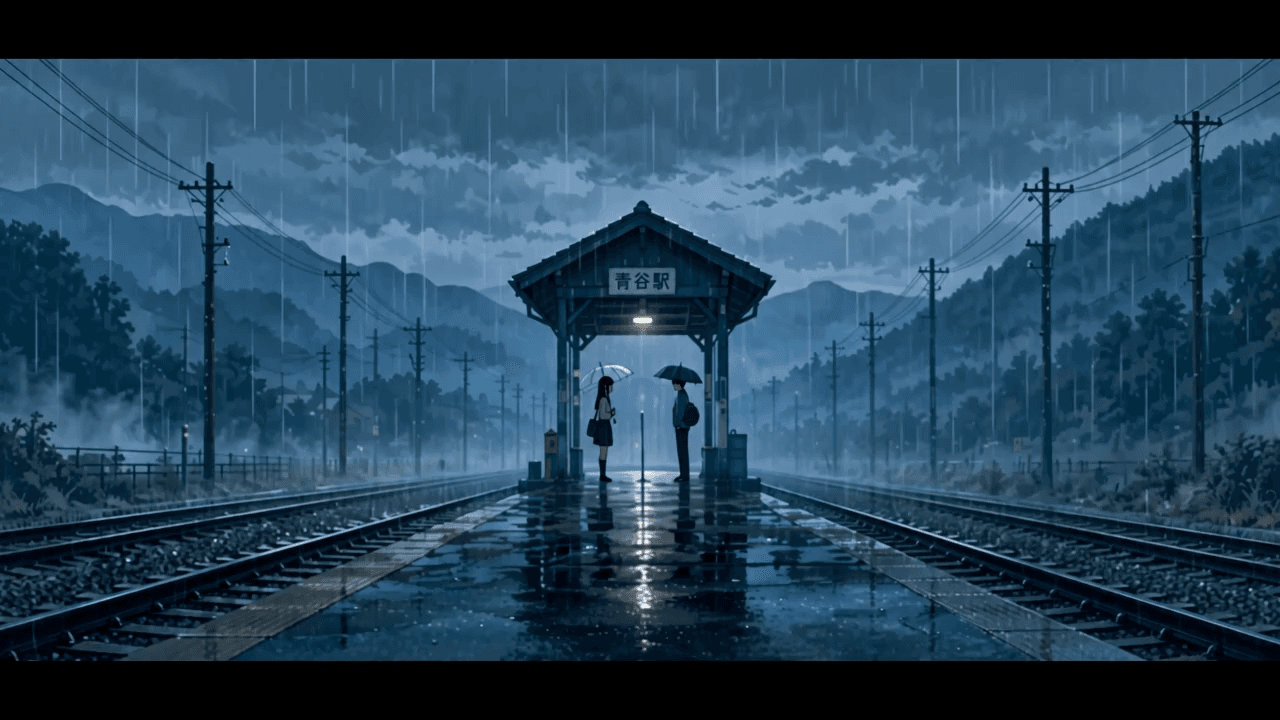
Wan3.0 for An Educational Explainer: Build Audio-Led Storytelling Video Stories in Studio
Use Wan3.0 in Studio to turn a PDF or slide deck, a diagram image, and a narration outline into a scene where voice, ambience, and effects reinforce the visible action. Explore audio-led storytelling workflows with up to 30 seconds of native video.
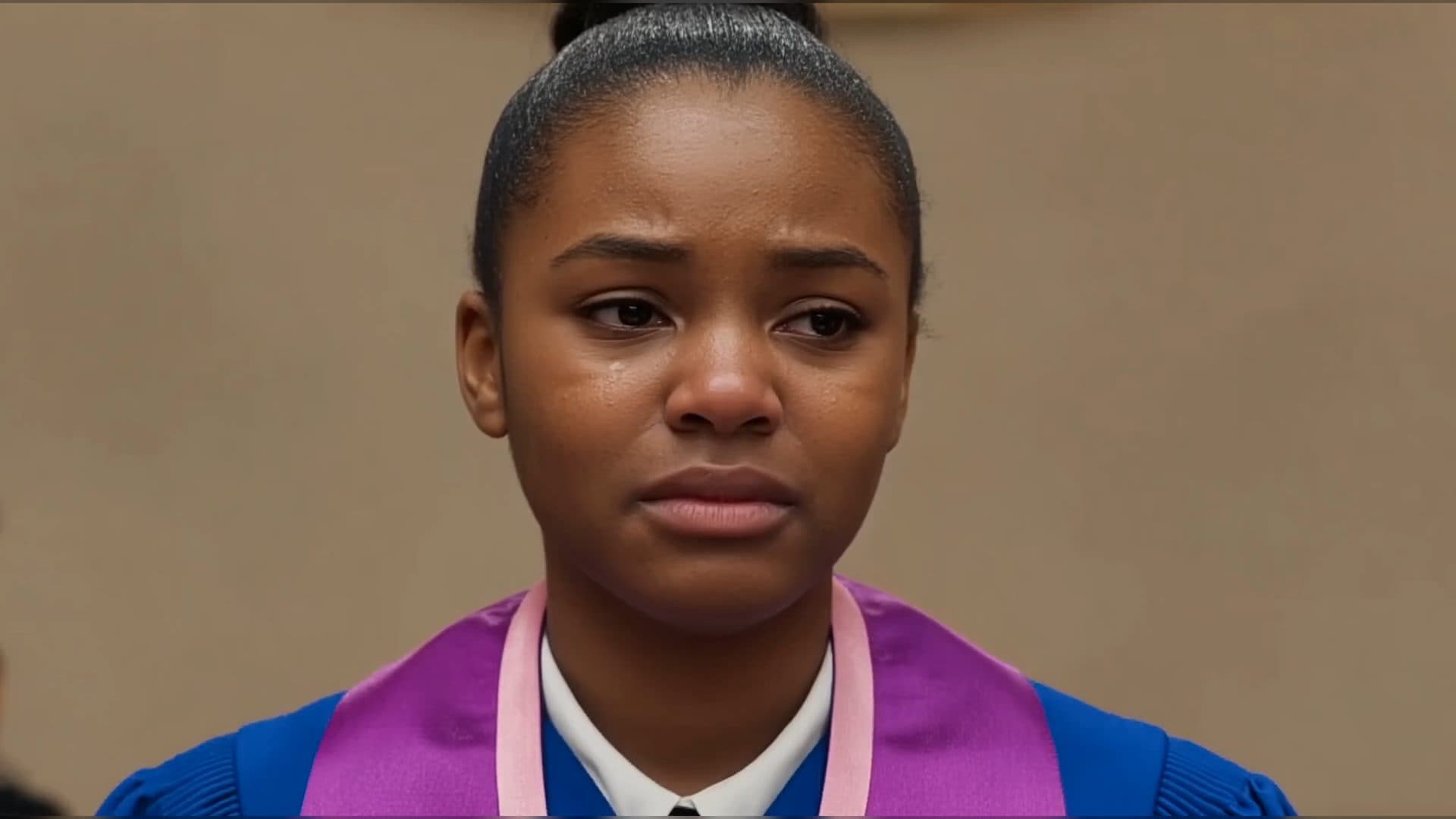
Wan3.0 for A Social Campaign: Build Audio-Led Storytelling Video Stories in Studio
Use Wan3.0 in Studio to turn a campaign image, a concise message, and a web reference into a scene where voice, ambience, and effects reinforce the visible action. Explore audio-led storytelling workflows with up to 30 seconds of native video.
From insight to creation
Turn the latest model into your next shot.
Take what you learned into ArtArch Studio and start building with the latest creative models.