

ArtArch Newsroom
Latest ModelGPT Image 2.5 Hair Detail Sample: Reviewing Public Portrait Edges
Use public GPT Image 2.5 portraits to inspect hair detail around the face, knitwear, sunlight, busy backgrounds, and contrast boundaries.
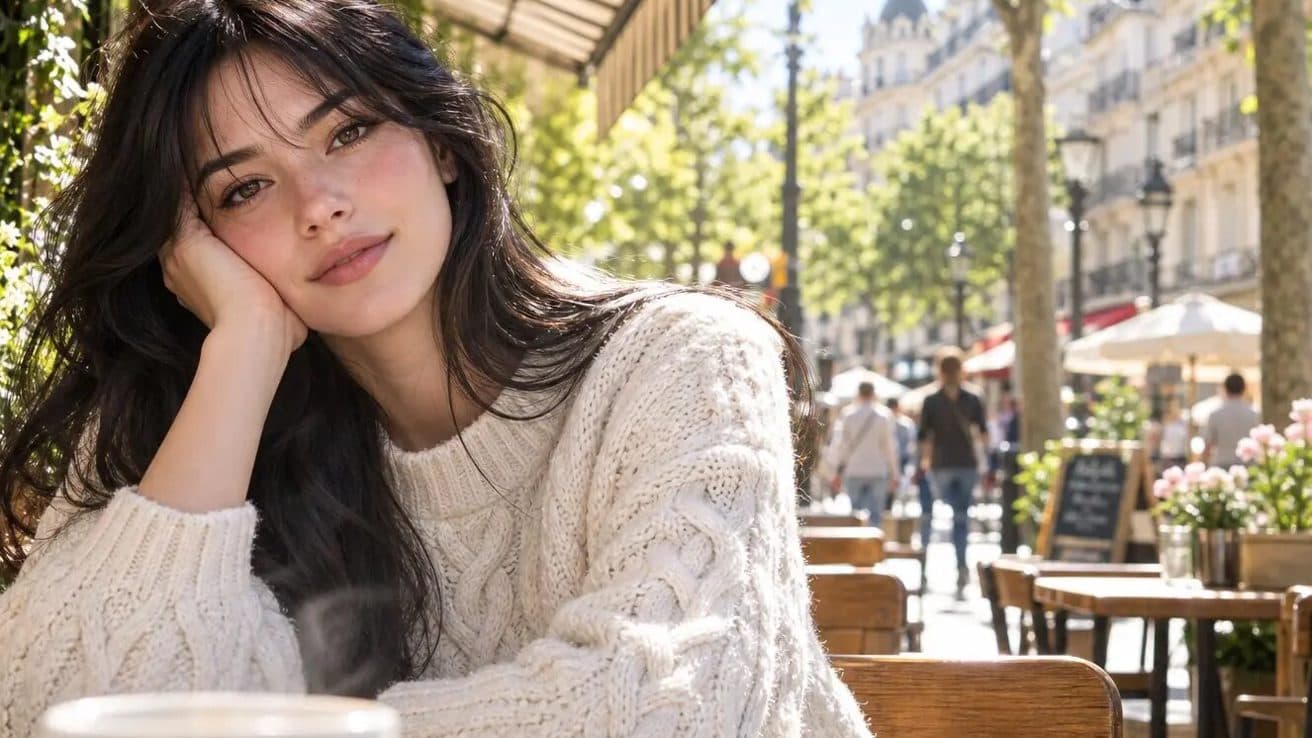
A small set of public mona-lisa-1 examples sits behind current searches for GPT Image 2.5 hair detail sample. This article treats GPT Image 2.5 as a community label and keeps product-level conclusions reserved for first-party documentation. That leaves room for useful visual analysis without inventing a release.
Hair sits against several surfaces
In the cafe portrait, dark hair crosses the face, pale knitwear, a shaded cafe area, and a bright street background. The rural images add hair against sunlit walls and greenery. These different boundaries make hair a useful local inspection point in each public scene.
Review edges before individual strands
Start by checking the overall hair silhouette and how it separates from skin, clothing, and background. Then inspect smaller flyaway areas at a consistent zoom. This avoids overreading one sharp curl while ignoring the rest of the subject boundary.
Use a repeatable crop protocol
A review sheet can include one face crop, one shoulder crop, and one background-edge crop per image. Keep the crop size and magnification fixed when comparing later material. That produces a clearer record than a broad claim based on a single close-up.
Keep observations close to the pixels
Write down what appears in the full frame and preserve the publisher context around it. Reserve model-wide statements for repeated tests and first-party release material.
Frequently asked questions
Why are these portraits useful for hair review?
They place dark hair against skin, pale clothing, bright daylight, shaded areas, and busy backgrounds.
What is a useful crop protocol?
Save face, shoulder, and background-edge crops at a fixed zoom for each image.
Is GPT Image 2.5 an official model name?
The public material reviewed here uses GPT Image 2.5 as a community label around the anonymous candidate mona-lisa-1.
Source note: this article is based on public material and reporting from Linux DO, Sohu, and NovaImage, reviewed on August 11, 2026.
Keep exploring
More in Latest Model

Wan3.0 for An Independent Short Film: Build Audio-Led Storytelling Video Stories in Studio
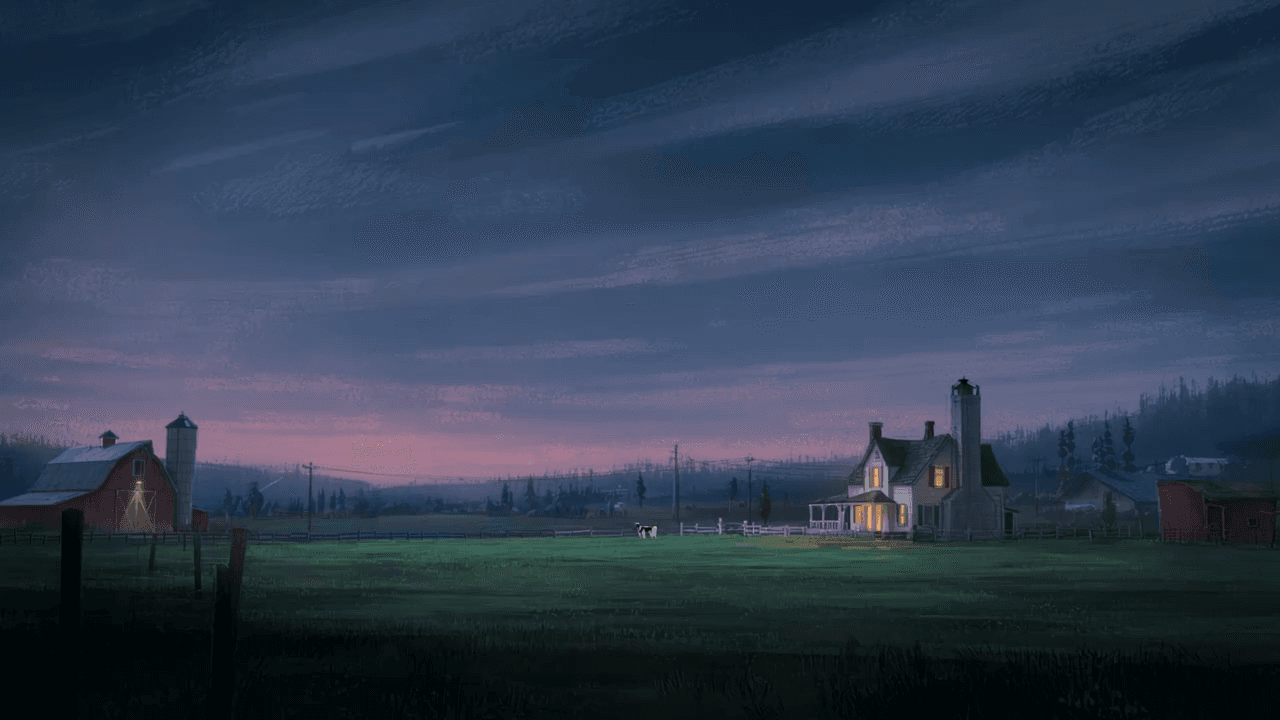
Use Wan3.0 in Studio to turn a screenplay excerpt, character references, and a visual mood reference into a scene where voice, ambience, and effects reinforce the visible action. Explore audio-led storytelling workflows with up to 30 seconds of native video.
Wan3.0 for An Event Opener: Build Audio-Led Storytelling Video Stories in Studio
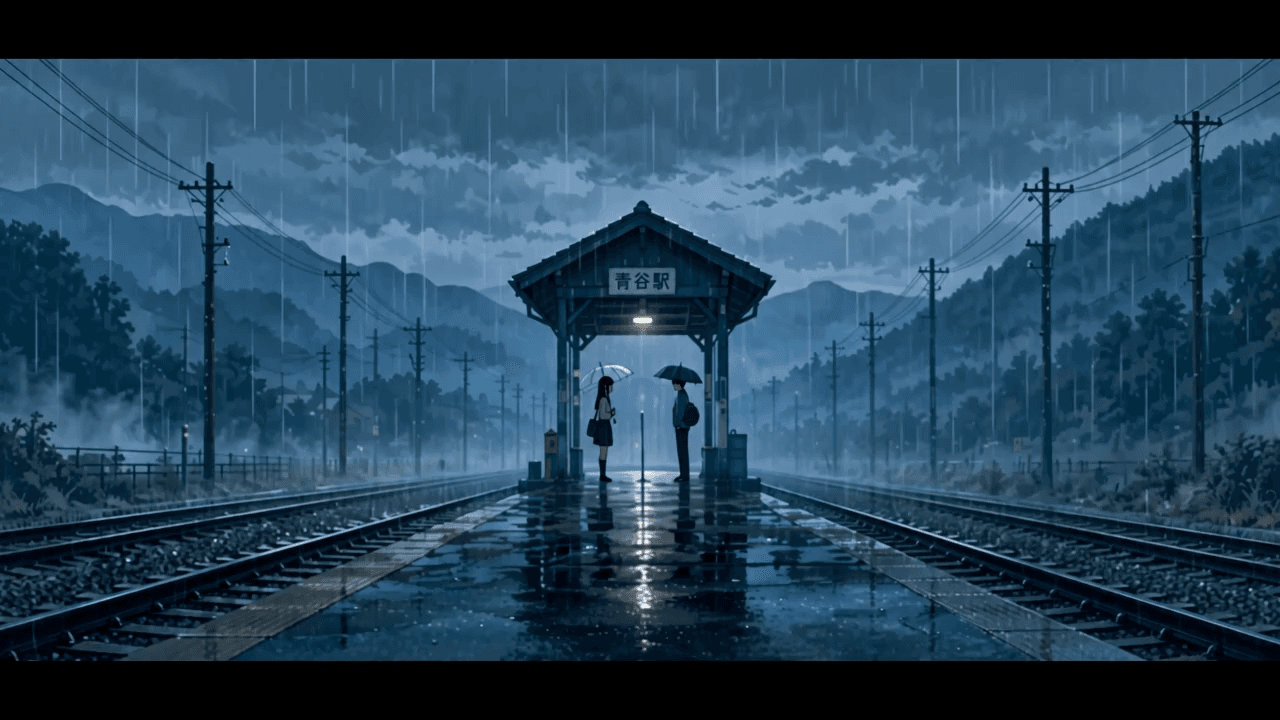
Use Wan3.0 in Studio to turn venue photos, an event brief, and a music reference into a scene where voice, ambience, and effects reinforce the visible action. Explore audio-led storytelling workflows with up to 30 seconds of native video.
Wan3.0 for An Educational Explainer: Build Audio-Led Storytelling Video Stories in Studio
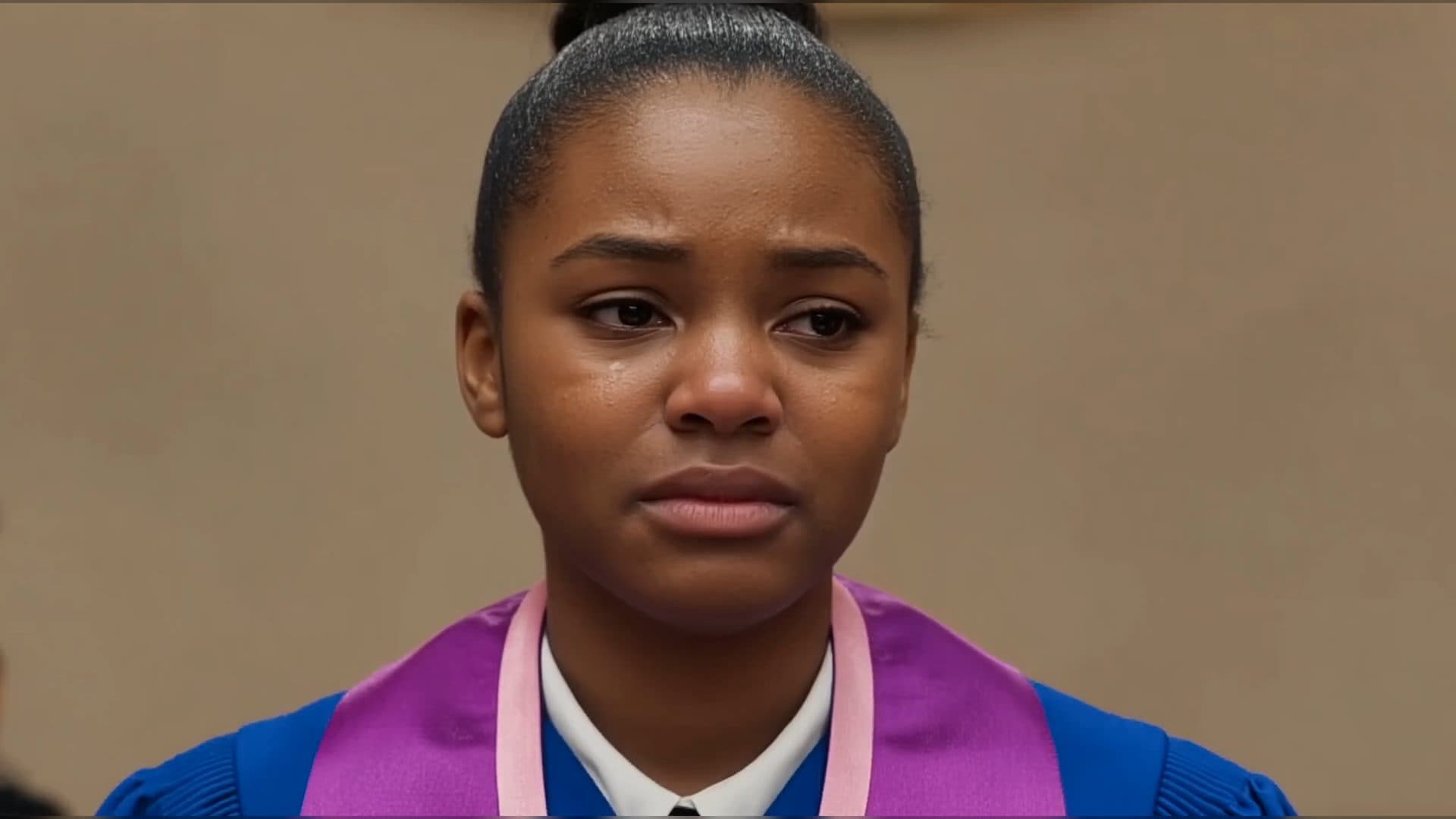
Use Wan3.0 in Studio to turn a PDF or slide deck, a diagram image, and a narration outline into a scene where voice, ambience, and effects reinforce the visible action. Explore audio-led storytelling workflows with up to 30 seconds of native video.
Wan3.0 for A Social Campaign: Build Audio-Led Storytelling Video Stories in Studio
Use Wan3.0 in Studio to turn a campaign image, a concise message, and a web reference into a scene where voice, ambience, and effects reinforce the visible action. Explore audio-led storytelling workflows with up to 30 seconds of native video.
From insight to creation
Turn the latest model into your next shot.
Take what you learned into ArtArch Studio and start building with the latest creative models.