

ArtArch Newsroom
Latest ModelGPT Image 2.5 Daylight Portrait Sample: What to Inspect Outdoors
Use the public GPT Image 2.5 daylight portrait sample to inspect sun direction, wall brightness, ground shadows, foliage, and clothing contrast.
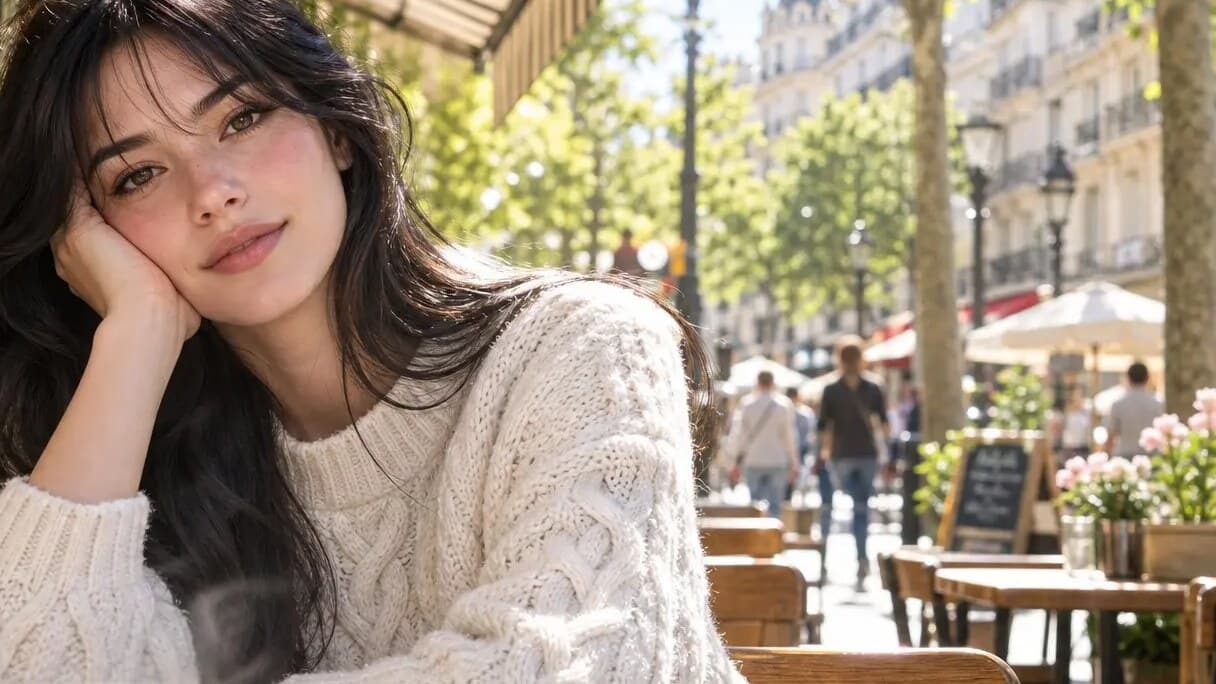
Public posts connected with mona-lisa-1 are driving interest in GPT Image 2.5 daylight portrait sample. Those posts use material that can be inspected and archived, while GPT Image 2.5 remains a community name rather than a confirmed OpenAI product label. The distinction matters throughout this review.
Use the sun as a visible reference
The rural portrait images show direct daylight across a pale wall, the subject, and the ground. Sun direction can be reviewed through the wall brightness, the shadow beside the subject, and the highlights on skin and clothing. These details belong to the displayed sample, not to a broad claim about a released model.
Separate light from texture
Outdoor light can make smooth surfaces appear clean even when close details are hard to read. Review the face, hairline, white fabric, denim, and foliage as separate areas. This keeps a note about bright exposure from becoming a conclusion about every texture in the frame.
Record the conditions before comparing
A fair follow-up test should name the time-of-day style, camera distance, vertical crop, background color, and subject pose. When a team compares later outputs, it can ask whether the sunlight, shadow direction, and contrast remain coherent across the full scene.
Make later corrections easy
Retain the date, publisher, full-size asset, and candidate label with every observation. When first-party documentation appears, add it to the record and update operational claims from that source instead of rewriting what the early post actually showed.
Frequently asked questions
Which light details are visible?
The sample shows bright sun, pale walls, ground shadows, and strong contrast with greenery.
How should daylight samples be logged?
Keep the full frame and note crop, light direction, pose, and background before making detail comments.
Is GPT Image 2.5 an official model name?
The public material reviewed here uses GPT Image 2.5 as a community label around the anonymous candidate mona-lisa-1.
Source note: this article is based on public material and reporting from Linux DO, Sohu, and NovaImage, reviewed on August 11, 2026.
Keep exploring
More in Latest Model

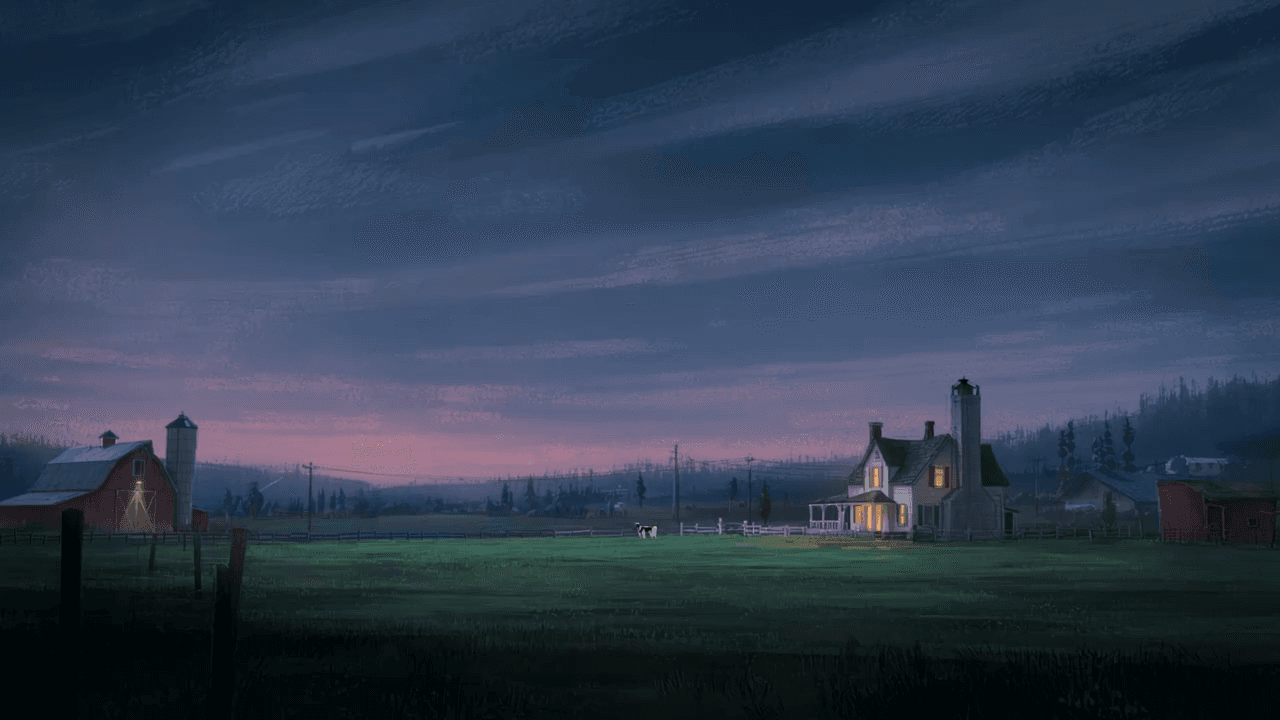
Wan3.0 for An Independent Short Film: Build Audio-Led Storytelling Video Stories in Studio
Use Wan3.0 in Studio to turn a screenplay excerpt, character references, and a visual mood reference into a scene where voice, ambience, and effects reinforce the visible action. Explore audio-led storytelling workflows with up to 30 seconds of native video.
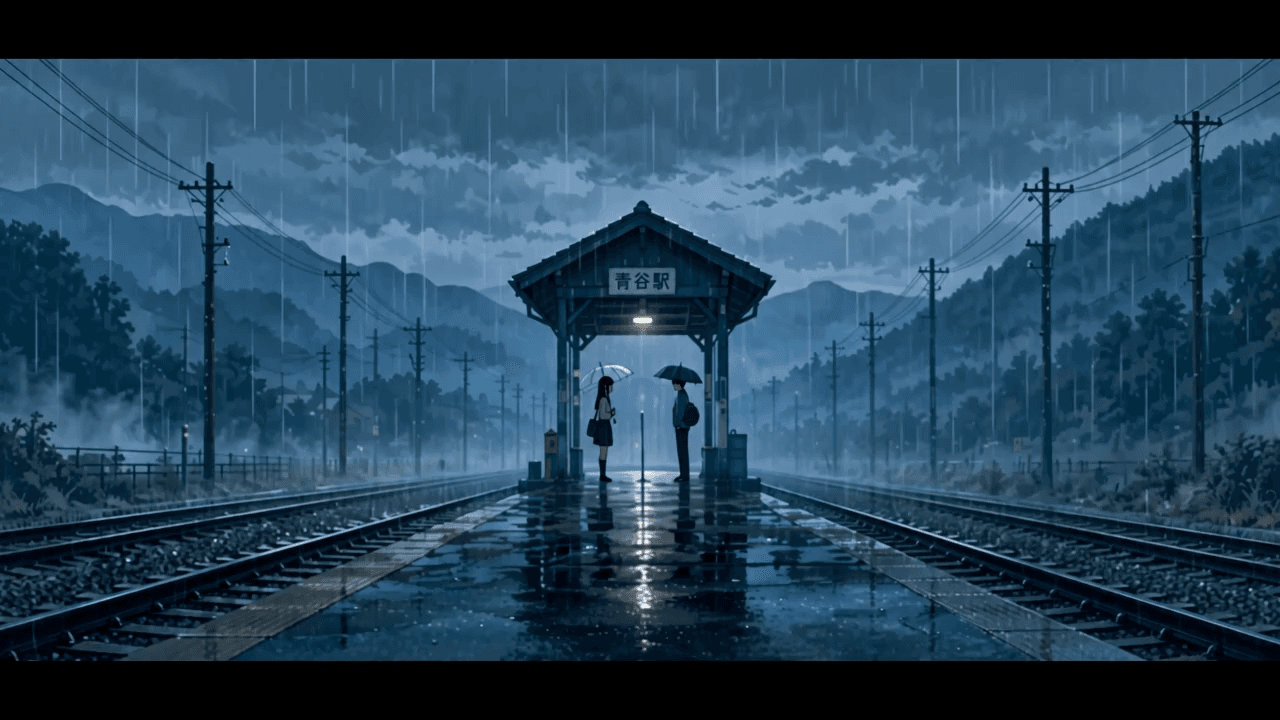
Wan3.0 for An Event Opener: Build Audio-Led Storytelling Video Stories in Studio
Use Wan3.0 in Studio to turn venue photos, an event brief, and a music reference into a scene where voice, ambience, and effects reinforce the visible action. Explore audio-led storytelling workflows with up to 30 seconds of native video.
Wan3.0 for An Educational Explainer: Build Audio-Led Storytelling Video Stories in Studio
Use Wan3.0 in Studio to turn a PDF or slide deck, a diagram image, and a narration outline into a scene where voice, ambience, and effects reinforce the visible action. Explore audio-led storytelling workflows with up to 30 seconds of native video.
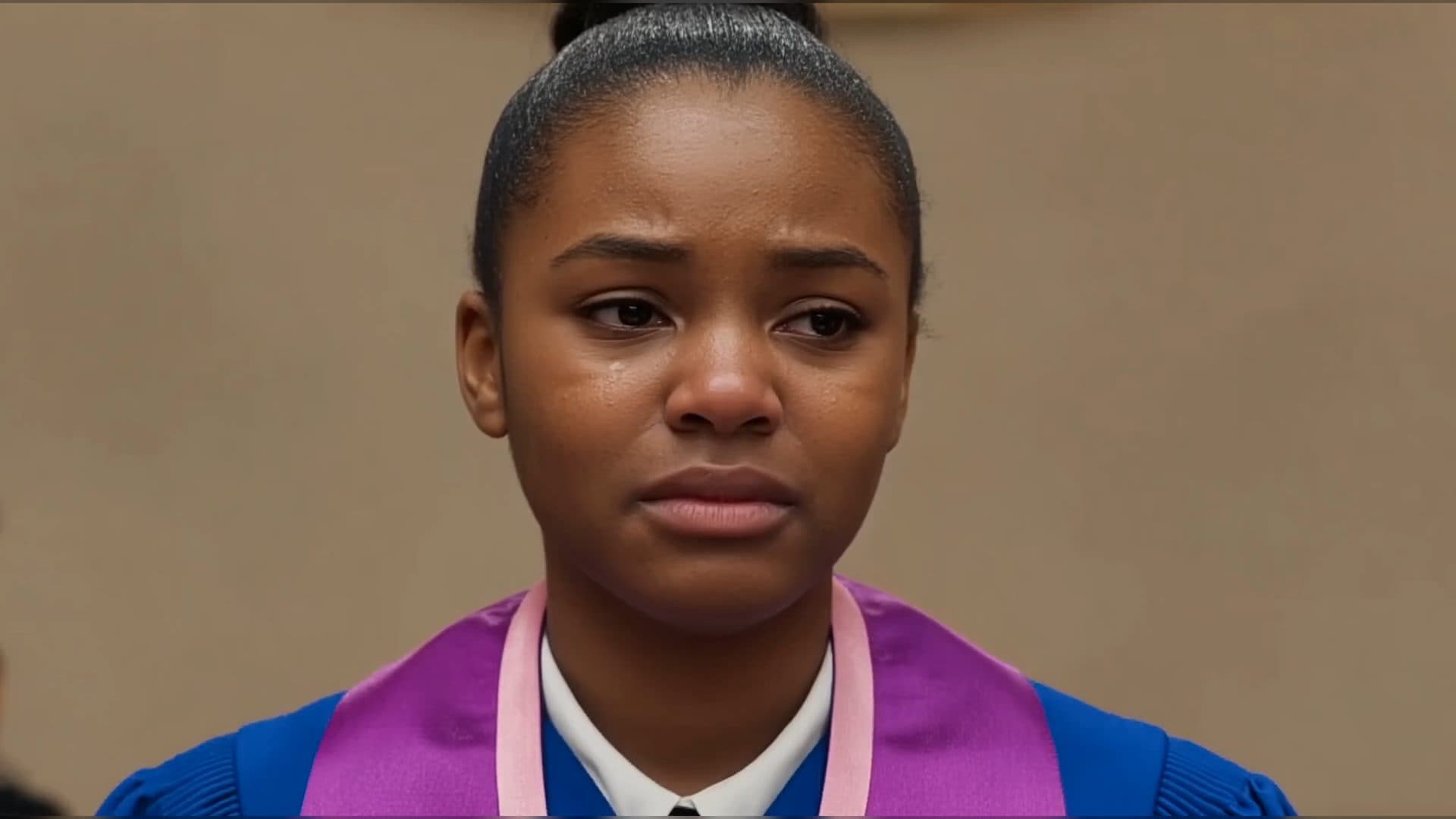
Wan3.0 for A Social Campaign: Build Audio-Led Storytelling Video Stories in Studio
Use Wan3.0 in Studio to turn a campaign image, a concise message, and a web reference into a scene where voice, ambience, and effects reinforce the visible action. Explore audio-led storytelling workflows with up to 30 seconds of native video.
From insight to creation
Turn the latest model into your next shot.
Take what you learned into ArtArch Studio and start building with the latest creative models.