

ArtArch Newsroom
Latest ModelHow to Review and Edit Seedance 2.5 Video in ArtArch
Learn how to edit Seedance 2.5 video in ArtArch with Smart Edit, marked regions, timestamps, object changes, perspective control, and audio cleanup.

Creators can now edit Seedance 2.5 video in ArtArch with several ways to revise a generated shot. Each node supports up to 30 seconds, which keeps review at the shot level. Inspect timing, composition, objects, camera perspective, and audio, then choose the editing method that matches the problem.
Review the shot in a fixed order
Watch the complete node once before changing anything. The first pass should answer whether the subject is recognizable and whether the action reads clearly. The next pass can focus on timing and camera behavior. A final listen can catch dialogue, background music, or sound issues.
Record the moment when the issue appears. A note such as "the jacket changes color at 00:08" is more useful than saying the wardrobe feels inconsistent. The timestamp gives the next instruction a clear place to act.
Choose the editing method that fits the problem
Smart Edit accepts a text description of the requested change. It suits edits that can be stated clearly across the shot, such as changing an object or adjusting a background.
Marked-region editing is more spatial. Select the relevant area with a box, arrow, or anchor point, describe the change, and attach it to the chosen timestamp. This is useful when several similar objects appear in the frame or when the instruction applies to one precise location.
Videos generated with Seedance 2.5 can also be opened for another editing pass. The creator can return to the existing result, identify the next issue, and keep the revision tied to the shot being reviewed.
Write a change that can be checked
A useful edit request contains three parts: the target, the requested change, and the time when it should apply. "Change the chair beside the window to dark green from 00:05 to 00:12" is specific enough to review after generation.
Seedance 2.5 supports object removal and re-editing. It can modify camera perspective while completing surrounding spatial details. Green-screen material can be placed into a different background, and background music can be removed while dialogue and subtitles remain.
Preserve the decisions that already work
Targeted editing is most useful when the main shot is already close. A creator may want to keep the action and composition while changing a wardrobe color. Another shot may only need an unwanted object removed. A dialogue scene might keep its picture and spoken lines while dropping the original music bed.
Organize revision passes in ArtArch
Treat every Seedance 2.5 node as a reviewable shot. Keep the current instruction focused on the issue being fixed, and use the surrounding canvas to understand where the shot belongs in the wider sequence.
For a product team, that might mean correcting a material color before approving the close-up. A narrative creator might adjust one camera angle while keeping a performance. A social editor can remove a distracting background element before moving to the next node.
Keep exploring
More in Latest Model
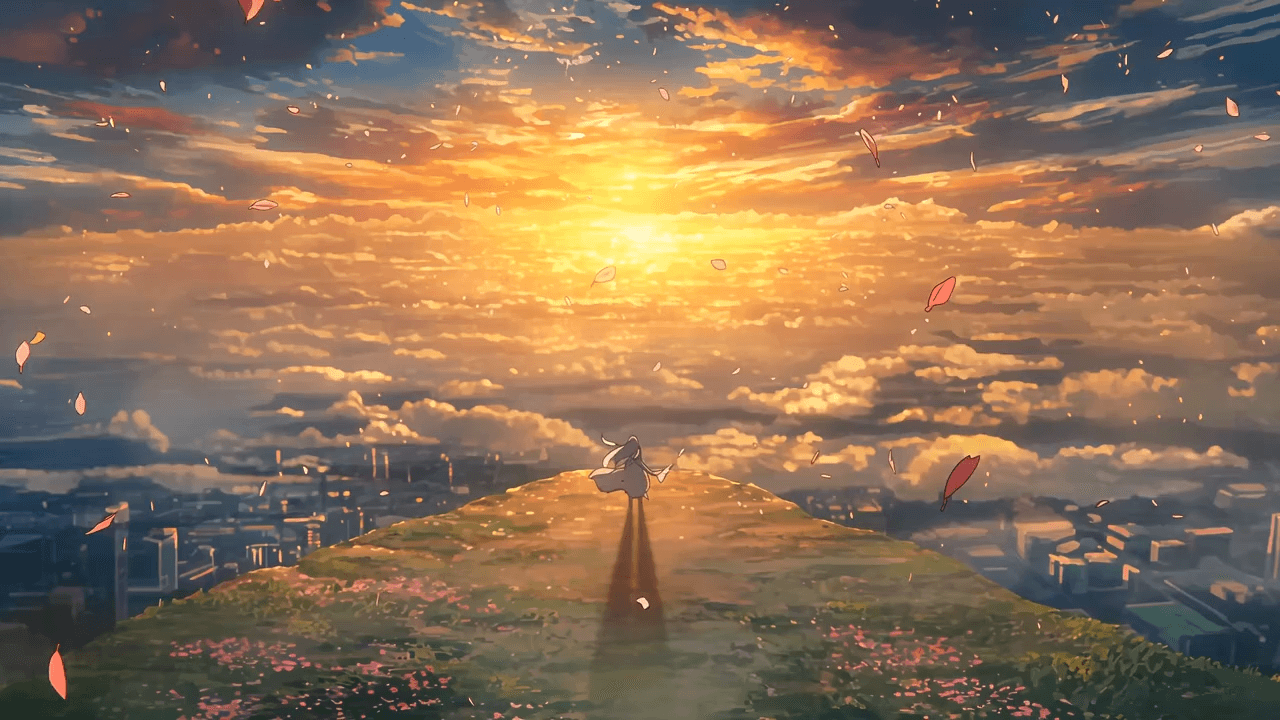
Wan3.0 for An Independent Short Film: Build Audio-Led Storytelling Video Stories in Studio
Use Wan3.0 in Studio to turn a screenplay excerpt, character references, and a visual mood reference into a scene where voice, ambience, and effects reinforce the visible action. Explore audio-led storytelling workflows with up to 30 seconds of native video.
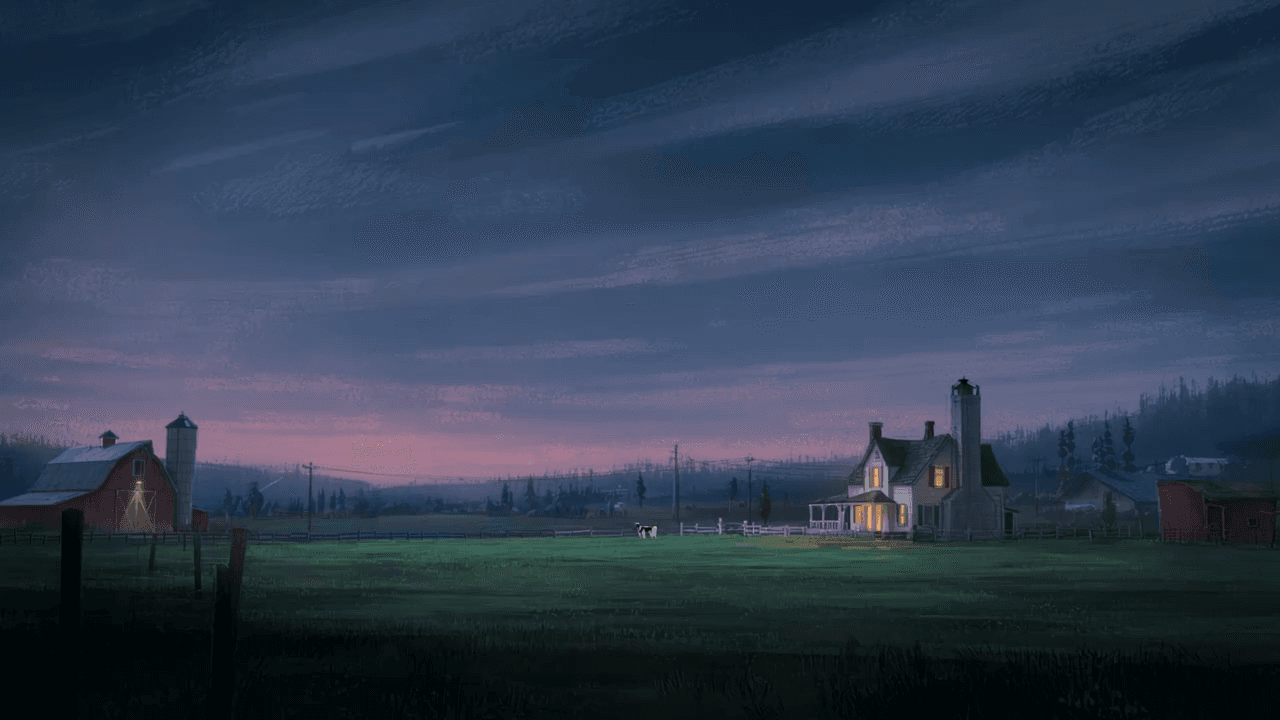
Wan3.0 for An Event Opener: Build Audio-Led Storytelling Video Stories in Studio
Use Wan3.0 in Studio to turn venue photos, an event brief, and a music reference into a scene where voice, ambience, and effects reinforce the visible action. Explore audio-led storytelling workflows with up to 30 seconds of native video.
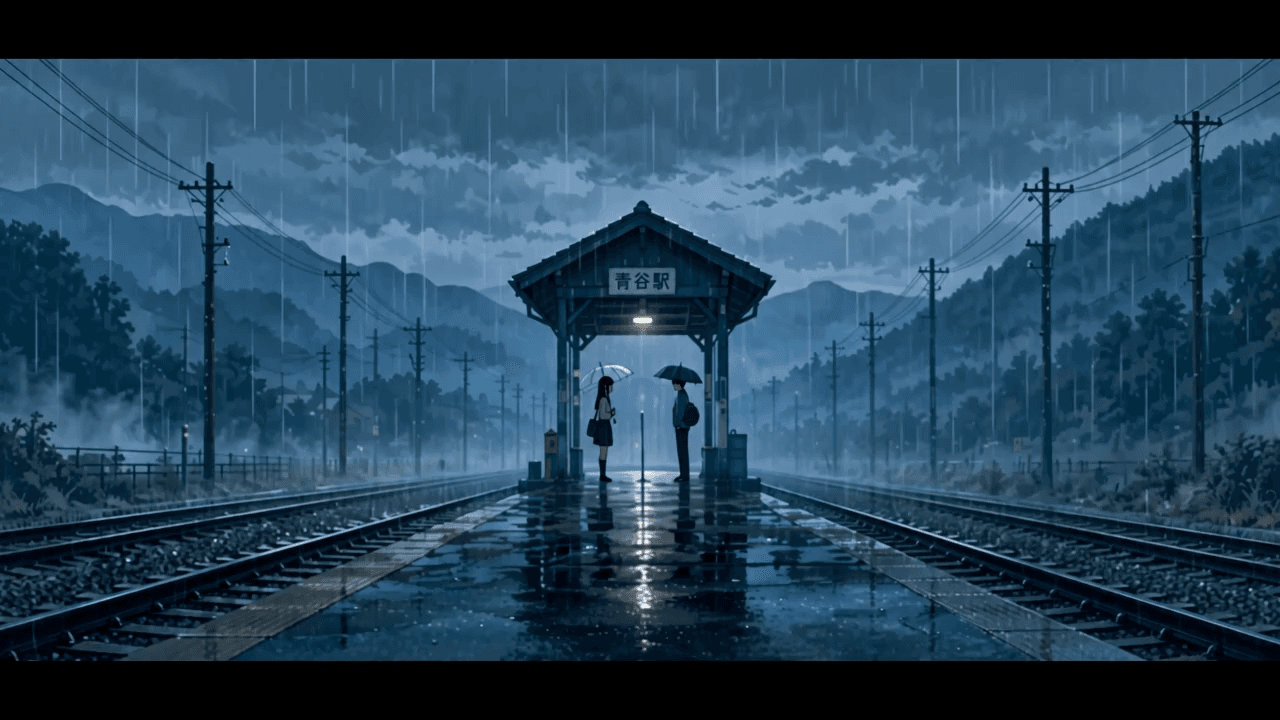
Wan3.0 for An Educational Explainer: Build Audio-Led Storytelling Video Stories in Studio
Use Wan3.0 in Studio to turn a PDF or slide deck, a diagram image, and a narration outline into a scene where voice, ambience, and effects reinforce the visible action. Explore audio-led storytelling workflows with up to 30 seconds of native video.
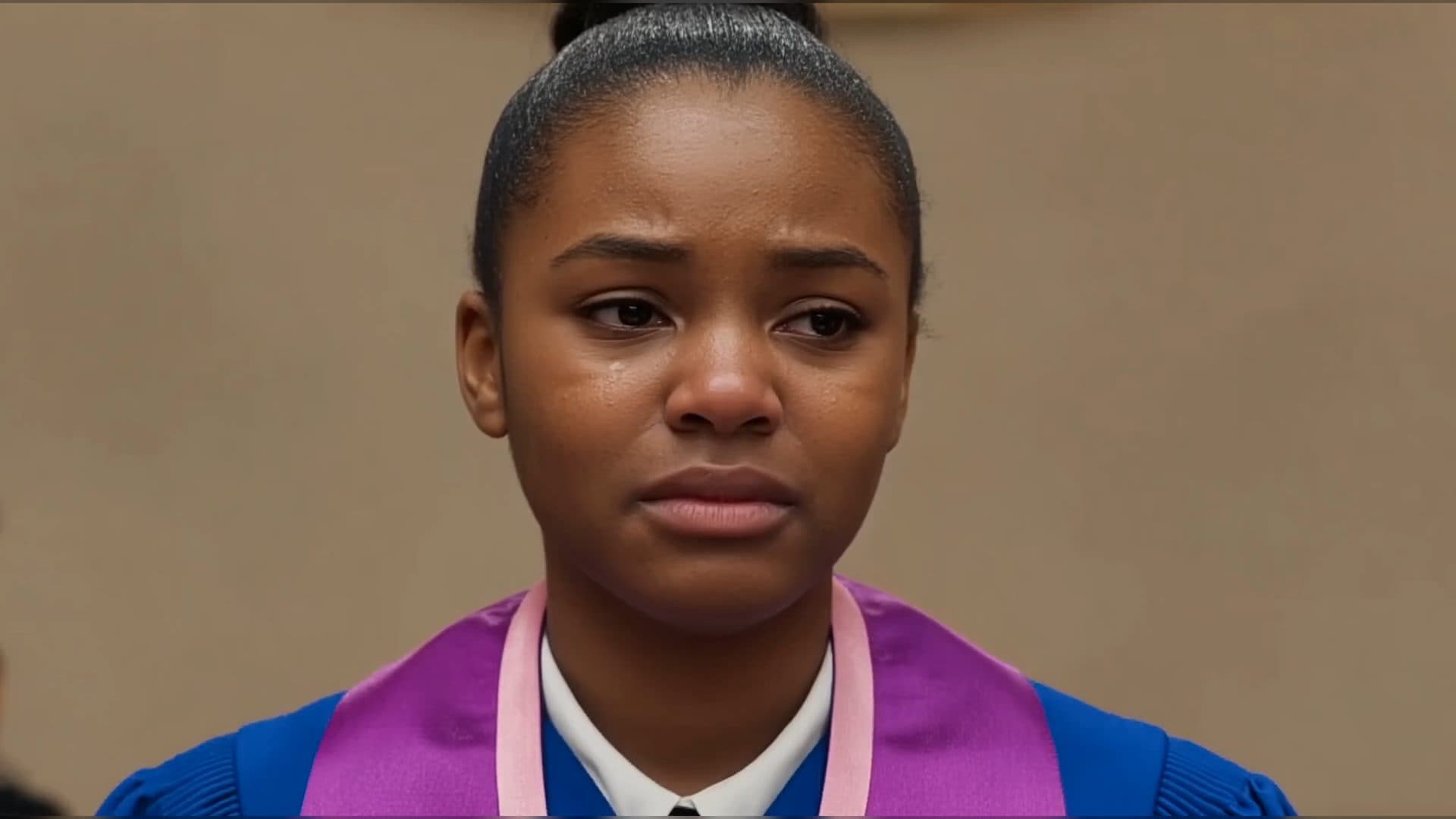
Wan3.0 for A Social Campaign: Build Audio-Led Storytelling Video Stories in Studio
Use Wan3.0 in Studio to turn a campaign image, a concise message, and a web reference into a scene where voice, ambience, and effects reinforce the visible action. Explore audio-led storytelling workflows with up to 30 seconds of native video.
From insight to creation
Turn the latest model into your next shot.
Take what you learned into ArtArch Studio and start building with the latest creative models.