

ArtArch Newsroom
Product MarketingAI Fashion Try-On Sales Video From Product Image
Turn one clothing photo into an AI fashion try-on sales video with full-length views, garment close-ups, profile angles, and a natural mirror moment.
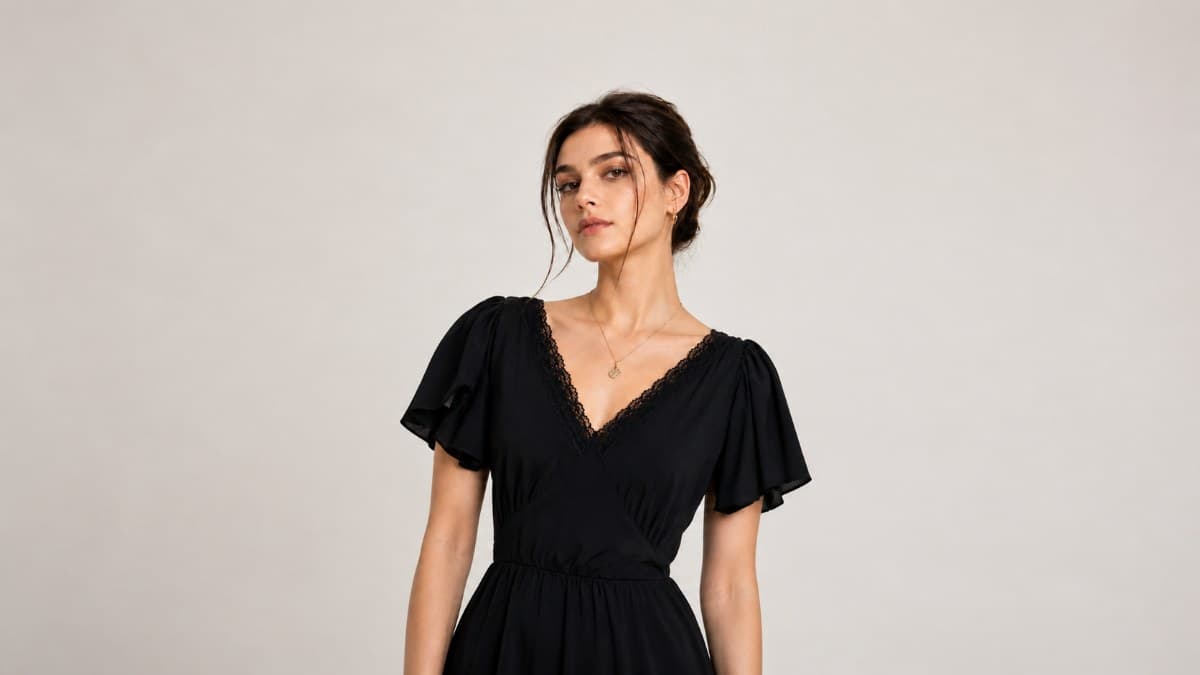
Upload one clothing photo to create an AI fashion try-on sales video from product image. The template presents the garment on a model in a warm, minimalist interior, moving from a full-length view to neckline, waist, sleeve, side-profile, and mirror-selfie shots. The result feels closer to a polished fitting-room recommendation than a static catalog display.
The preview uses a black floor-length dress with a fitted waist, lace-trimmed V-neck, and layered flutter sleeves. Every shot keeps the dress central while natural gestures and changing camera distance show how the garment reads on a person.
From product photo to an in-context try-on story
The video opens on a full-length front view. A model stands in a softly lit room with pale walls, warm wood flooring, a light rug, framed artwork, and a console styled with a ceramic vase and bare branches. The quiet setting provides context without competing with the garment.
The camera then moves closer to the upper body. As the model raises a hand to her hair, the shot gives a clearer view of the lace neckline, gathered bust, flutter sleeves, and narrow ties. The movement is small, but it prevents the dress from looking like a still product cutout.
A tighter crop follows the line from waist to skirt. This section shows the fitted middle and the way the dark fabric falls into a long, fluid silhouette. The shift in framing helps a shopper understand both construction and overall shape.
The later shots return to the model from the side, revealing the neckline and sleeve layers in profile. The video closes with a full-length mirror selfie. That final moment changes the tone from formal campaign footage to the kind of outfit check a customer might see from a creator or boutique account.
Why the sequence works for clothing sales
Fashion content has to answer two visual questions quickly: what does the garment look like as a complete outfit, and which details deserve a closer look? This sequence handles both within roughly 16 seconds.
The opening and closing frames establish the dress at full length. The middle brings the viewer closer to the neckline, sleeves, waist, and fabric fall. A side angle adds shape information that a straight-on catalog photo cannot provide on its own.
The room also gives the clip a consistent visual identity. Warm neutral tones, natural light, simple decor, and a relaxed mirror moment place the dress in an aspirational but believable setting. The preview relies on movement and framing rather than spoken claims, so the garment remains the main sales argument.
Product marketing uses for this template
Launch a dress with more than one useful angle
A fashion retailer may have a clean product image ready for a new arrival but no model footage. The template turns that source into a front view, close detail shots, a profile, and a mirror scene. The finished sequence can introduce the item on a product page or in a vertical launch post.
Keep exploring
More in Product Marketing
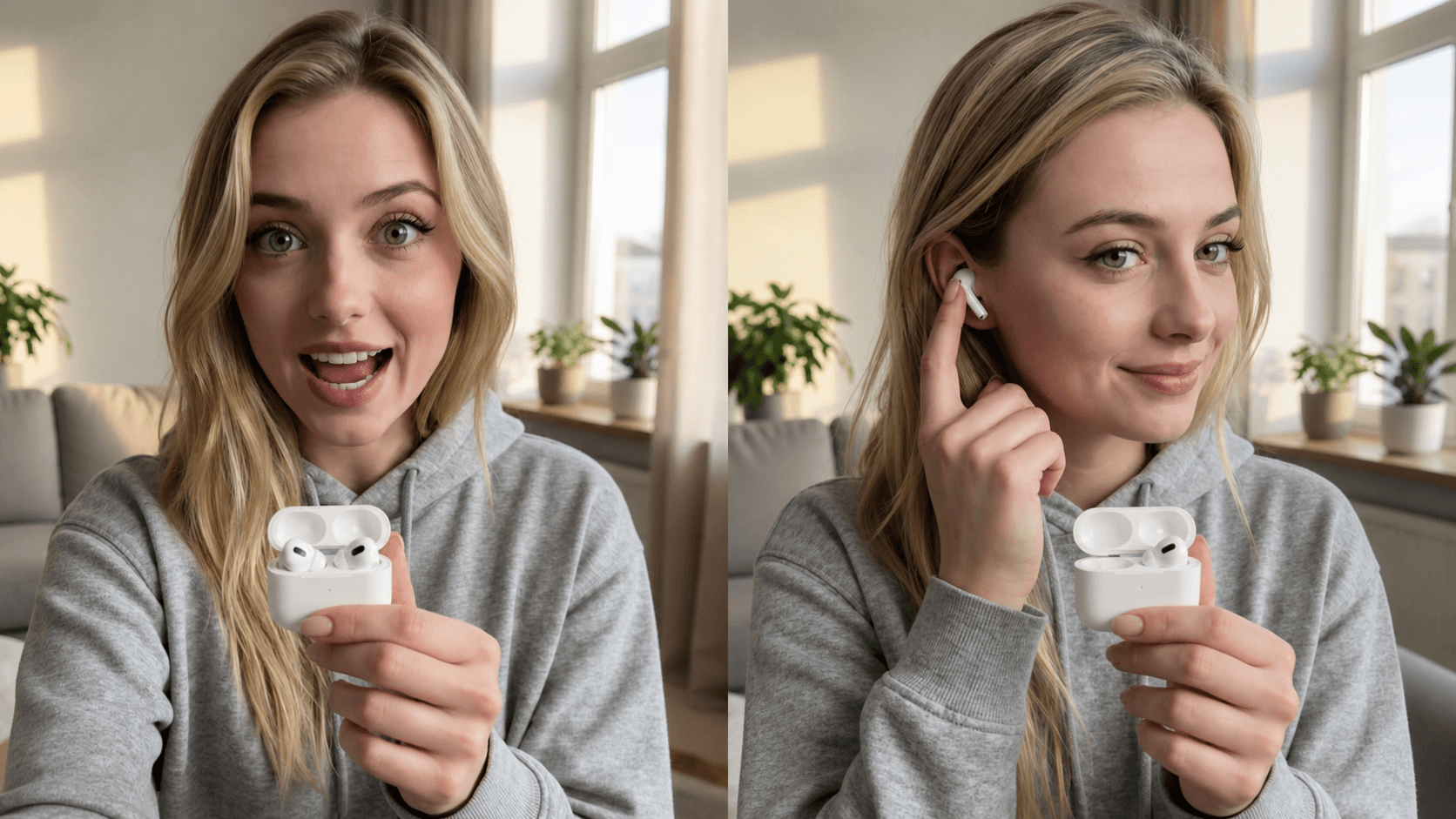
Create AI UGC Product Ad Videos for Paid Social and Product Catalogs
Create an AI UGC product ad video with a product demonstration and talking-head pitch for paid social, feed ads, direct response, and product catalog campaigns.
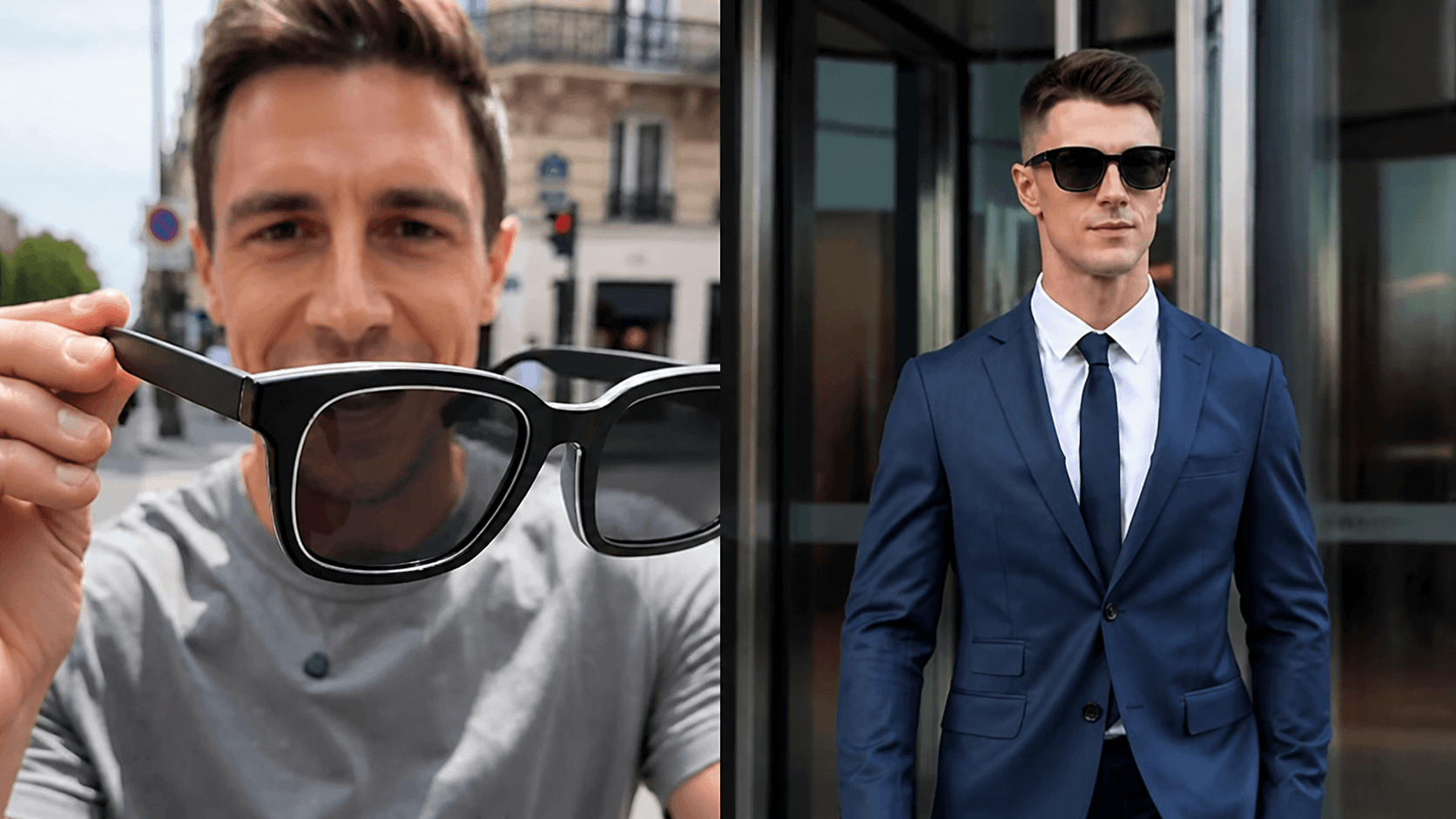
Create AI Direct Response Product Videos for Performance Ads
Create an AI direct response product video that combines product demonstration with a talking-head pitch for feed ads, paid social, and conversion-focused campaigns.
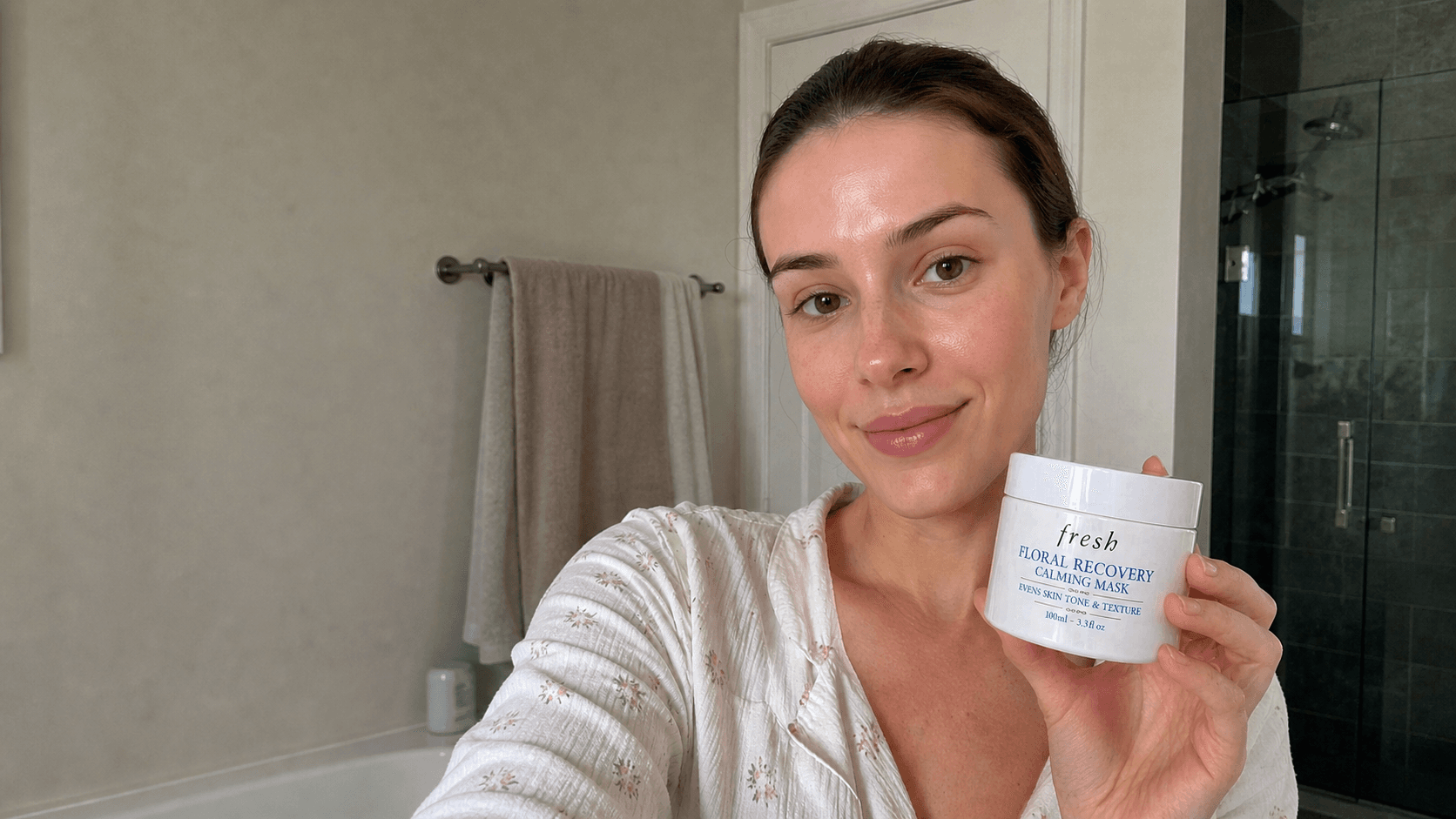
How to Create a Realistic AI Skincare Product Video
Create a realistic AI skincare product video with natural skin texture, believable bathroom light, clear packaging, and selfie-style beauty content.
Create an AI Sunglasses Product Image Gallery for Ecommerce Campaigns
Create an AI sunglasses product image gallery with comparison, product, detail, lifestyle, and promotional images for ecommerce campaigns.