

ArtArch Newsroom
Product MarketingCreate an AI Sunglasses Product Image Gallery for Ecommerce Campaigns
Create an AI sunglasses product image gallery with comparison, product, detail, lifestyle, and promotional images for ecommerce campaigns.
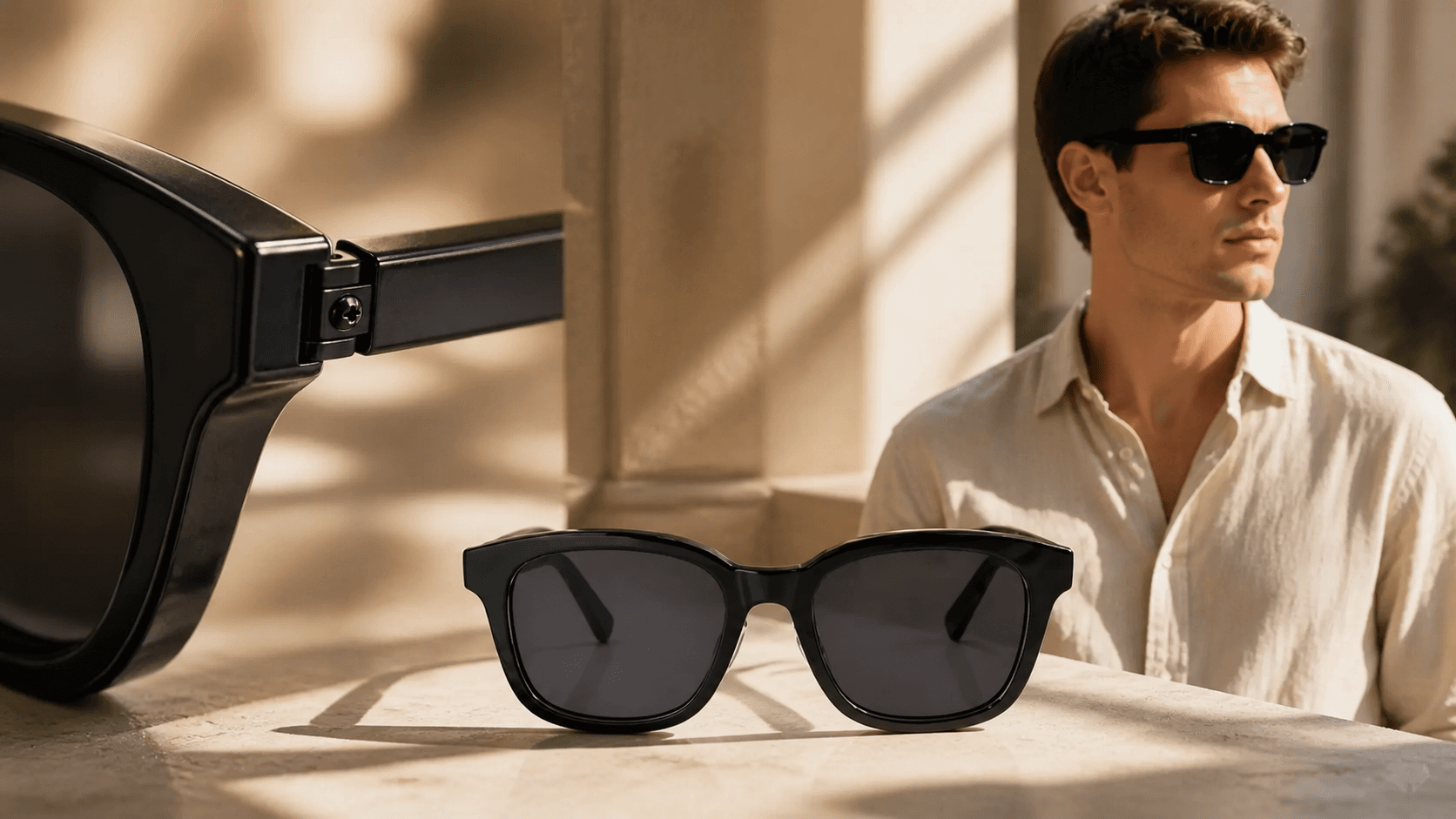
Choose a sunglasses product, add one reference image, and provide the product name and description to create an AI sunglasses product image gallery for ecommerce and social campaigns. The template turns those inputs into six vertical campaign images: a benefit-led comparison, a clean product scene, a craftsmanship close-up, two lifestyle placements, and a conversion-focused offer creative.
That range matters because a product campaign rarely needs one beautiful image. It needs a visual system that can introduce the problem, establish the product, prove the detail, place it in a believable life, and give the shopper a reason to act.
One product, six jobs across the campaign
The gallery gives each image a distinct commercial role while keeping the same black rectangular frame at the center of the story.
The first image uses a split portrait to show the difference between squinting in bright light and wearing the sunglasses. The second places the frame on a sunlit stone surface for a clean ecommerce hero. A macro image moves closer to the hinge and temple, turning construction into a visual selling point.
The remaining images shift into use. One shows the sunglasses with a light summer outfit on a bright city street. Another brings the product into a warm café scene. The final image returns to a direct creator-style presentation with space for an offer and call to action.
Together, the six images cover awareness, product consideration, detail, lifestyle fit, and conversion. A marketer can use them as a carousel, split them across a launch week, or assign each image to a different stage of a paid-social test.
Preparing for GPT Image 2.5 starts before the model arrives
OpenAI’s official model catalog currently lists GPT-Image-2 as its state-of-the-art image generation model. “GPT Image 2.5” has not been announced by OpenAI, so the useful preparation is operational: build a stronger product-image system now, then apply the next model upgrade to a workflow that already knows what good looks like.
A more capable model can improve fidelity and creative range, but the commercial direction still comes from the inputs and decisions around it. Teams that prepare four assets now will be ready to use the next image model with less trial and error.
1. Build a clean product truth pack
Start with approved product images that clearly show the front, side, hinge, lens shape, and frame material. Keep the color and geometry consistent across the set. For sunglasses, the curve of the brow line, temple thickness, hinge position, and lens tint are identity details worth checking in every result.
2. Separate verified claims from creative language
Maintain a short claim sheet for each product. Record the exact material, lens properties, fit, comfort information, available colors, and approved offer. The sample gallery uses lines about glare, craftsmanship, comfort, and a discount. Before those ideas become public copy, align each one with the product information and live promotion.
Keep exploring
More in Product Marketing
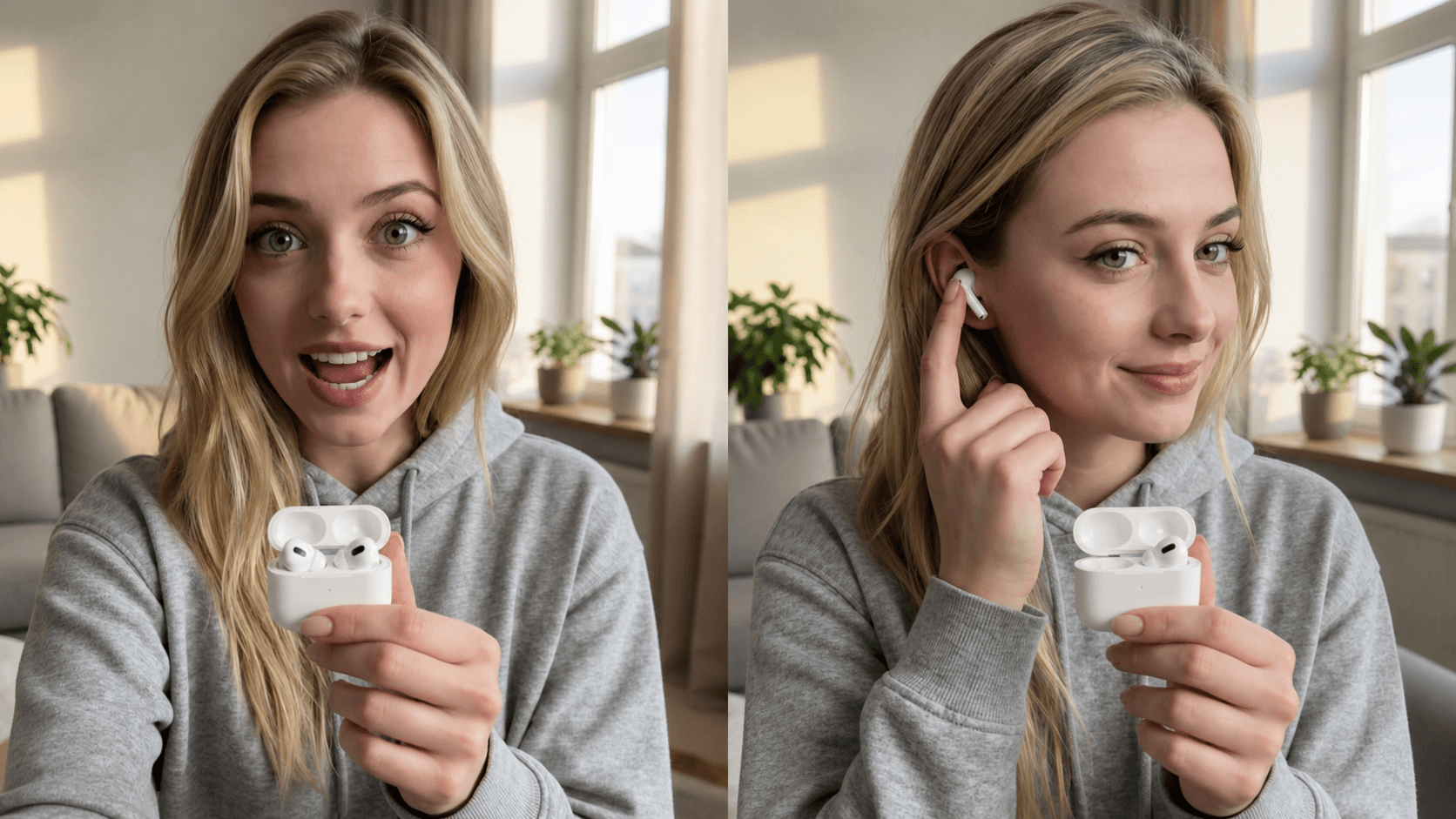
Create AI UGC Product Ad Videos for Paid Social and Product Catalogs
Create an AI UGC product ad video with a product demonstration and talking-head pitch for paid social, feed ads, direct response, and product catalog campaigns.
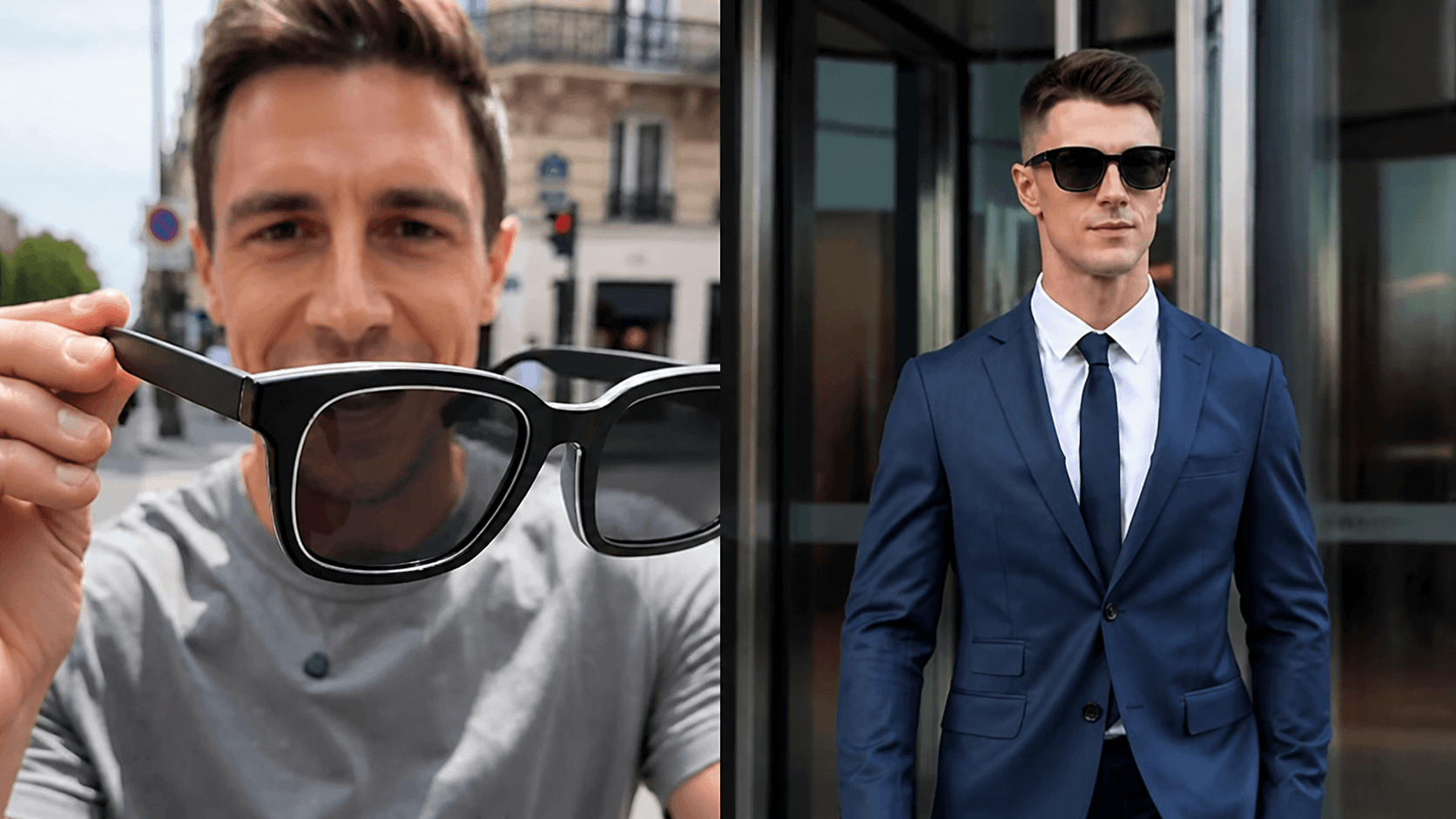
Create AI Direct Response Product Videos for Performance Ads
Create an AI direct response product video that combines product demonstration with a talking-head pitch for feed ads, paid social, and conversion-focused campaigns.
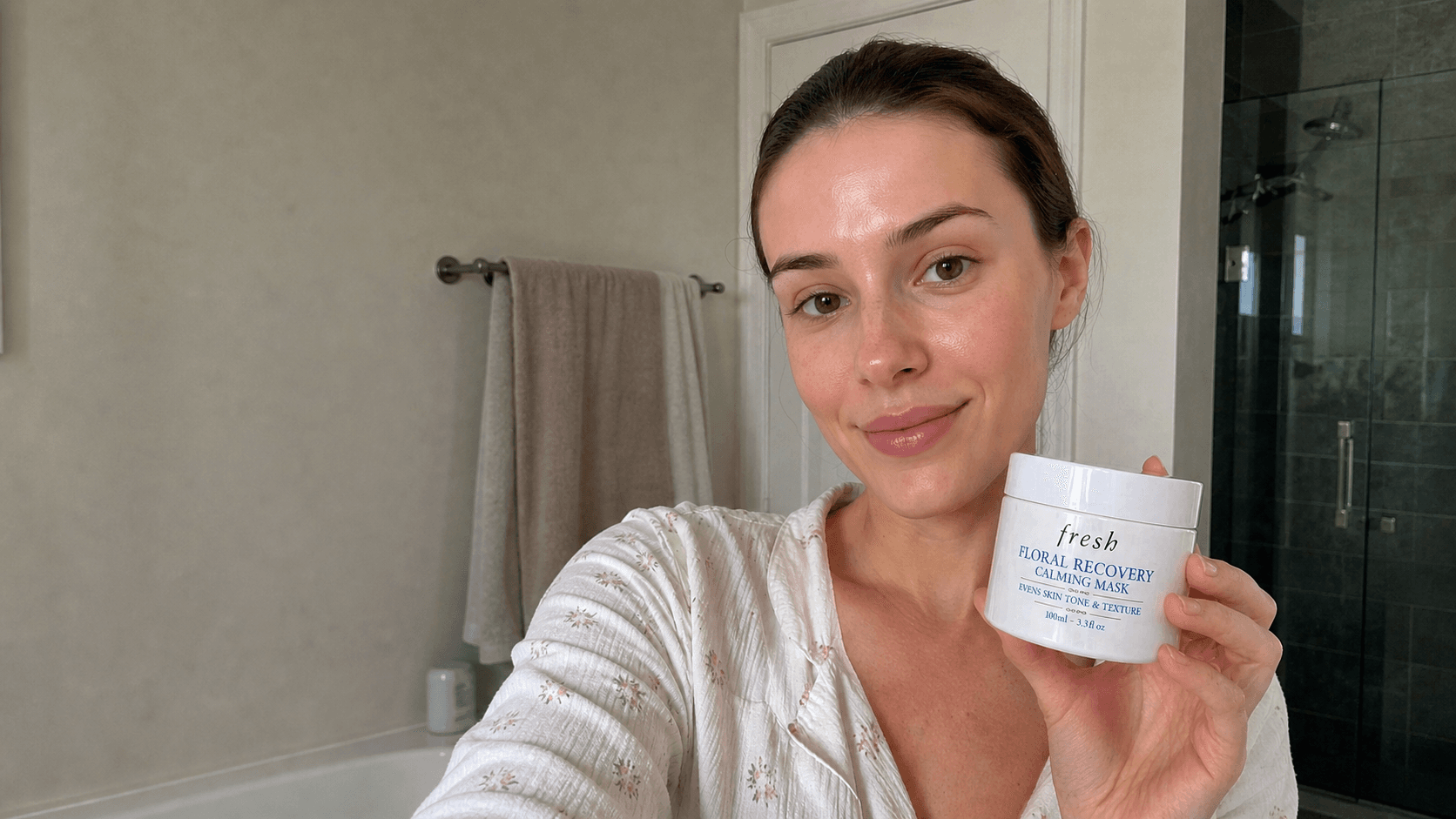
How to Create a Realistic AI Skincare Product Video
Create a realistic AI skincare product video with natural skin texture, believable bathroom light, clear packaging, and selfie-style beauty content.
Create an AI Smartphone Product Marketing Video From Product Images
Create a 15-second AI smartphone product marketing video with color variants, rotating product views, tactile interaction, and macro camera details.