

ArtArch Newsroom
Creative AgentDesigning a Vertical AI Platform Arrival Video Around One Visual Anchor
vertical AI platform arrival video case study with saved ArtArch Studio media, prompt decisions, visible results, and practical production notes.
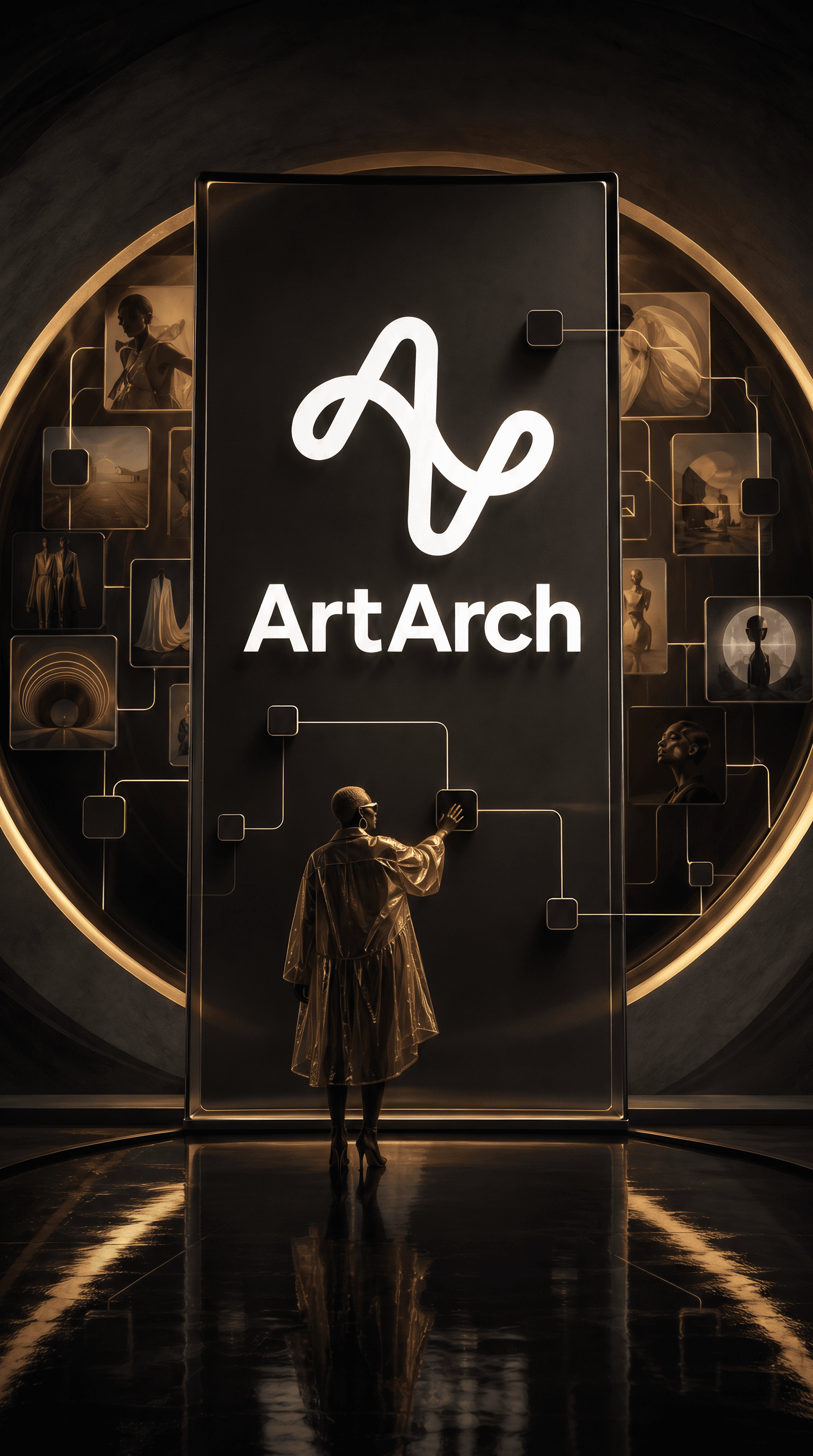
This vertical AI platform arrival video example uses a vertical key visual with a central brand monument as its production input. Its target was a portrait-format arrival clip that uses light movement instead of scene cuts, and the saved canvas shows which parts of that target held up in the rendered frame or clip.
Canvas video: a portrait-format arrival clip that uses light movement instead of scene cuts.
A useful way to read this test
The source request focused on a vertical key visual with a central brand monument. The agent converted it into one visible goal: Keep the camera centered, let one signal travel across the image, and reserve the final seconds for the brand.
What changed on screen
The vertical frame uses the creator at the bottom as scale and the logo tower as the destination. The lime path supplies motion without changing locations.
The visible target was a portrait-format arrival clip that uses light movement instead of scene cuts. For a related run, keep this production decision: For an eight-second announcement, animate one relationship already present in the still instead of adding a second scene.
Try the same decision path
- Start with a vertical key visual with a central brand monument.
- Write the visible constraint that matters most: For an eight-second announcement, animate one relationship already present in the still instead of adding a second scene.
- Generate one reviewable result, inspect still frames as well as playback, and keep the saved canvas media as the production record.
The approach transfers to Instagram or Pinterest launches, mobile event screens, or a short paid social opener.
Open the source ArtArch Studio canvas to inspect the saved creative context.
Frequently asked questions
What should I prepare first?
Prepare a vertical key visual with a central brand monument. Use the clearest original files available and decide which one owns identity, product detail, or endpoint composition.
What should I inspect in the result?
Check the result against this visible target: a portrait-format arrival clip that uses light movement instead of scene cuts. Review framing, subject identity, props, text, and the first and last frames when video is involved.
Can I reuse the same setup?
Yes. Keep the canvas media and the decision that controlled it: For an eight-second announcement, animate one relationship already present in the still instead of adding a second scene.
Keep exploring
More in Creative Agent

Designing a Three-Scene AI Character State Machine
three-scene AI character state machine case study with saved ArtArch Studio media, prompt decisions, visible results, and practical production notes.

Extracting First and Last Frames to Plan AI Video Transitions
AI video transitions case study with saved ArtArch Studio media, prompt decisions, visible results, and practical production notes.

Fan-Dance-to-Idle AI Transition With a Clean Endpoint
fan-dance-to-idle AI transition case study with saved ArtArch Studio media, prompt decisions, visible results, and practical production notes.
An Idle-to-Fan-Dance AI Transition With the Prop as the Cue
idle-to-fan-dance AI transition case study with saved ArtArch Studio media, prompt decisions, visible results, and practical production notes.