

ArtArch Newsroom
Producer's NoteSummer Outfit Pose Video from Photo
Turn one photo into a summer outfit pose video with a front-facing performance, a matched pose, and a consistent reference setting.
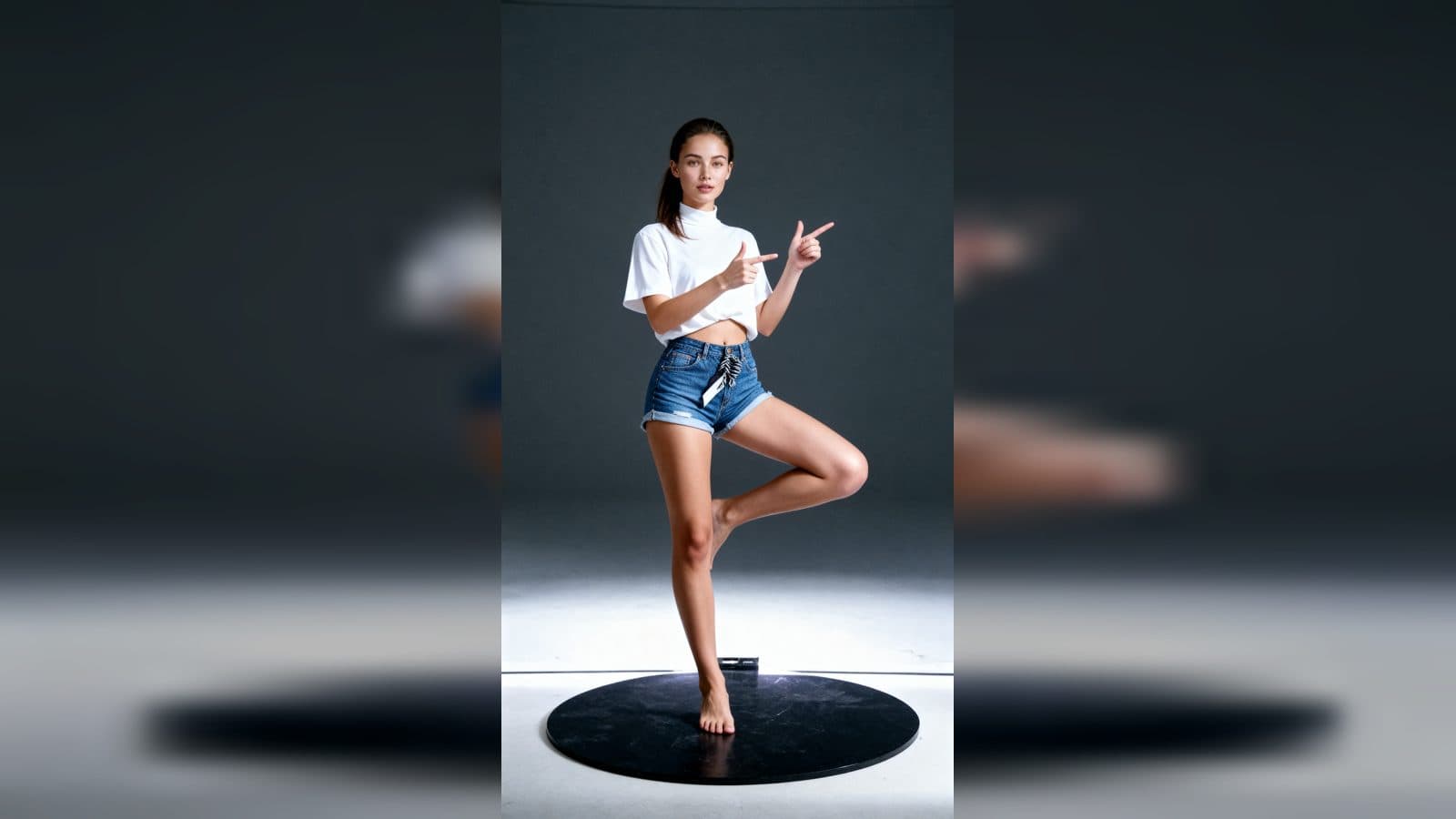
Upload one photo to create a summer outfit pose video from photo. The finished video presents the subject facing the camera in summer clothing, matching a playful reference pose while keeping the reference setting and camera angle consistent.
A pose-led summer transformation
The template is built around a simple visual swap: the subject's identity comes from the uploaded photo, while the finished scene uses a summer outfit and a pose-led performance. The front-facing composition keeps the result easy to read.
The matched background and camera angle make the transformation feel intentional. A viewer can compare the subject's new outfit and posture without the scene changing underneath them.
Three moments to look for
The front-facing setup
Choose a photo where the subject's face is clear. The opening places that person directly toward the camera so the identity remains the visual anchor.
The playful pose
The central movement follows a playful, dance-inspired reference pose. Summer clothing and the held posture turn a regular portrait into a light performance moment.
The consistent finish
The ending keeps the same setting and camera perspective, letting the viewer focus on the subject's outfit and pose rather than a changing backdrop.
How to create the video
- Upload the photo you want to feature.
- Open the She pretends to be dancing template card.
- Review the finished summer outfit video and its matched pose.
Input and visible result
The workflow accepts one uploaded image. Look for a front-facing video where the subject wears summer clothing, adopts the reference action, and stays framed by the same background and camera angle. A clear portrait gives the outfit and pose a strong starting point.
Frequently asked questions
What do I upload?
Upload one photo of the person you want to place in the summer outfit scene. A clear face helps the front-facing result stay recognizable.
What changes in the finished video?
The subject appears in summer clothing and follows a playful pose inspired by the reference action.
How does the scene stay coherent?
The subject's pose is matched to the reference while the background and camera angle remain consistent across the scene.
How do I start?
Upload the image, open the She pretends to be dancing template card, and review the resulting pose video.
Click the She pretends to be dancing template card on this page to enter the experience page and try the template.
Keep exploring
More in Producer's Note

AI Watercolor Style Transformation Image From Image
Use an image to create an image centered on 🎨 Watercolor style transformation with this Skira template.

AI She Feigns Dancing Elegantly Video From Image
Use an image to create a video centered on She feigns dancing elegantly with this Skira template.

AI Authentic Talking-head Hair Clip Video From Image
Use an image to create a video centered on Authentic Talking-Head Hair Clip Sales Template with this Skira template.

AI Hot Dance Video From Image
Use an image to create a video centered on Hot Dance with this Skira template.