

ArtArch Newsroom
Creative AgentTiming Strips: Turning Storyboard Panels into Seconds
Use timing strips to give AI storyboard panels enough time for actions, cuts, and readable ending frames.
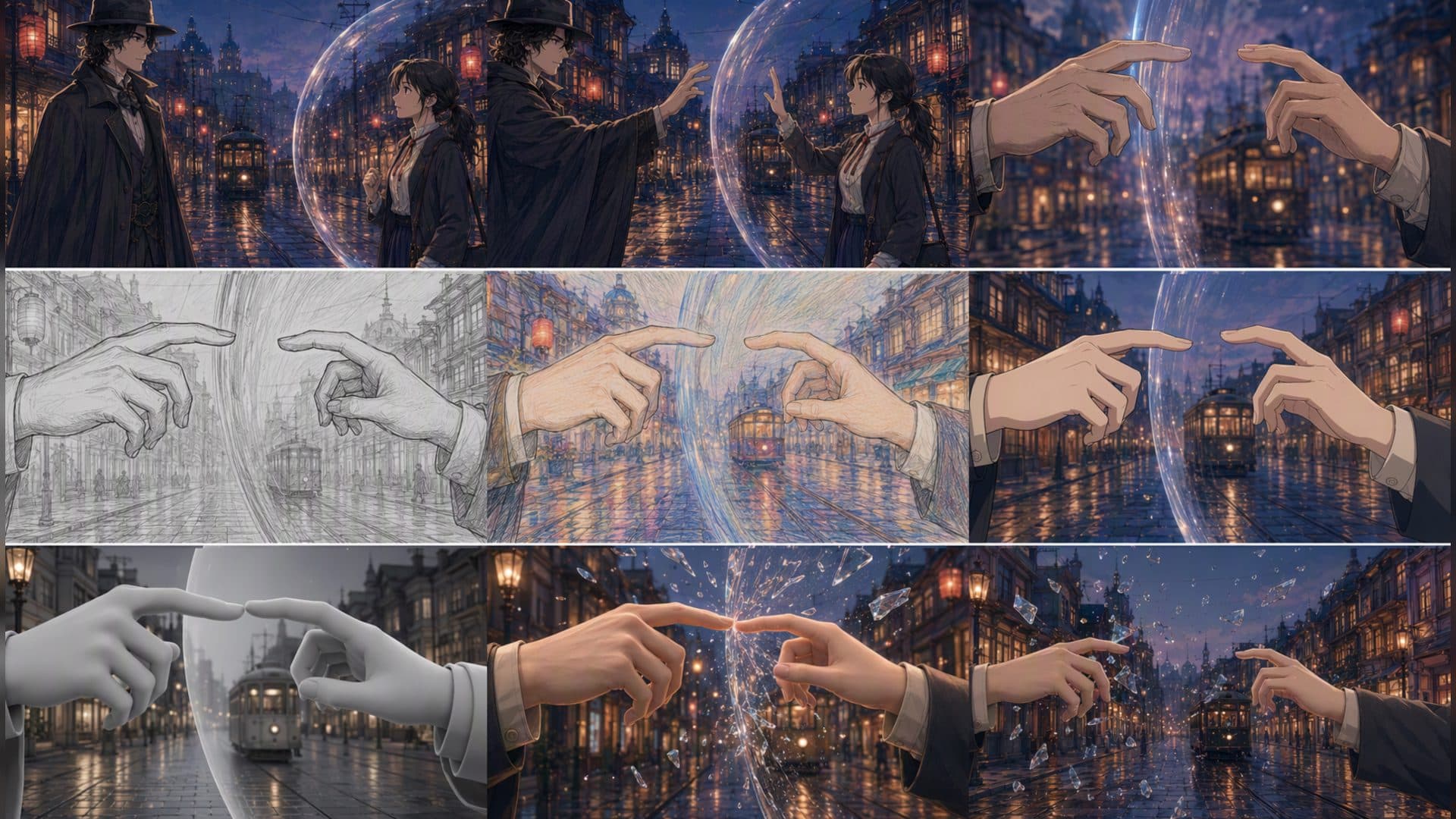
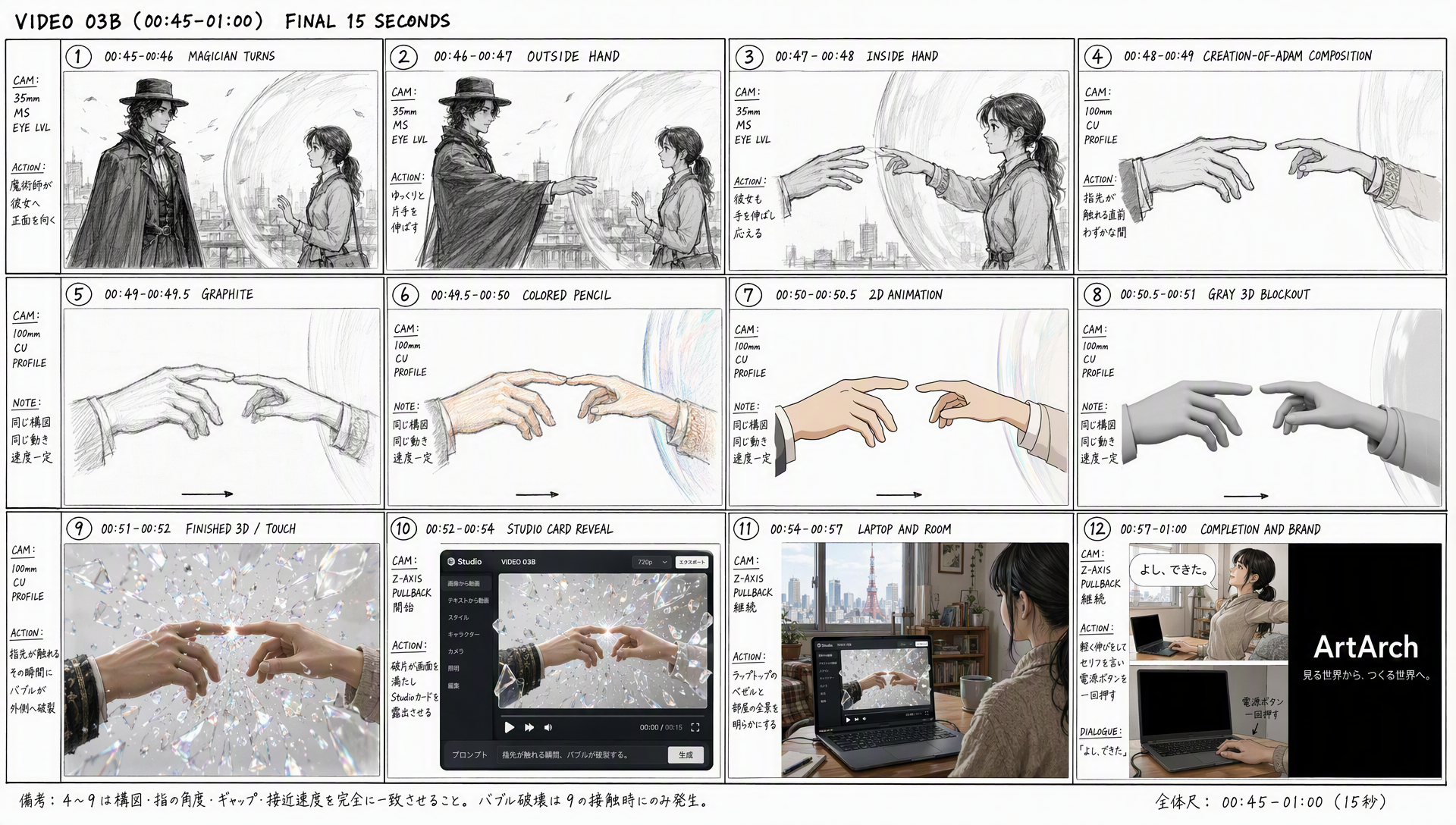
A storyboard becomes easier to animate when panels have timing strips. A timing strip does not need exact editing software notation. It only needs to show how long a beat lasts, where a cut happens, and which moment must be held for the viewer.
Give each beat room
An entrance, a hand action, and a reaction usually need different amounts of time. A figure entering quickly can occupy a short panel, while opening a laptop and reading its screen may need a longer hold. Write a start and end time beside the panel.
Protect the ending
The final frame of a beat is a contract. If the next panel begins with a screen close-up, the previous panel should end with the screen visible and stable. If a character turns, the end pose should make the next eyeline possible.
Use the strip with an agent
Ask Codex to convert timing notes into a short sequence plan, then read back the configured duration. Seedance 2.5 or another available video model can test the beat, but the agent should not silently compress the timing to fit a different setting.
When the timing is uncertain, make two versions of the same beat: one with a quick entrance and one with a longer settle. Compare only the moment that changed. The comparison teaches you whether the problem is rhythm or staging.
Frequently asked questions
Do I need frame-accurate timing at the sketch stage?
No. Approximate seconds are enough until the action and order are approved.
What should I hold?
Hold the frame that communicates the discovery, decision, or final result.
Can timing notes appear in the final video?
They should remain planning information unless you intentionally design them as part of the artwork.
Use a timing strip to make your next storyboard understandable before you animate it.
Keep exploring
More in Creative Agent

Designing a Three-Scene AI Character State Machine
three-scene AI character state machine case study with saved ArtArch Studio media, prompt decisions, visible results, and practical production notes.

Extracting First and Last Frames to Plan AI Video Transitions
AI video transitions case study with saved ArtArch Studio media, prompt decisions, visible results, and practical production notes.

Fan-Dance-to-Idle AI Transition With a Clean Endpoint
fan-dance-to-idle AI transition case study with saved ArtArch Studio media, prompt decisions, visible results, and practical production notes.
An Idle-to-Fan-Dance AI Transition With the Prop as the Cue
idle-to-fan-dance AI transition case study with saved ArtArch Studio media, prompt decisions, visible results, and practical production notes.