

ArtArch Newsroom
Creative AgentRough Storyboard or Polished Key Visual: Which Comes First?
Understand when to use a rough storyboard for structure and a polished key visual for appearance in AI art.
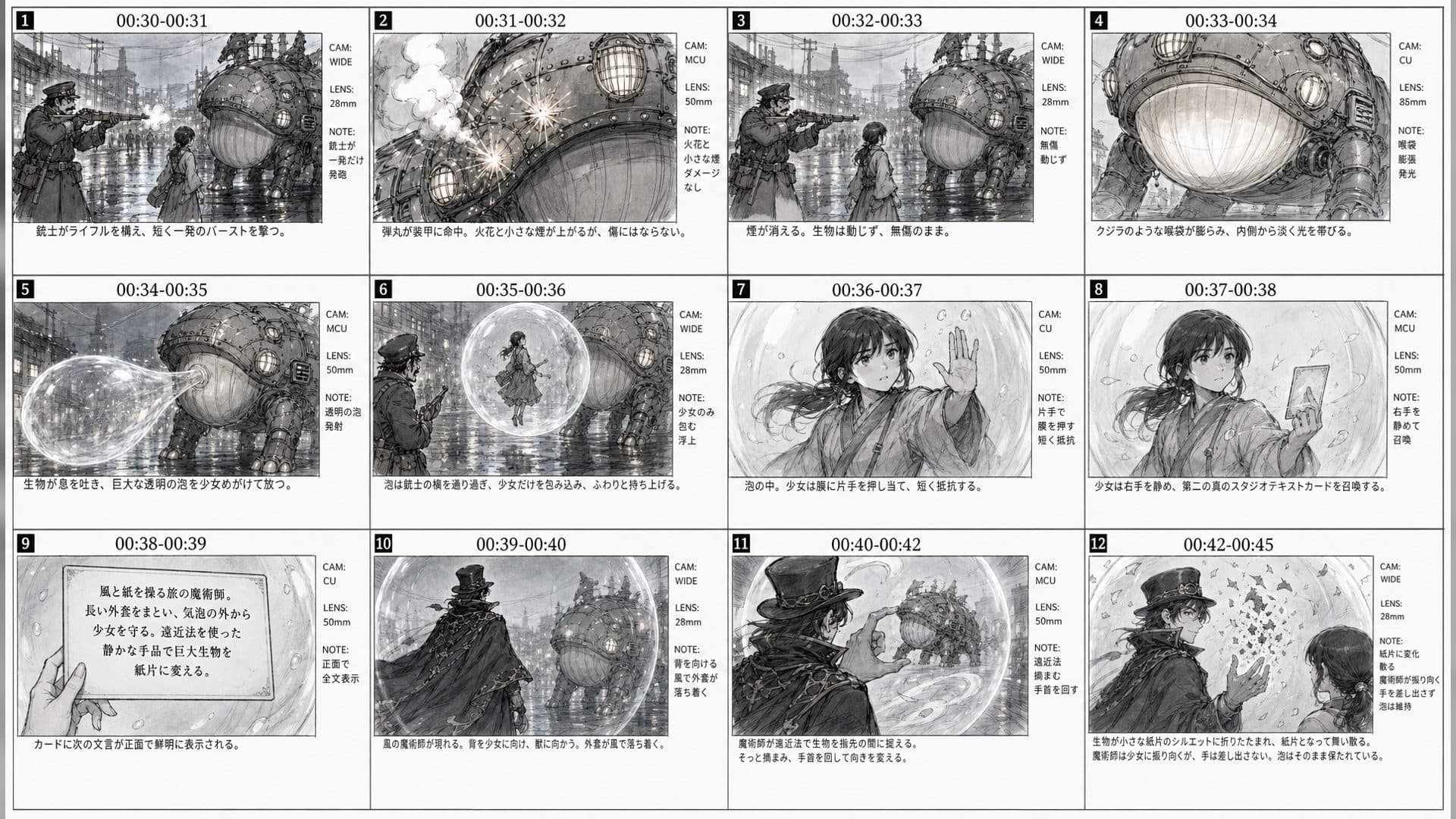
Rough storyboards and polished key visuals solve different problems. A rough board answers whether the sequence works. A key visual answers how one chosen moment should look. Beginners often get better results by deciding the sequence first and polishing only the frames that matter.
Use rough drawings for structure
Graphite lines, simple silhouettes, and camera arrows are enough to test entrances, exits, eyelines, and transitions. A rough panel can reveal that a hand action needs more time or that a character crosses the wrong side of the frame.
Use a key visual for appearance
Once a beat works, create a clean reference for identity, costume, palette, or environment. GPT Image 2 can be used to explore that still, while a constrained clean pass can preserve the composition for downstream work. Keep the original PNG as the canonical reference.
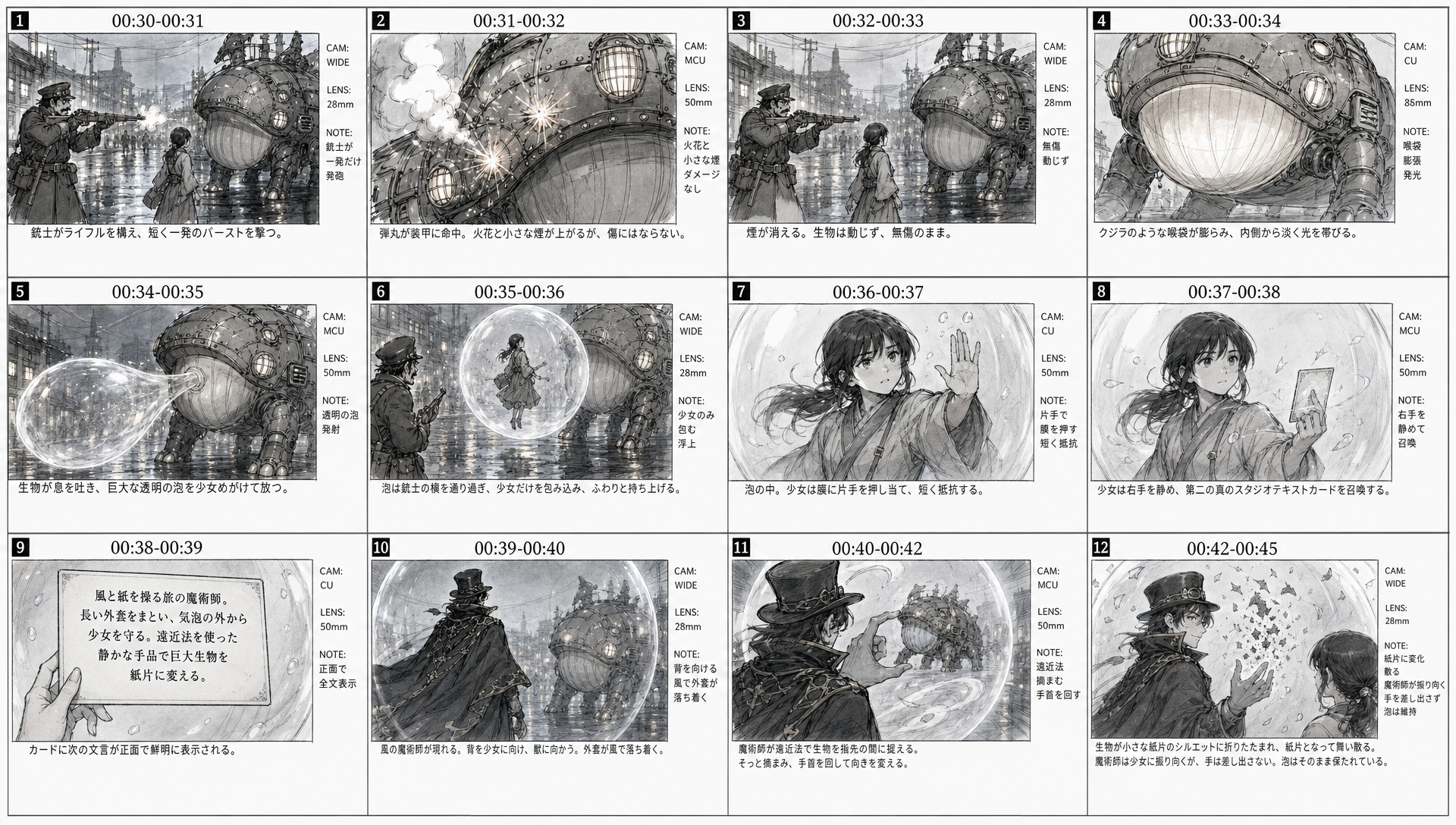
Connect the two in ArtArch
Ask Codex to label which image controls timing and which image controls appearance. The storyboard can guide shot order and camera movement. The key visual can guide subject identity and palette. Reading back those roles helps prevent a rough sheet from appearing inside the finished video.
Make the handoff explicit in your notes. Write the selected panel, the approved key visual, and the question the next motion test should answer. This keeps a beautiful still from becoming an unexamined replacement for the whole sequence.
Frequently asked questions
Should I polish every storyboard panel?
No. Polish the frames that will become references or marketing images.
Can a key visual replace a storyboard?
It can describe one moment, but it does not explain a complete sequence as clearly.
Why preserve the original PNG?
It keeps the highest-quality source available for a later clean pass or reference edge.
Start rough, choose the strongest beat, and let creative-agent help you move from structure to art direction.
Keep exploring
More in Creative Agent

Designing a Three-Scene AI Character State Machine
three-scene AI character state machine case study with saved ArtArch Studio media, prompt decisions, visible results, and practical production notes.

Extracting First and Last Frames to Plan AI Video Transitions
AI video transitions case study with saved ArtArch Studio media, prompt decisions, visible results, and practical production notes.

Fan-Dance-to-Idle AI Transition With a Clean Endpoint
fan-dance-to-idle AI transition case study with saved ArtArch Studio media, prompt decisions, visible results, and practical production notes.
An Idle-to-Fan-Dance AI Transition With the Prop as the Cue
idle-to-fan-dance AI transition case study with saved ArtArch Studio media, prompt decisions, visible results, and practical production notes.