

ArtArch Newsroom
Producer's NoteRaven Crow Transformation Video from Photo
Turn one photo into a raven crow transformation video with a crouch action, a whirlwind of crows, and a mysterious shadow-like finish.
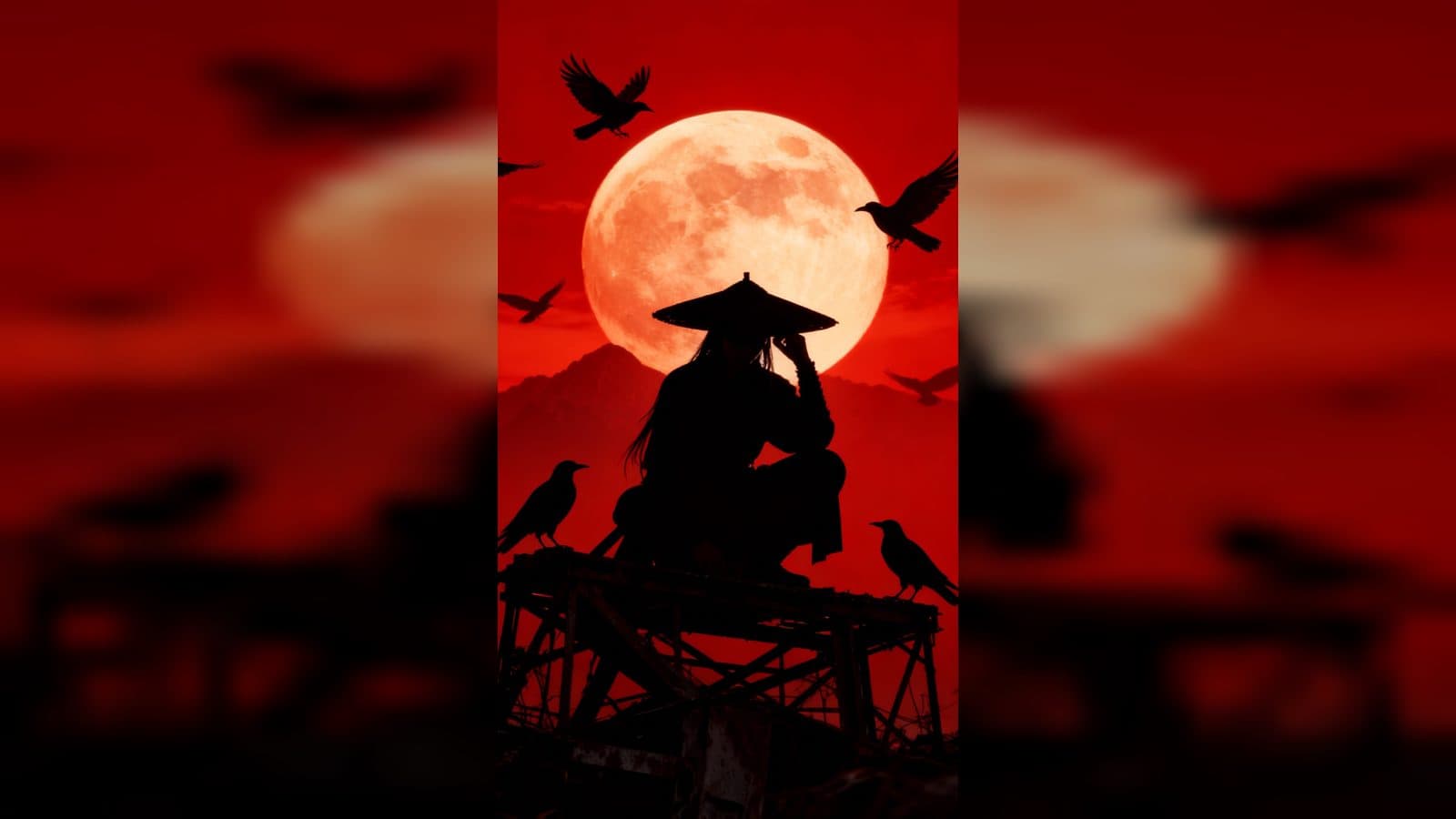
Upload one photo to create a raven crow transformation video from photo. The finished clip starts with a quick crouch, sends a whirlwind of crows through the scene, and evolves the subject into a mysterious shadow-like transformation.
A fast dark-fantasy transition
The template gives the subject a concise action-to-transformation arc. A crouch supplies the trigger, then the crows turn an ordinary frame into a darker, more atmospheric scene.
The motion stays visually focused: the whirlwind is the bridge between the human pose and the final shadow-like identity. It suits a character reveal, a dark profile edit, or a supernatural transition post.
Three beats to watch
The crouch trigger
Begin with a photo where the subject is clear enough to anchor the opening. The quick crouch creates the physical cue that starts the transformation.
The crow whirlwind
The middle of the video fills the frame with swirling crows. This is the visual bridge, adding movement and mystery while the subject's original pose gives way to the new scene.
The shadow-like finish
Close on the transformed, shadow-like presence. The darker final beat gives the clip a clean ending for a mysterious character post or fantasy mood piece.
How to create the transition
- Upload the photo you want to feature.
- Open the Raven Drop Transition template card.
- Review the crouch, crow whirlwind, and shadow-like transformation as one sequence.
Input and visible result
The workflow accepts one uploaded image. Look for a video that moves from a crouched action into a whirlwind of crows and a mysterious shadow-like finish. A clear subject gives the transformation a readable starting point.
Frequently asked questions
What do I upload?
Upload one photo of the person you want to place in the raven transformation. A recognizable subject makes the opening crouch easy to follow.
What triggers the effect?
A quick crouch action triggers the whirlwind of crows that leads into the transformation.
What does the ending look like?
The sequence ends with a mysterious, shadow-like version of the subject.
How do I start?
Upload the image, open the Raven Drop Transition template card, and review the resulting crow transition video.
Click the Raven Drop Transition template card on this page to enter the experience page and try the template.
Keep exploring
More in Producer's Note

AI Watercolor Style Transformation Image From Image
Use an image to create an image centered on 🎨 Watercolor style transformation with this Skira template.

AI She Feigns Dancing Elegantly Video From Image
Use an image to create a video centered on She feigns dancing elegantly with this Skira template.

AI Authentic Talking-head Hair Clip Video From Image
Use an image to create a video centered on Authentic Talking-Head Hair Clip Sales Template with this Skira template.

AI Hot Dance Video From Image
Use an image to create a video centered on Hot Dance with this Skira template.