

ArtArch Newsroom
Creative AgentHow to Stage an Over-the-Shoulder Shot in an AI Storyboard
Stage an over-the-shoulder AI storyboard with clear foreground, screen geometry, eyeline, and camera movement.
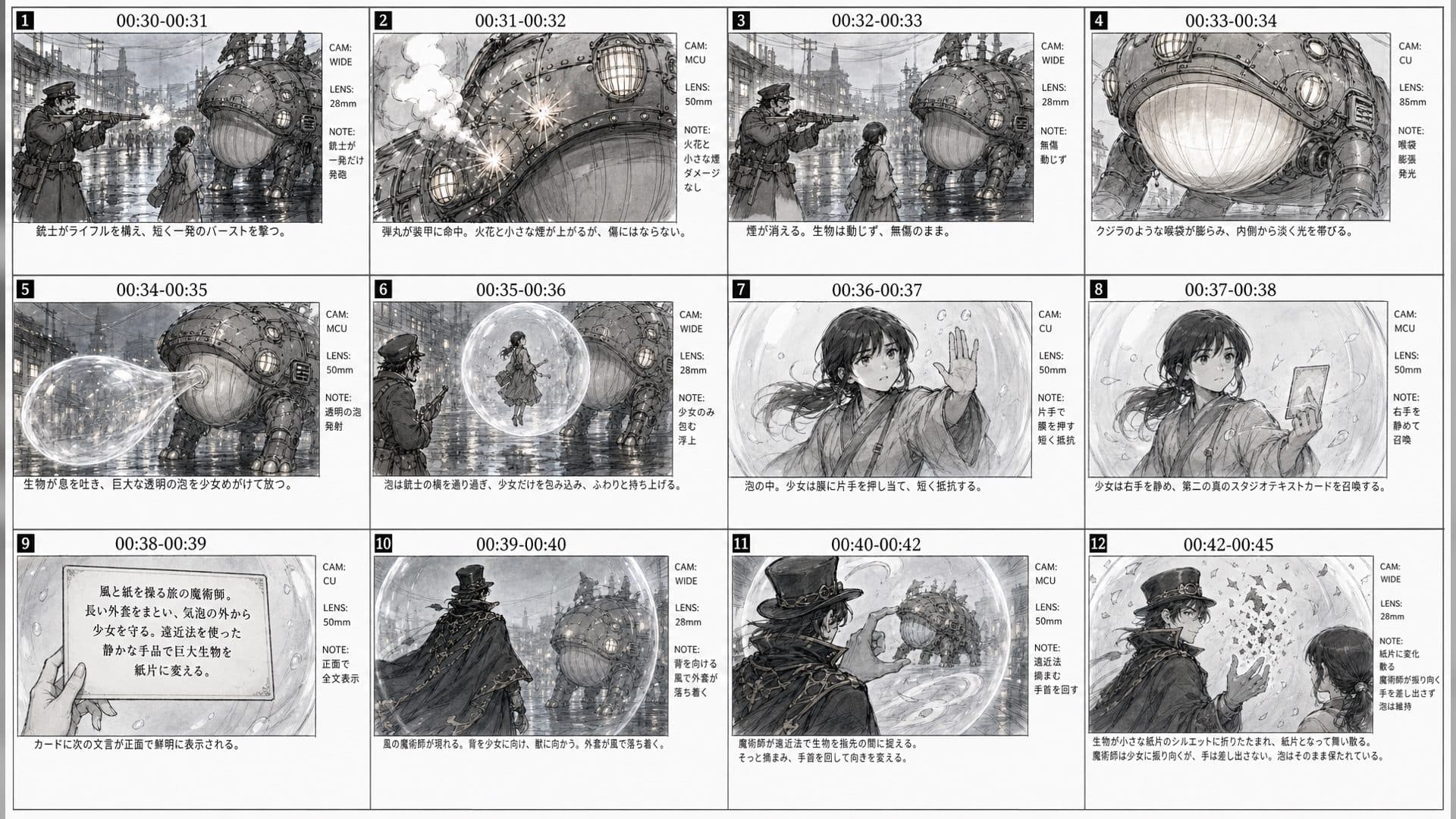
An over-the-shoulder shot connects a character's intention to what the character sees. In an AI storyboard, it also clarifies the relationship between the person, the screen, and the camera. A few strong layout decisions are more valuable than decorative detail.
Establish the three planes
Place the shoulder and head in the foreground, the laptop screen in the middle, and the room behind it. Keep the screen facing the camera enough to read its purpose. Mark the character's eyeline and the direction of the next camera move.
Protect screen geometry
If the screen shows a real interface, use a screenshot as the UI truth. The drawn panel can show the composition and hand position, but it should not become the source for tiny text. This separation is especially important when the sequence moves from a real workspace into generated art.
Use a single camera move
For a first motion test, choose a slow push toward the screen or a small pullback that reveals the room. State the start and end frame. Avoid an orbit unless the storyboard proves that the extra perspective is necessary.
Before rendering, check whether the screen is the subject or merely a clue to the subject's attention. If the screen is the story focus, hold its geometry steady. If the character's reaction is the focus, let the screen remain readable but subordinate.
Frequently asked questions
How much shoulder should be visible?
Enough to establish viewpoint, but not so much that it hides the screen.
Can the cursor move in the generated video?
Use compositing or a controlled UI layer when the cursor must be exact.
What should the final panel show?
Show the screen state after the action, held long enough for the viewer to understand it.
Use creative-agent to turn your next over-the-shoulder sketch into a precise camera and screen contract.
Keep exploring
More in Creative Agent

Designing a Three-Scene AI Character State Machine
three-scene AI character state machine case study with saved ArtArch Studio media, prompt decisions, visible results, and practical production notes.

Extracting First and Last Frames to Plan AI Video Transitions
AI video transitions case study with saved ArtArch Studio media, prompt decisions, visible results, and practical production notes.

Fan-Dance-to-Idle AI Transition With a Clean Endpoint
fan-dance-to-idle AI transition case study with saved ArtArch Studio media, prompt decisions, visible results, and practical production notes.
An Idle-to-Fan-Dance AI Transition With the Prop as the Cue
idle-to-fan-dance AI transition case study with saved ArtArch Studio media, prompt decisions, visible results, and practical production notes.