

ArtArch Newsroom
Producer's NoteOld Photo to AI Video Generator for a Living Memory
Turn one old photo into a color-restored video where the person waves, smiles, or chats, then join it with a second moving photo moment.
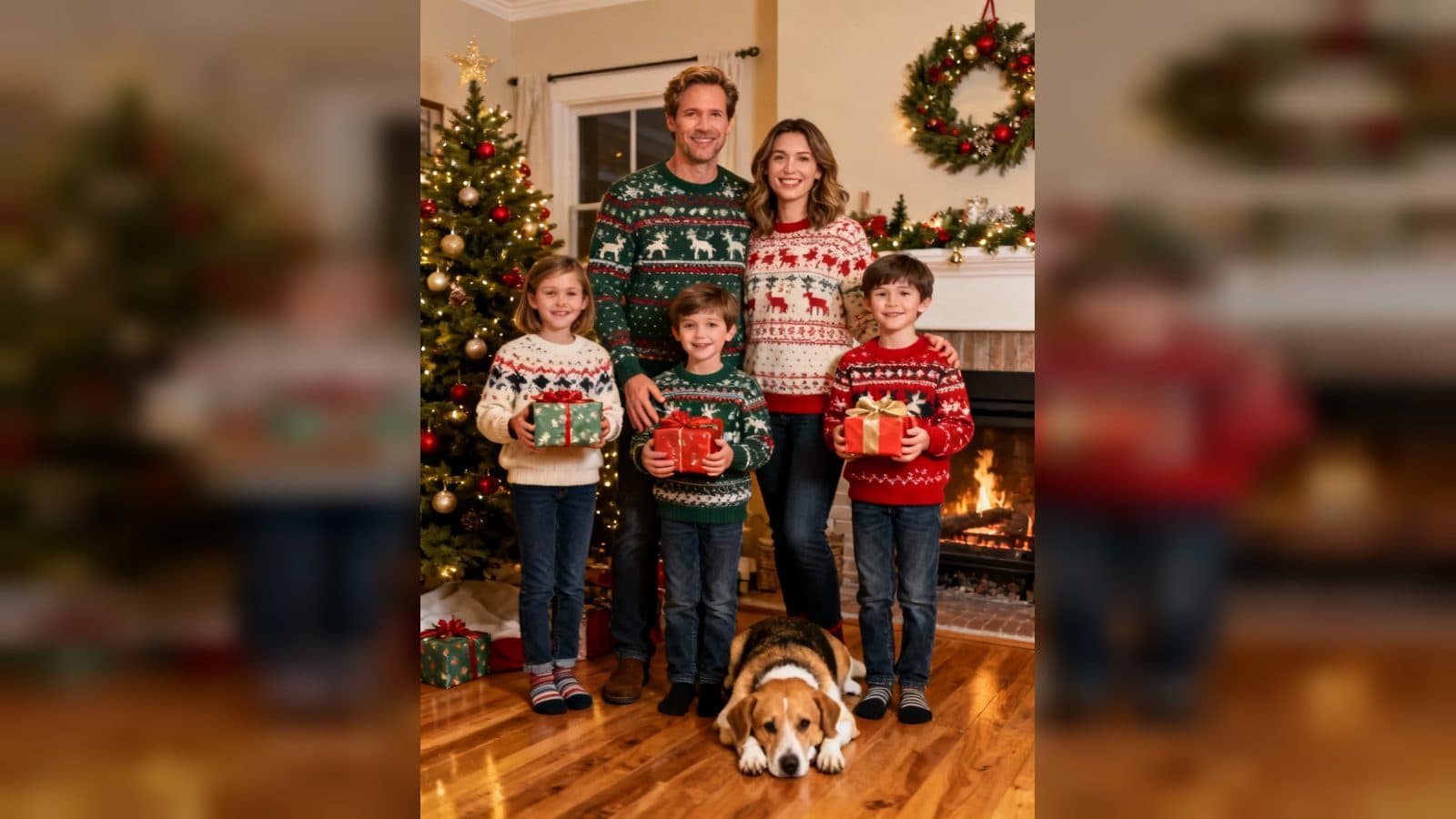
Upload one old photo to create a video that moves from a faded black-and-white look into restored color, then brings the person into a natural greeting or conversation. The final sequence pairs that color-recovery moment with a second animated photo scene, turning a still memory into a short visual story.
How the photo comes alive
The opening treatment makes the uploaded image look aged, with monochrome tones and a softly yellowed surface. That beginning gives the video a clear sense of time before the colors return. The transition follows the same photo from its archival look into a warmer, more present-day frame.
Once the color returns, the person begins to move in a way that fits the image. A wave, a smile, or a brief conversational gesture gives the still portrait a human moment. The final edit places this restoration passage beside another clip in which the person is animated directly from the original photo.
Three moments to build around
A family album reveal
Use a photograph from a family album and let the video open with its faded look. The color transition creates a natural reveal before the person smiles or waves toward the viewer.
A story about an earlier time
Choose a picture whose age is part of the story. The black-and-white opening, returning color, and small conversational movement give the image a beginning, middle, and present-tense moment.
A personal greeting from a still portrait
Use a portrait for a short message built around a wave or smile. The paired animated segment extends the greeting beyond a single frame while keeping the uploaded image as its starting point.
How to create the video
- Upload the old photo you want to animate.
- Open the PhotoReborn template card.
- Review the faded opening, color restoration, and natural movement in the completed sequence.
Choose a photo with a clear subject
A photo with a visible person gives the motion a clear focus. The template supplies the aged black-and-white treatment, color recovery, natural greeting gestures, and paired animated segment as part of the result.
Frequently asked questions
What should I upload?
Upload one old photo containing the person you want to bring into the video.
What happens at the beginning?
The photo first appears with a black-and-white, faded-yellow treatment that recalls an older print.
How does the person move?
The restored scene can show a natural wave, a smile, or a brief conversational gesture.
What does the final sequence contain?
It combines the color-restoration passage with another animated photo scene and an audio track.
Click the PhotoReborn template card on this page to enter the experience page and try it with your old photo.
Keep exploring
More in Producer's Note

AI Watercolor Style Transformation Image From Image
Use an image to create an image centered on 🎨 Watercolor style transformation with this Skira template.

AI She Feigns Dancing Elegantly Video From Image
Use an image to create a video centered on She feigns dancing elegantly with this Skira template.

AI Authentic Talking-head Hair Clip Video From Image
Use an image to create a video centered on Authentic Talking-Head Hair Clip Sales Template with this Skira template.

AI Hot Dance Video From Image
Use an image to create a video centered on Hot Dance with this Skira template.