

ArtArch Newsroom
Producer's NoteOld Photo Animation Video: Bring Archival Photos to Life
Turn one archival photograph into an old photo animation video with restored color, vertical framing, and gentle movement.
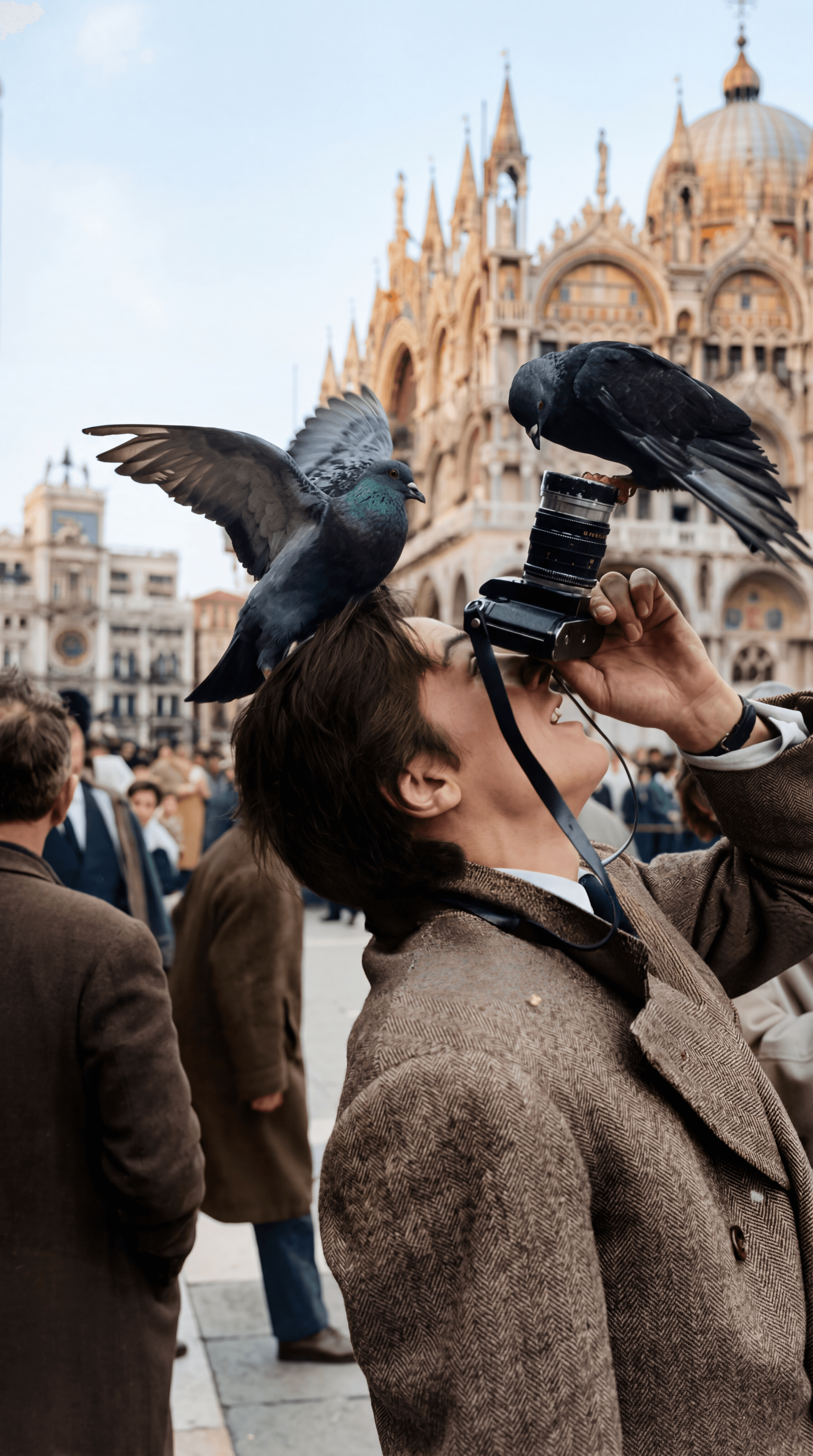
Upload one archival photograph to create an old photo animation video. The template restores the image with color, adapts it to a vertical frame, and adds movement so a still memory can play as a short portrait-format sequence.
What the finished video shows
The first part keeps the character of the original photograph while adding color and gentle motion. Details that were previously fixed in place become part of a moving scene, so the viewer can spend more time with the people, place, or moment in the picture.
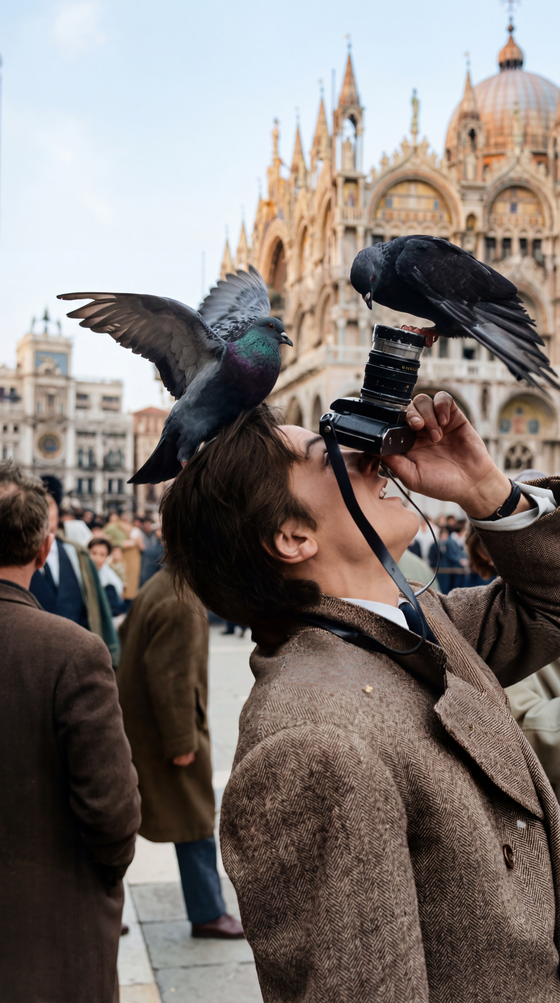
The sequence then presents the image in a 9:16 composition. That tall framing suits a phone screen and gives a single archival photo room to remain the focus. The finished result is a muted vertical video that moves from restored-photo detail into a clean, portrait-oriented presentation.
Three good ways to use the template
A family archive
Choose a scanned family photograph that has been kept in an album or box. The color restoration gives the people and setting a clearer visual presence, while the movement turns the image into something you can show during a family gathering or preserve alongside the original scan.
A travel memory
An old photograph from a landmark, street, or holiday can become a compact vertical memory. The tall composition keeps the main scene centered and makes the result easy to watch on a phone without changing the source image into a new subject.
A community or school moment
Group photographs from a club, school, or neighborhood archive carry more context than a single caption can provide. A short animation lets viewers look across the frame before the portrait-format sequence settles into its final presentation.
How to create the video
- Upload one archival photograph as the template image.
- Let the template restore color and prepare the photo for a vertical composition.
- Review the resulting animation and portrait-format sequence from the template card.
Use a clear scan or a well-lit photograph when possible. A source with visible subjects and enough surrounding context gives the restored color and motion more detail to work with.
Frequently asked questions
What should I upload for an old photo animation video?
Upload one archival photograph. A scan or camera capture with the main subjects visible works well for this photo-to-video workflow.
What happens to the old photograph?
The template restores the photo with color, adds movement, and presents it in a vertical 9:16 composition.
Is the result designed for phone viewing?
Yes. The template prepares a portrait-format sequence, keeping the archival image centered in a tall frame.
Can I use a travel or group photograph?
Yes. Travel scenes, family archives, and group photographs are all practical moments for turning one stored image into a short animated memory.
Skira template
Try this template
FEX
Bring your old photos to life.
Keep exploring
More in Producer's Note

AI Watercolor Style Transformation Image From Image
Use an image to create an image centered on 🎨 Watercolor style transformation with this Skira template.

AI She Feigns Dancing Elegantly Video From Image
Use an image to create a video centered on She feigns dancing elegantly with this Skira template.

AI Authentic Talking-head Hair Clip Video From Image
Use an image to create a video centered on Authentic Talking-Head Hair Clip Sales Template with this Skira template.

AI Hot Dance Video From Image
Use an image to create a video centered on Hot Dance with this Skira template.