

ArtArch Newsroom
Creative AgentHow to Keep a Character Consistent in an AI Video
A beginner guide to protecting identity, simplifying motion, and reviewing character consistency in AI video.
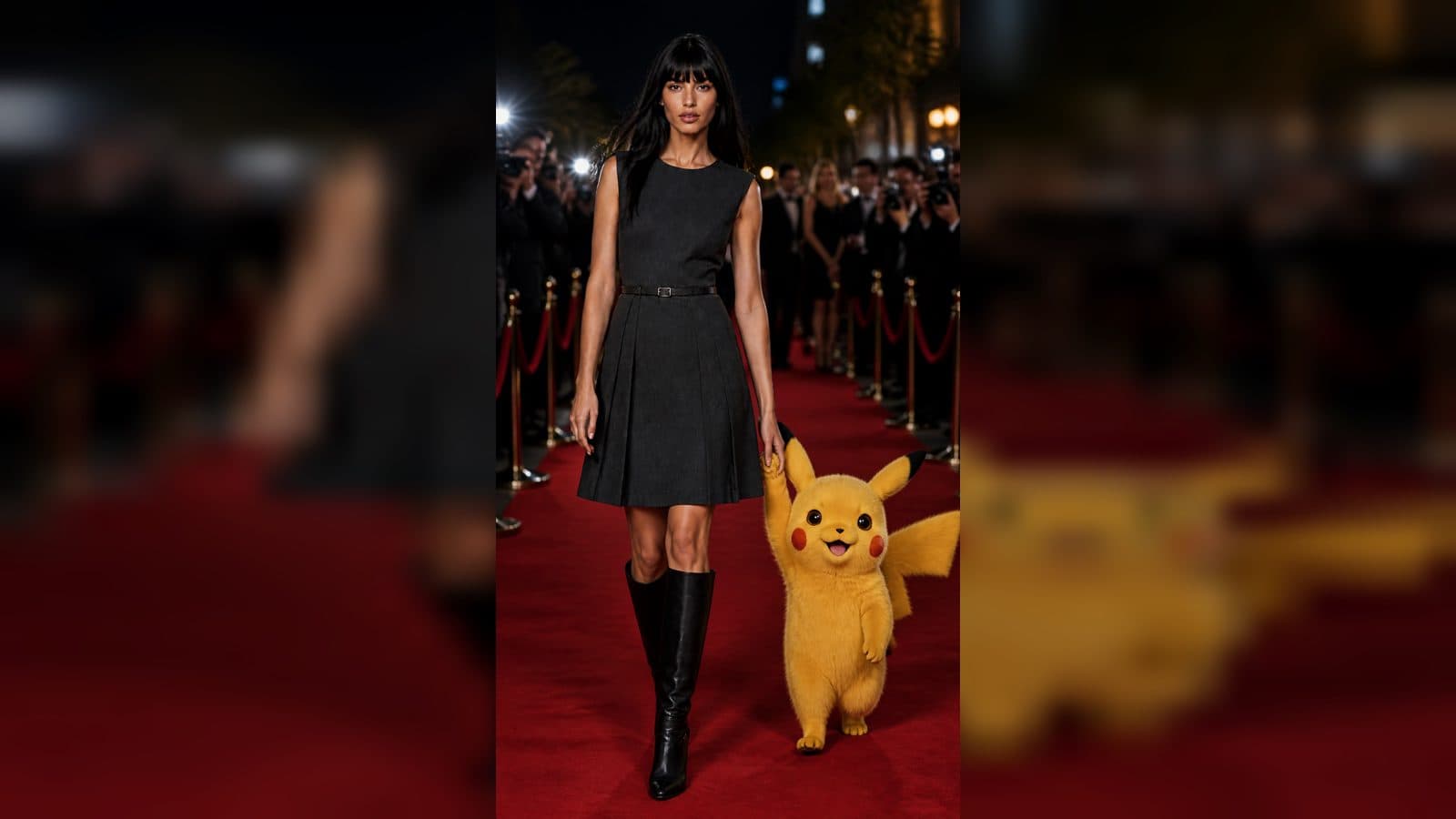
Character drift is one of the first surprises in AI video. A face, hairstyle, or jacket can change when the action becomes complex. A beginner-friendly workflow treats identity as a contract and asks the agent to protect it at every step.
Pick one identity reference
Choose a clear image with the face, hair, clothing, and body position easy to read. Tell Codex which details define the person. A second image may show a useful profile, but it should have a limited role rather than competing with the main identity reference.
Use GPT Image 2 to make a clean keyframe when the original photo is cluttered. Keep the original PNG as the source of truth and inspect a compressed copy only as a review derivative. The agent can explain which image enters the video workflow.
Simplify the action
Start with one action and one camera move. A person turns toward a window while the camera makes a slow push-in is easier to preserve than running, spinning, and changing clothes in the same shot. Minimax H3 or Seedance 2.5 can then answer a focused motion question.
Describe the ending. "The person faces the window and holds still for the final second" gives the model a stable target. It also gives you a clear review point.
Iterate with evidence
After the run, check the face at the start, middle, and end. Note the first moment drift appears. Ask the agent to change the smallest controlling detail, such as reducing the turn or fixing the camera axis. Keep earlier runs available for comparison.
Frequently asked questions
Can two references improve identity?
They can, when each reference has a clearly stated role and the model accepts both inputs.
Is a generated keyframe always better?
No. Use the clearest suitable source. Generate a new keyframe when it solves a specific composition or cleanliness problem.
Does a longer prompt prevent drift?
Not by itself. A concise identity contract and a simple action are often more useful.
What should I do with a failed run?
Keep it as evidence, name the drift, and revise one variable before trying again.
Describe the character you want to protect in creative-agent and let the agent build a small, reviewable test.
Keep exploring
More in Creative Agent

Designing a Three-Scene AI Character State Machine
three-scene AI character state machine case study with saved ArtArch Studio media, prompt decisions, visible results, and practical production notes.

Extracting First and Last Frames to Plan AI Video Transitions
AI video transitions case study with saved ArtArch Studio media, prompt decisions, visible results, and practical production notes.

Fan-Dance-to-Idle AI Transition With a Clean Endpoint
fan-dance-to-idle AI transition case study with saved ArtArch Studio media, prompt decisions, visible results, and practical production notes.
An Idle-to-Fan-Dance AI Transition With the Prop as the Cue
idle-to-fan-dance AI transition case study with saved ArtArch Studio media, prompt decisions, visible results, and practical production notes.