

ArtArch Newsroom
Creative AgentPrompting a Human-to-Hamster AI Transformation Without a Cut
human-to-hamster AI transformation case study with saved ArtArch Studio media, prompt decisions, visible results, and practical production notes.
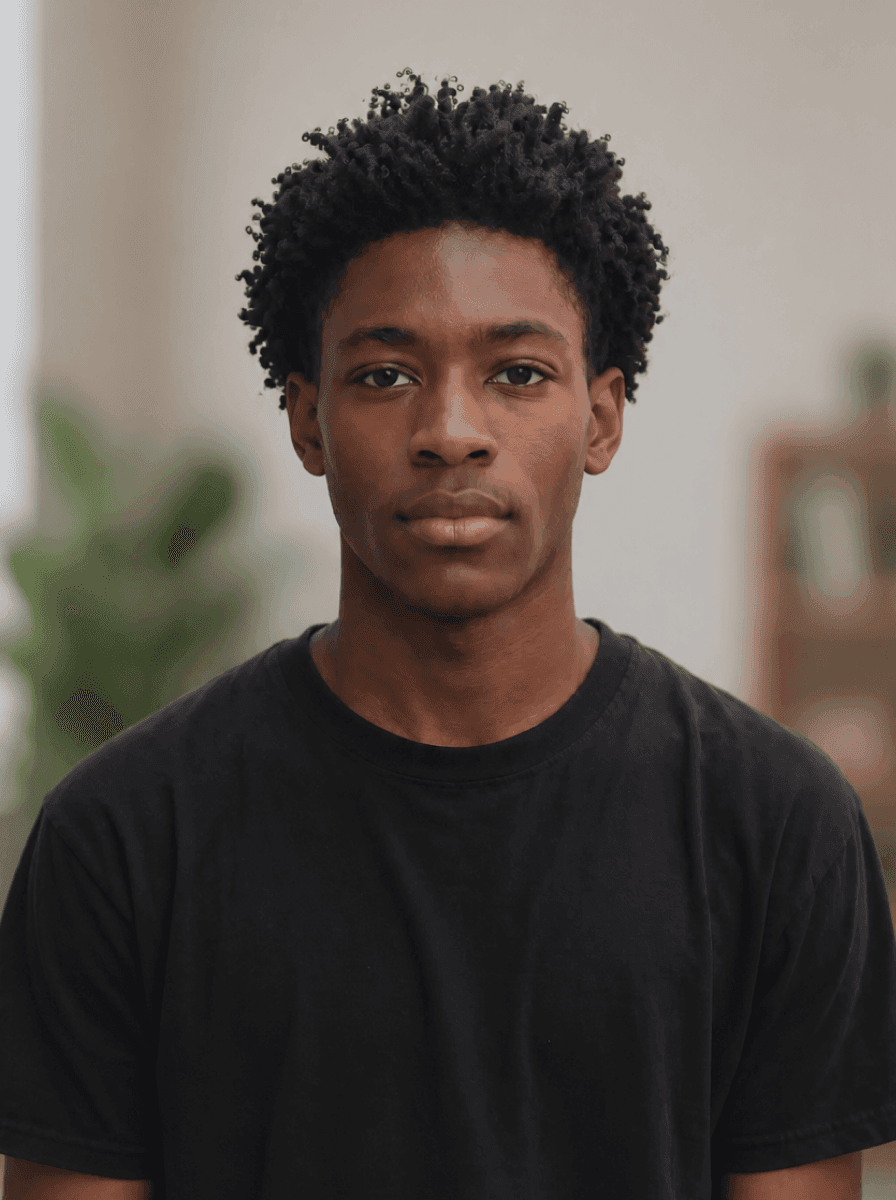
A real user request supplied two portraits with different anatomy, costume, and background for this human-to-hamster AI transformation example. The resulting ArtArch Studio canvas contains a continuous magical change that finishes on an astronaut hamster, giving the creative agent a concrete result to inspect and explain.
Canvas video: a continuous magical change that finishes on an astronaut hamster.
Why the constraint mattered
Name the conversion in order: hair into fur, cheeks into a round muzzle, ears and teeth appearing, then the shirt becoming a spacesuit.
The controlling choice was simple: Describe the anatomy change and the wardrobe change as one event, then anchor the final frame with an exact supplied image.
Evidence in the canvas media
The preview shows a readable hamster face, orange fur, suit collar, and front-facing composition. The transformation commits to the new form instead of leaving a human-animal blend at the end.
That visible evidence supports one clear production rule: Describe the anatomy change and the wardrobe change as one event, then anchor the final frame with an exact supplied image.
Production notes
- Start with two portraits with different anatomy, costume, and background.
- Write the visible constraint that matters most: Describe the anatomy change and the wardrobe change as one event, then anchor the final frame with an exact supplied image.
- Generate one reviewable result, inspect still frames as well as playback, and keep the saved canvas media as the production record.
This pattern is suited to mascot introductions, comedy beats, fantasy shorts, or transitions between digital hosts.
Open the source ArtArch Studio canvas to inspect the saved creative context.
Frequently asked questions
What should I prepare first?
Prepare two portraits with different anatomy, costume, and background. Use the clearest original files available and decide which one owns identity, product detail, or endpoint composition.
What should I inspect in the result?
Check the result against this visible target: a continuous magical change that finishes on an astronaut hamster. Review framing, subject identity, props, text, and the first and last frames when video is involved.
Can I reuse the same setup?
Yes. Keep the canvas media and the decision that controlled it: Describe the anatomy change and the wardrobe change as one event, then anchor the final frame with an exact supplied image.
Keep exploring
More in Creative Agent

Designing a Three-Scene AI Character State Machine
three-scene AI character state machine case study with saved ArtArch Studio media, prompt decisions, visible results, and practical production notes.

Extracting First and Last Frames to Plan AI Video Transitions
AI video transitions case study with saved ArtArch Studio media, prompt decisions, visible results, and practical production notes.

Fan-Dance-to-Idle AI Transition With a Clean Endpoint
fan-dance-to-idle AI transition case study with saved ArtArch Studio media, prompt decisions, visible results, and practical production notes.
An Idle-to-Fan-Dance AI Transition With the Prop as the Cue
idle-to-fan-dance AI transition case study with saved ArtArch Studio media, prompt decisions, visible results, and practical production notes.