

ArtArch Newsroom
Creative AgentHow to Read a 16-Panel AI Storyboard
Read a 16-panel AI storyboard as a chain of screen direction, action, camera movement, and timing.
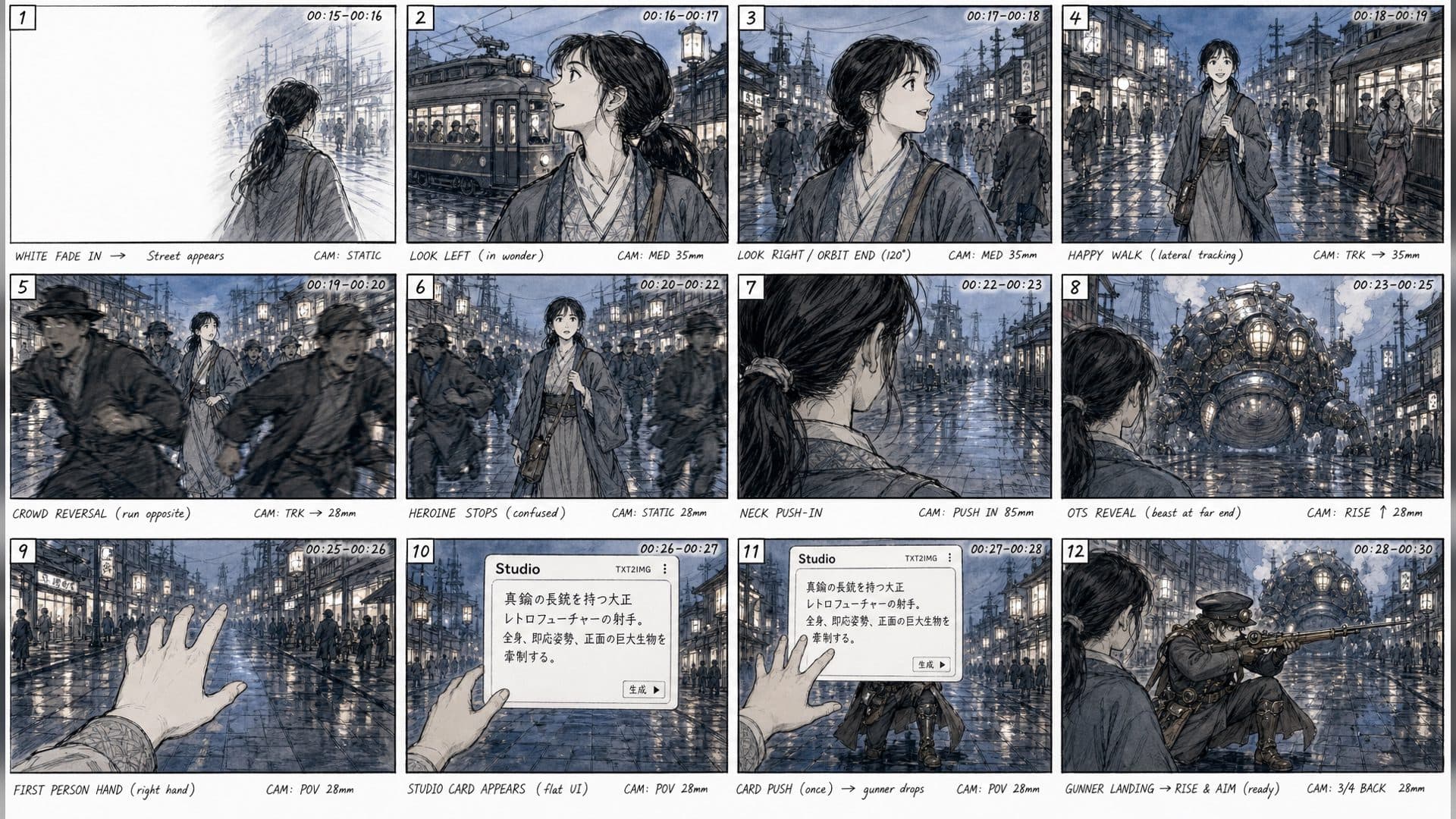
A 16-panel storyboard is a compact page that lets you scan a sequence from beginning to end. It is not sixteen unrelated illustrations. The panels form a chain of screen direction, action, camera movement, and timing. Reading that chain correctly helps you give an AI agent useful feedback.
Start with the path of action
Read the panels in order and mark where the subject enters, pauses, turns, or exits. Look for a repeated left-to-right or right-to-left direction. If a character crosses the frame, the next panel should make the new position easy to understand.
Then check the camera. A wide panel establishes space; a close panel gives emphasis; an over-the-shoulder panel reveals what the subject sees. The change in distance should serve the story rather than happen randomly.
Separate planning marks from final art
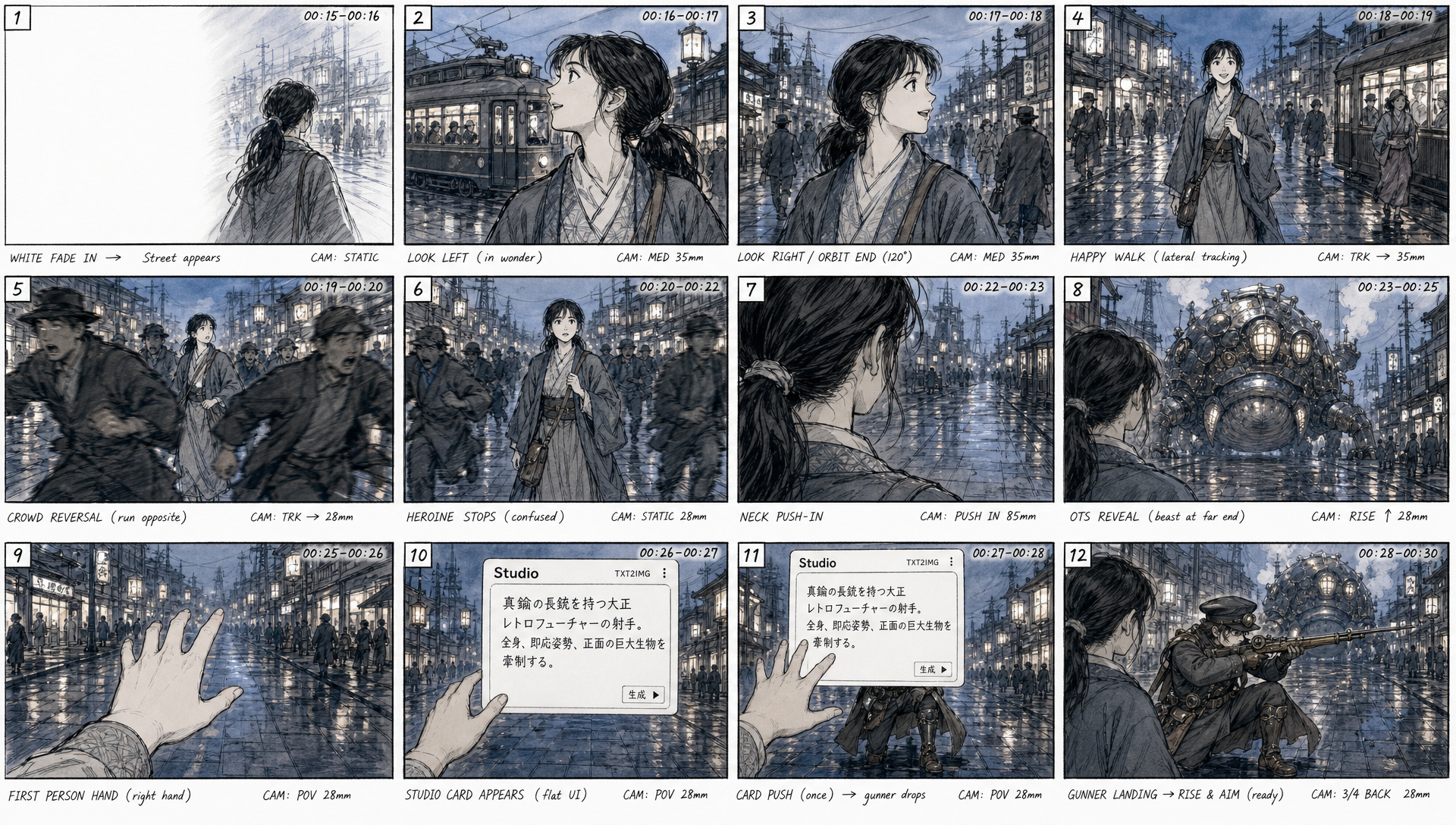
Arrows, timing notes, and panel borders are production information. They help a creator and an agent coordinate, but they are not part of the finished scene. Tell Codex to use them only for blocking and rhythm. Use a clean image or UI reference when exact appearance matters.
Give feedback panel by panel
Instead of saying "the storyboard is confusing," identify the panel and the decision. "Panel 7 needs a clearer hand position before the laptop opens" gives the agent a concrete revision. Keep changes local so the overall sequence remains comparable.
Frequently asked questions
Should every panel have a different camera?
No. Repeating a camera can make continuity stronger.
What do timing marks mean?
They indicate how long a beat should occupy the sequence or where a cut should happen.
Can an AI agent understand arrows?
It can use them as planning clues when you explain their meaning and keep the final-art boundary explicit.
Read your next 16-panel page as a movement map, then ask creative-agent to revise one unclear beat.
Keep exploring
More in Creative Agent

Designing a Three-Scene AI Character State Machine
three-scene AI character state machine case study with saved ArtArch Studio media, prompt decisions, visible results, and practical production notes.

Extracting First and Last Frames to Plan AI Video Transitions
AI video transitions case study with saved ArtArch Studio media, prompt decisions, visible results, and practical production notes.

Fan-Dance-to-Idle AI Transition With a Clean Endpoint
fan-dance-to-idle AI transition case study with saved ArtArch Studio media, prompt decisions, visible results, and practical production notes.
An Idle-to-Fan-Dance AI Transition With the Prop as the Cue
idle-to-fan-dance AI transition case study with saved ArtArch Studio media, prompt decisions, visible results, and practical production notes.