

ArtArch Newsroom
Producer's NoteFast Spin Outfit Transition Video from Photos
Turn six outfit photos into a fast spin transition video with high-speed motion blur, abrupt reveals, and upbeat electronic swing.
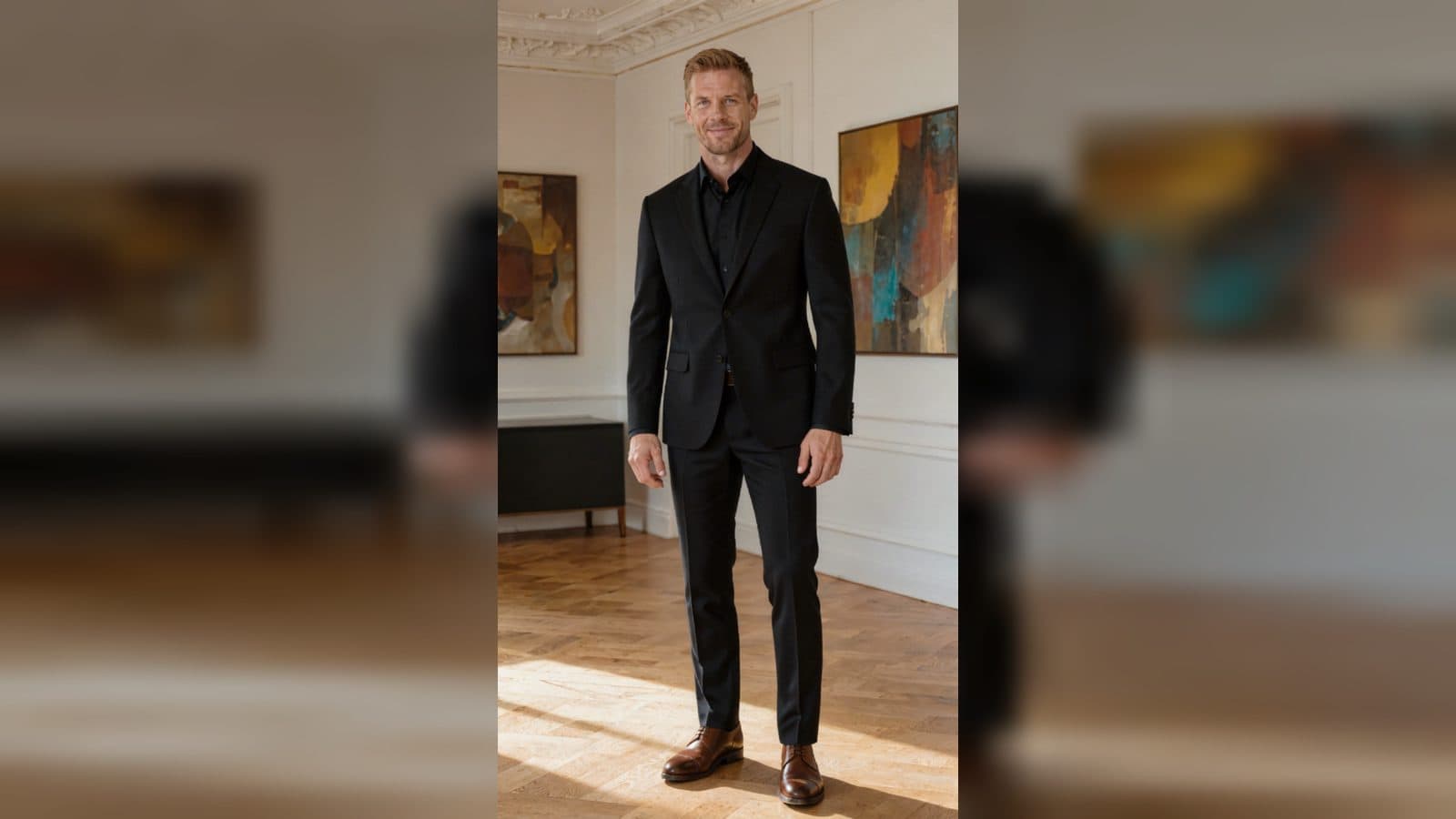
Upload six outfit photos to create a fast spin outfit transition video from photos. The finished edit begins with a still pose, bursts into a high-speed spin with rotational motion blur, and snaps into a new look before settling into a clean final display.
A sharp, fashion-led reveal
The template makes the spin the entire transition device. Each clip starts with the character holding a pose, then the rapid rotation creates a lively blur before the next outfit appears.
The reveal stops abruptly, leaving the subject still again so the new clothes can be read clearly. An upbeat electronic swing soundtrack with brass, funk bass, and energetic rhythm keeps the sequence playful and runway-ready.
Three moments to shape
The still starting pose
Choose a front-facing outfit photo with a stable composition. The opening pause gives the viewer a clear reference before the speed change begins.
The rotational burst
The middle of each clip is the high-intensity spin. Motion blur turns the outfit change into a visible visual beat rather than a quiet cut.
The final look
After the spin stops, the subject stands still in the new outfit. This clean hold gives each uploaded look a readable finish before the next transition.
How to create the transition video
- Upload the six outfit photos you want to feature.
- Open the twirling drag template card.
- Review the fast-spin sequence and its energetic electronic swing soundtrack.
Input and visible result
The workflow accepts six uploaded images. Look for repeated still-pose openings, fast rotational blur, abrupt outfit changes, and clear final holds that show the new clothes. The compiled sequence keeps the subject's facial structure and framing readable through each reveal.
Frequently asked questions
How many photos do I upload?
Upload six outfit photos, one for each look in the compiled transition sequence.
What happens during each change?
The subject holds still, spins rapidly with strong motion blur, and stops in a different outfit before holding the final pose.
What makes the video feel energetic?
Fast rotational movement, an abrupt reveal, and electronic swing with lively brass and funk bass give the sequence its playful pace.
How do I begin?
Upload the six images, open the twirling drag template card, and review the finished outfit transition video.
Click the twirling drag template card on this page to enter the experience page and try the template.
Keep exploring
More in Producer's Note

AI Watercolor Style Transformation Image From Image
Use an image to create an image centered on 🎨 Watercolor style transformation with this Skira template.

AI She Feigns Dancing Elegantly Video From Image
Use an image to create a video centered on She feigns dancing elegantly with this Skira template.

AI Authentic Talking-head Hair Clip Video From Image
Use an image to create a video centered on Authentic Talking-Head Hair Clip Sales Template with this Skira template.

AI Hot Dance Video From Image
Use an image to create a video centered on Hot Dance with this Skira template.