

ArtArch Newsroom
Producer's NoteFashion Outfit Transition Video from Photos
Turn five outfit photos into a fashion transition video with a fixed camera, smooth head turns, and a runway-style soundtrack.
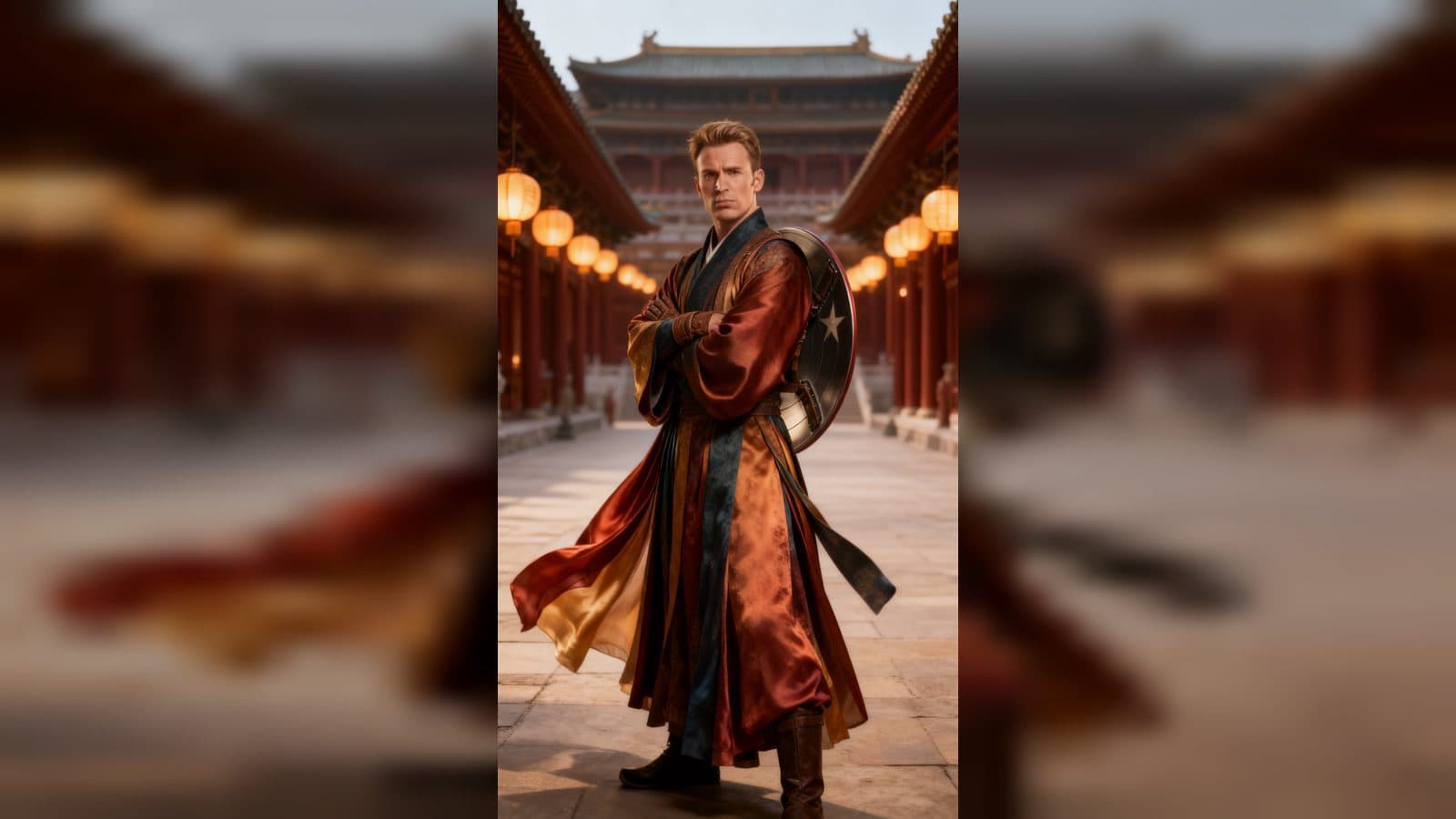
Upload five outfit photos to create a fashion outfit transition video from photos. The finished video keeps the camera fixed while the subject turns to a side profile and back, changing into a different outfit each time the face returns to the front.
A clean turn-and-change reveal
The template uses one consistent framing for every look. The subject begins facing the camera, turns smoothly about 90 degrees to show a side profile, then returns along the same path. The outfit changes at that return point, making each reveal easy to see.
The fixed lens and steady movement keep attention on the styling. A confident runway-style soundtrack adds a polished fashion-week mood while the sequence moves through the uploaded looks.
Three moments to plan
The first look
Choose a front-facing photo for the opening outfit. A clear face and stable framing give the transition a strong visual baseline.
The profile turn
The side-facing beat creates the pause between looks. The smooth 90-degree turn keeps the motion uniform, so the viewer can anticipate the change without a cut in the camera position.
The return reveal
When the subject faces forward again, the next outfit appears. Repeating this turn-and-return pattern lets five photos become a cohesive fashion sequence.
How to create the transition video
- Upload the five outfit photos you want to feature.
- Open the Turn around and change clothes template card.
- Review the fixed-camera sequence and its outfit reveals with the runway-style soundtrack.
Input and visible result
The workflow accepts five uploaded images. Look for a stable front-facing composition, a smooth side profile, and a new outfit revealed on each return to camera. The final edit keeps the framing consistent while the fashion looks change in sequence.
Frequently asked questions
How many photos do I upload?
Upload five outfit photos, one for each look in the transition sequence. Front-facing images make the return reveal easy to compare.
What motion connects the outfits?
The subject turns about 90 degrees to one side, shows a side profile, and turns back to the front along the same path.
Does the camera move?
The sequence uses fixed framing and a static camera, keeping the attention on the outfit changes and the subject's stable facial structure.
What accompanies the video?
The finished edit is paired with a confident, minimalistic luxury soundtrack shaped like a fashion runway opening.
Click the Turn around and change clothes template card on this page to enter the experience page and try the template.
Keep exploring
More in Producer's Note

AI Watercolor Style Transformation Image From Image
Use an image to create an image centered on 🎨 Watercolor style transformation with this Skira template.

AI She Feigns Dancing Elegantly Video From Image
Use an image to create a video centered on She feigns dancing elegantly with this Skira template.

AI Authentic Talking-head Hair Clip Video From Image
Use an image to create a video centered on Authentic Talking-Head Hair Clip Sales Template with this Skira template.

AI Hot Dance Video From Image
Use an image to create a video centered on Hot Dance with this Skira template.