

ArtArch Newsroom
Producer's NoteFantasy Rift Battle Video from Photo
Turn one photo into a fantasy rift battle video with a ruined city, a glowing signal, a black knight encounter, and an epic escape.
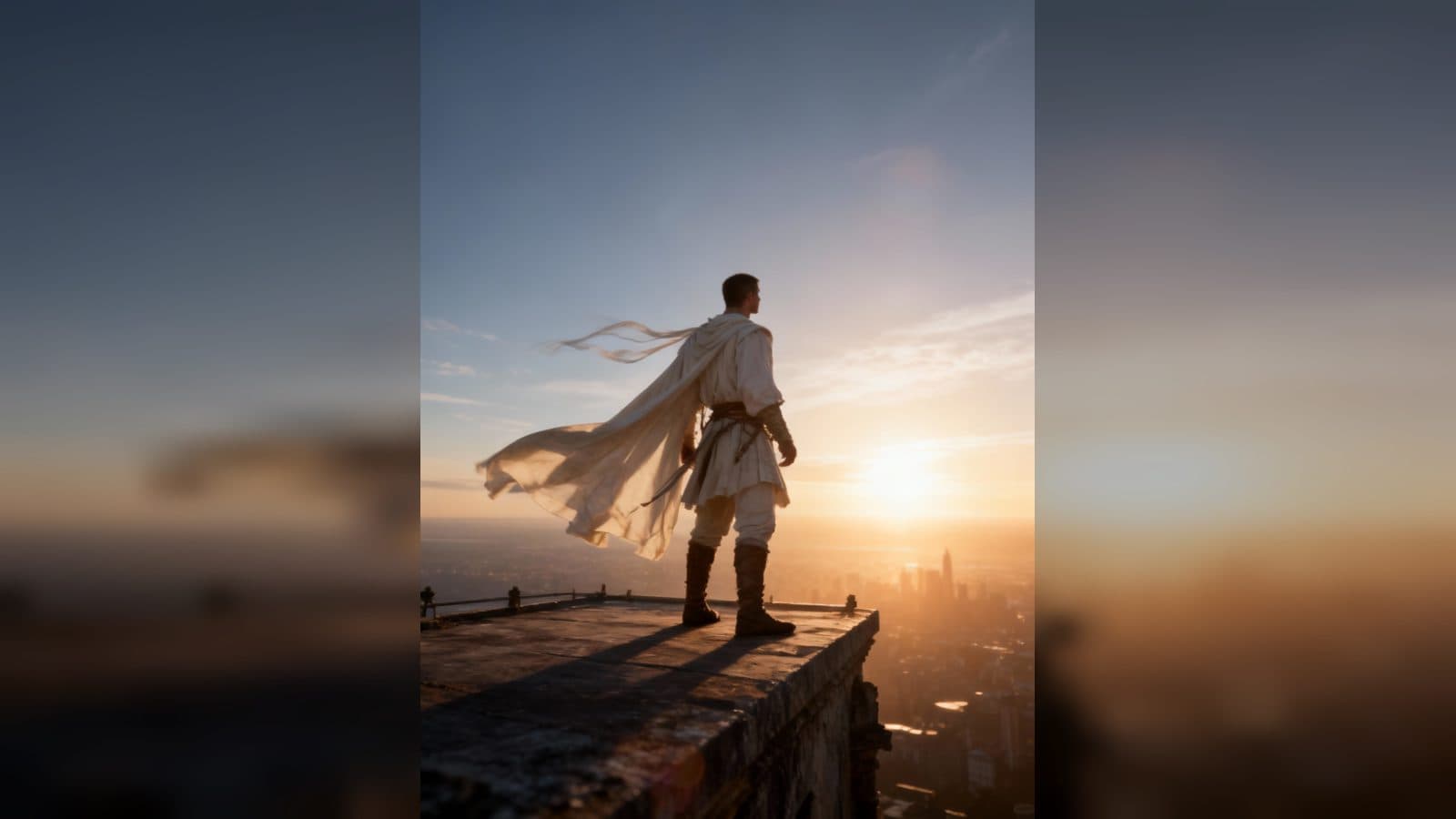
Upload one photo to create a fantasy rift battle video from photo. The finished clip pulls the subject into a ruined city, follows a mysterious glowing signal, and builds toward a black-knight confrontation before opening onto a distant, glowing skyline.
Step into a world beyond the rift
The experience gives one portrait a cinematic fantasy arc. Smoke, sparks, broken vehicles, and scattered ruins establish the unknown corridor before the subject becomes an active hero in the scene.
The visual language stays focused on tension and discovery. A white medieval outfit, weapon, windblown fabric, and dramatic light carry the subject from investigation into battle without losing the recognizable face from the uploaded photo.
Four moments in the adventure
The ruined-city arrival
The opening places the subject in a damaged city at dusk, surrounded by smoke and embers. The central framing makes the portrait feel like the first frame of a larger quest.
The glowing signal
As the subject walks carefully through the ruins, a glowing object becomes the next clue. Picking it up and studying its light adds a close, mysterious beat before the confrontation.
The black-knight standoff
The subject appears in white medieval clothing with a weapon, facing a black knight in a dramatic pre-battle pose. Wind and cinematic action lighting make the pause before impact feel charged.
The skyline after the fight
The story opens out again with the subject standing on a high platform and looking toward a glowing skyline. The elevated view gives the adventure an unresolved, heroic horizon.
How to create the battle video
- Upload the photo you want to feature.
- Open the Battle Through the Rift template card.
- Review the ruined-city, signal, standoff, and skyline scenes as one fantasy journey.
Input and visible result
The workflow accepts one uploaded image. Look for a cinematic video that moves from a smoky city investigation to a glowing-object discovery, a black-knight encounter, and a high-platform view over a luminous horizon. A clear face gives the hero a consistent identity throughout.
Frequently asked questions
What do I upload?
Upload one photo of the person you want to place in the rift adventure. A recognizable subject helps the hero remain consistent through every scene.
What settings appear in the video?
The sequence includes a ruined city at dusk, a glowing object, a black-knight standoff, and a high platform overlooking a glowing skyline.
What does the hero wear?
The battle scene presents the subject in a medieval white outfit, holding a weapon as wind moves the clothing.
How do I begin?
Upload the image, open the Battle Through the Rift template card, and review the finished fantasy battle video.
Keep exploring
More in Producer's Note

AI Watercolor Style Transformation Image From Image
Use an image to create an image centered on 🎨 Watercolor style transformation with this Skira template.

AI She Feigns Dancing Elegantly Video From Image
Use an image to create a video centered on She feigns dancing elegantly with this Skira template.

AI Authentic Talking-head Hair Clip Video From Image
Use an image to create a video centered on Authentic Talking-Head Hair Clip Sales Template with this Skira template.

AI Hot Dance Video From Image
Use an image to create a video centered on Hot Dance with this Skira template.