

ArtArch Newsroom
Producer's NoteCyberpunk Portrait Transformation Video from Photo
Turn one portrait into a cyberpunk transformation video that moves from a cold surgical room to a glowing cyber-eye and a rain-soaked neon city.
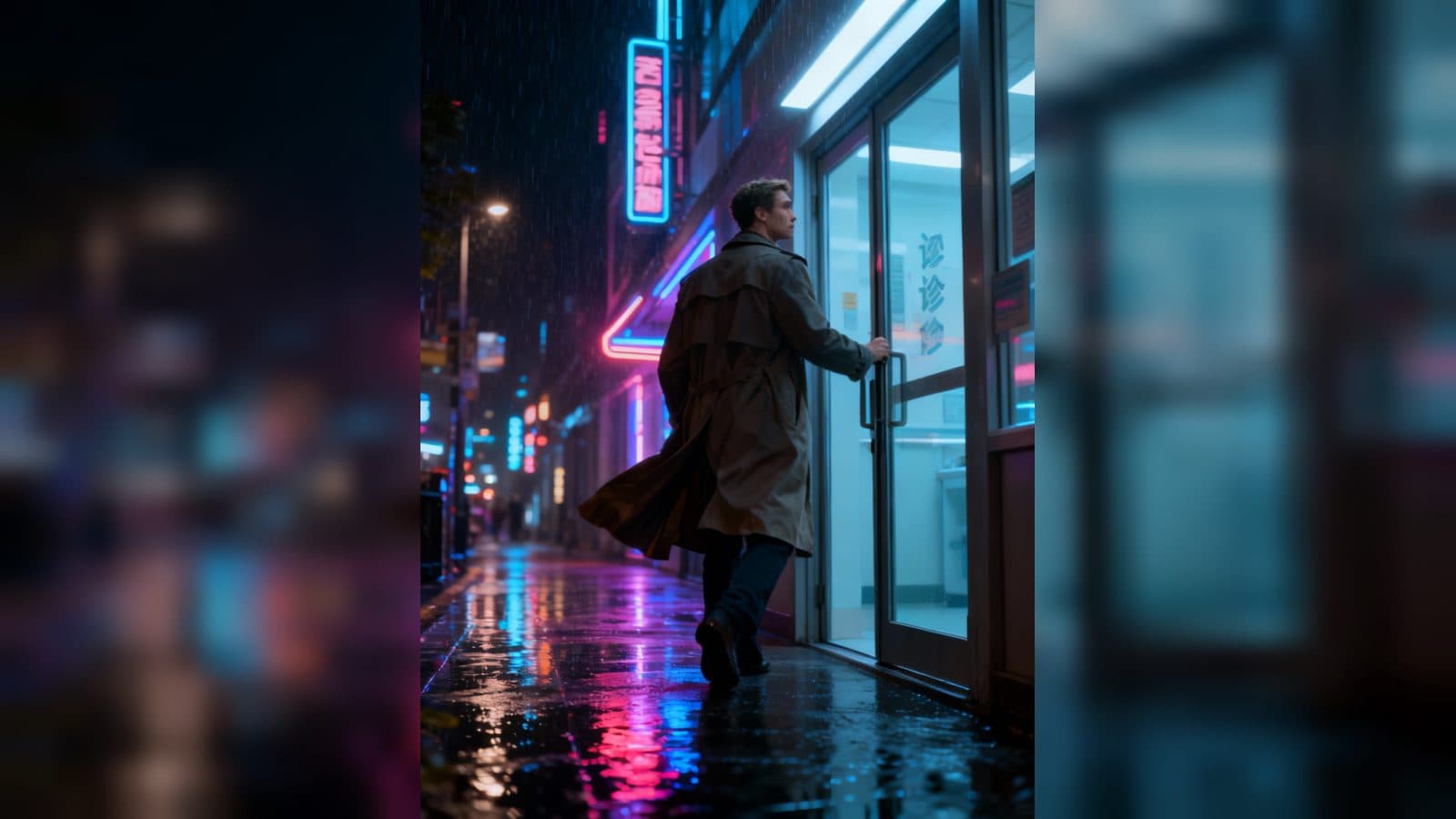
Upload one portrait to create a cyberpunk transformation video that follows a character through a futuristic procedure and out into a neon night city. The result keeps the face recognizable while moving from a cold surgical room to a glowing cyber-eye, floating code, and a rain-lit walk into the street.
The rebirth unfolds in three scenes
A procedure begins in the cold light
The opening places the character on a white surgical bed inside a futuristic operating room. Mechanical arms hover on both sides, cold mist drifts through the air, and electric light turns the still portrait into the first frame of a tense cyberpunk story.
The portrait becomes cybernetic
The camera moves closer to the face as an implant replaces one eye with a cyberpunk-style lens. Blue current travels beneath the skin while holographic data streams orbit the head. The cool lighting and close framing keep the facial features at the center of the transformation.
The new character enters Night City
After the procedure, the character opens a clinic door and steps into a rainy street. Neon reflections spread across the pavement, a coat moves in the wind, rain falls through the frame, and a flying car passes as the camera follows the walk forward.
When to use this portrait transformation
Use the video for a character reveal when a portrait needs a clear before-and-after arc. The operating room establishes the premise, the eye and code details show the change, and the street exit gives the character a setting to inhabit.
It also fits a cyberpunk profile opener or a science-fiction concept post. A single face can carry the emotional continuity while the procedure, implant, and neon street provide distinct visual chapters.
For a creative project, the sequence works as a short origin vignette. The viewer sees the preparation, the visible cybernetic change, and the first step into the world beyond the clinic, all in one vertical story.
How to create the video
- Upload the portrait you want to transform.
- Open the My Cyber Rebirth template card.
- Review the surgical-room opening, cybernetic close-up, and rain-soaked city exit.
Details in the finished result
The sequence uses a vertical 1080 x 1440 composition with connected cinematic shots and a soundtrack. Look for mechanical arms, cold fog, electric light, a blue-lit cyber-eye, rising holographic code, neon reflections, moving rain, a flying car, and the coat shifting as the character walks.
Frequently asked questions
What do I upload?
Upload one portrait to provide the character's face for the transformation story.
What happens in the surgical scene?
The character lies on a white bed while mechanical arms hover nearby in cold mist and electric light.
Keep exploring
More in Producer's Note

AI Watercolor Style Transformation Image From Image
Use an image to create an image centered on 🎨 Watercolor style transformation with this Skira template.

AI She Feigns Dancing Elegantly Video From Image
Use an image to create a video centered on She feigns dancing elegantly with this Skira template.

AI Authentic Talking-head Hair Clip Video From Image
Use an image to create a video centered on Authentic Talking-Head Hair Clip Sales Template with this Skira template.

AI Hot Dance Video From Image
Use an image to create a video centered on Hot Dance with this Skira template.