

ArtArch Newsroom
Creative AgentHow Camera Arrows Improve an AI Storyboard
Use camera arrows, start frames, and end frames to turn storyboard movement into a clear AI video contract.
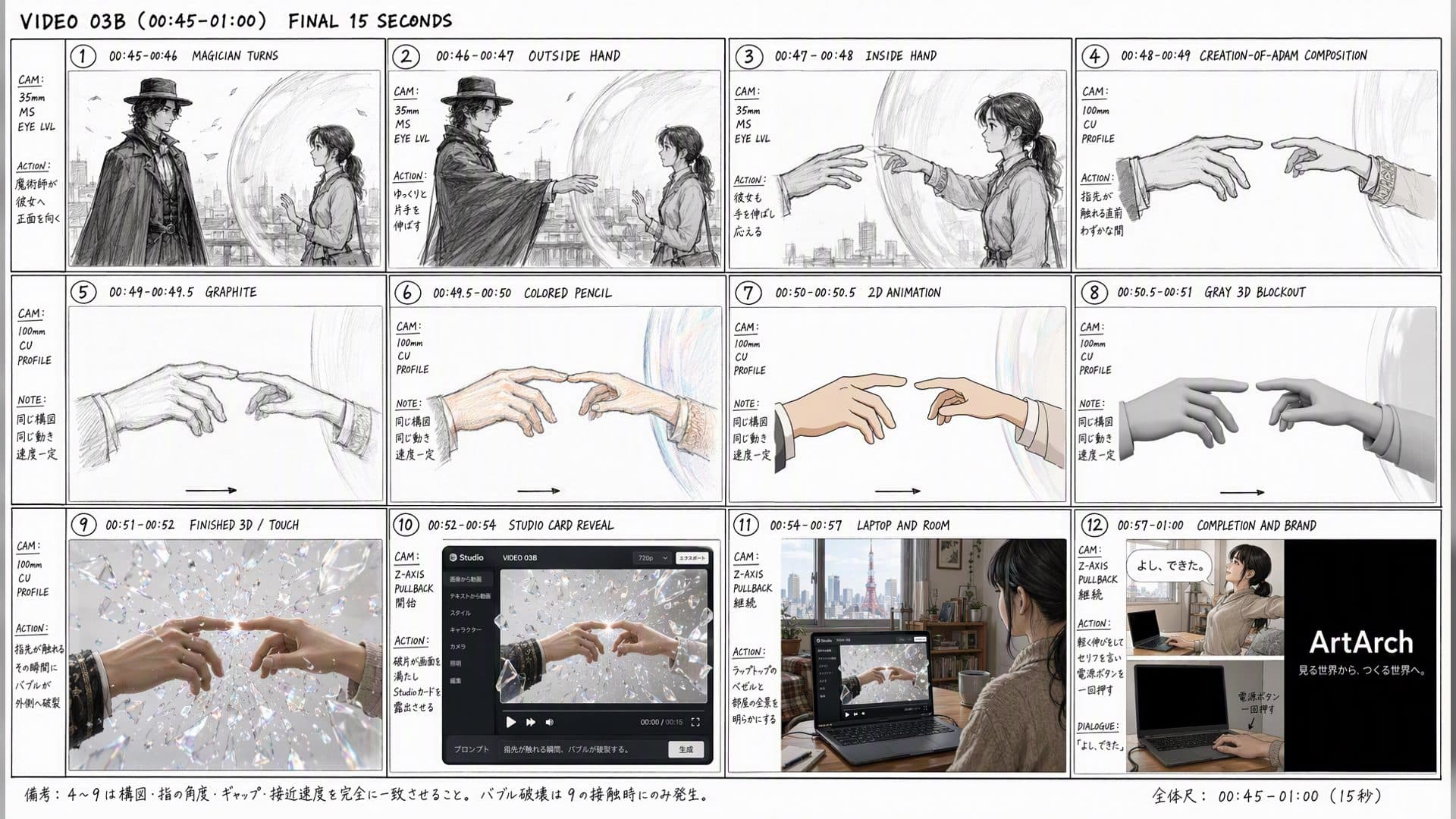
Camera arrows are small marks with a large job. They tell a collaborator whether the camera pushes in, pulls back, pans, or follows an action. Without them, two people can look at the same storyboard and imagine different motion.
Draw one camera idea per beat
A straight arrow toward the subject can mean a slow push-in. An arrow away from the subject can mean a pullback. A curved arrow may describe a pan or an arc, but explain the direction and keep the move physically simple for a first test.
Pair the arrow with a start frame and an end frame. "Begin over the shoulder, end on the laptop screen" is more useful than "make it cinematic." If the camera must stay on one axis, say so beside the panel.
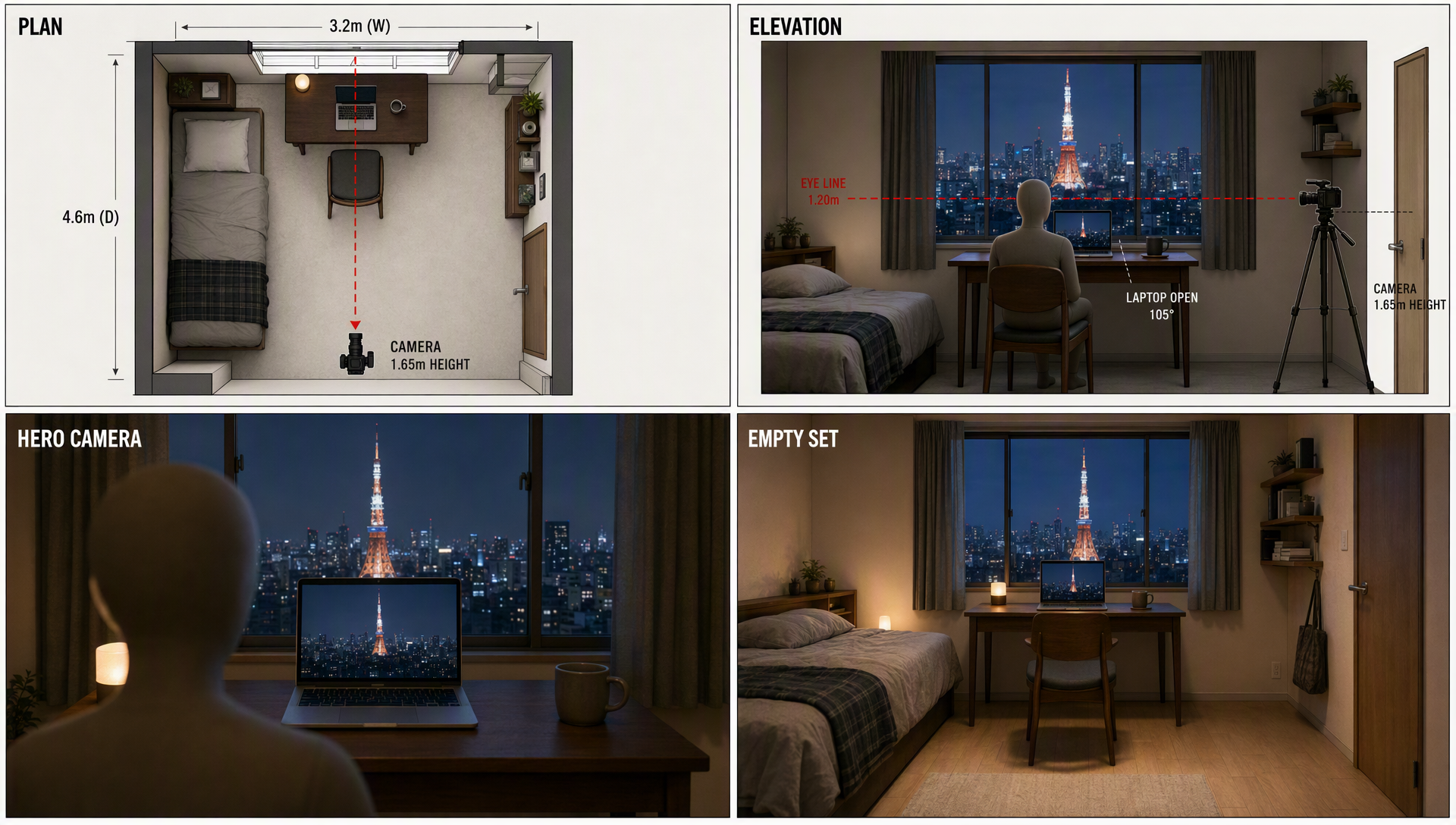
Keep arrows outside the scene
Arrows belong in the planning layer. Tell the agent to interpret them as motion instructions and exclude them from final frames. For a generated video, use a clean keyframe and describe the camera in the prompt as a separate contract.
Review the movement
After a run, compare the first and last frames. Did the camera travel in the intended direction? Did the subject stay readable? If not, shorten the move or simplify the action before adding a new effect.
Frequently asked questions
Do arrows need a standard symbol?
Consistency matters more than a universal symbol. Define your marks once on the page.
Can one panel have two arrows?
Use two only when one controls the camera and one controls a subject or prop, and label both.
What if the camera move feels too fast?
Reduce the distance, extend the beat, or make the end frame hold longer.
Use creative-agent to turn a simple camera arrow into a readable motion contract.
Keep exploring
More in Creative Agent

Designing a Three-Scene AI Character State Machine
three-scene AI character state machine case study with saved ArtArch Studio media, prompt decisions, visible results, and practical production notes.

Extracting First and Last Frames to Plan AI Video Transitions
AI video transitions case study with saved ArtArch Studio media, prompt decisions, visible results, and practical production notes.

Fan-Dance-to-Idle AI Transition With a Clean Endpoint
fan-dance-to-idle AI transition case study with saved ArtArch Studio media, prompt decisions, visible results, and practical production notes.
An Idle-to-Fan-Dance AI Transition With the Prop as the Cue
idle-to-fan-dance AI transition case study with saved ArtArch Studio media, prompt decisions, visible results, and practical production notes.