

ArtArch Newsroom
Producer's NoteAI Video Transformation from Photo: A Suspended HAWKINS Scene
Turn one photo into a cinematic AI video transformation with a relaxed pose, a red storm sky, and a slow lift into the air.
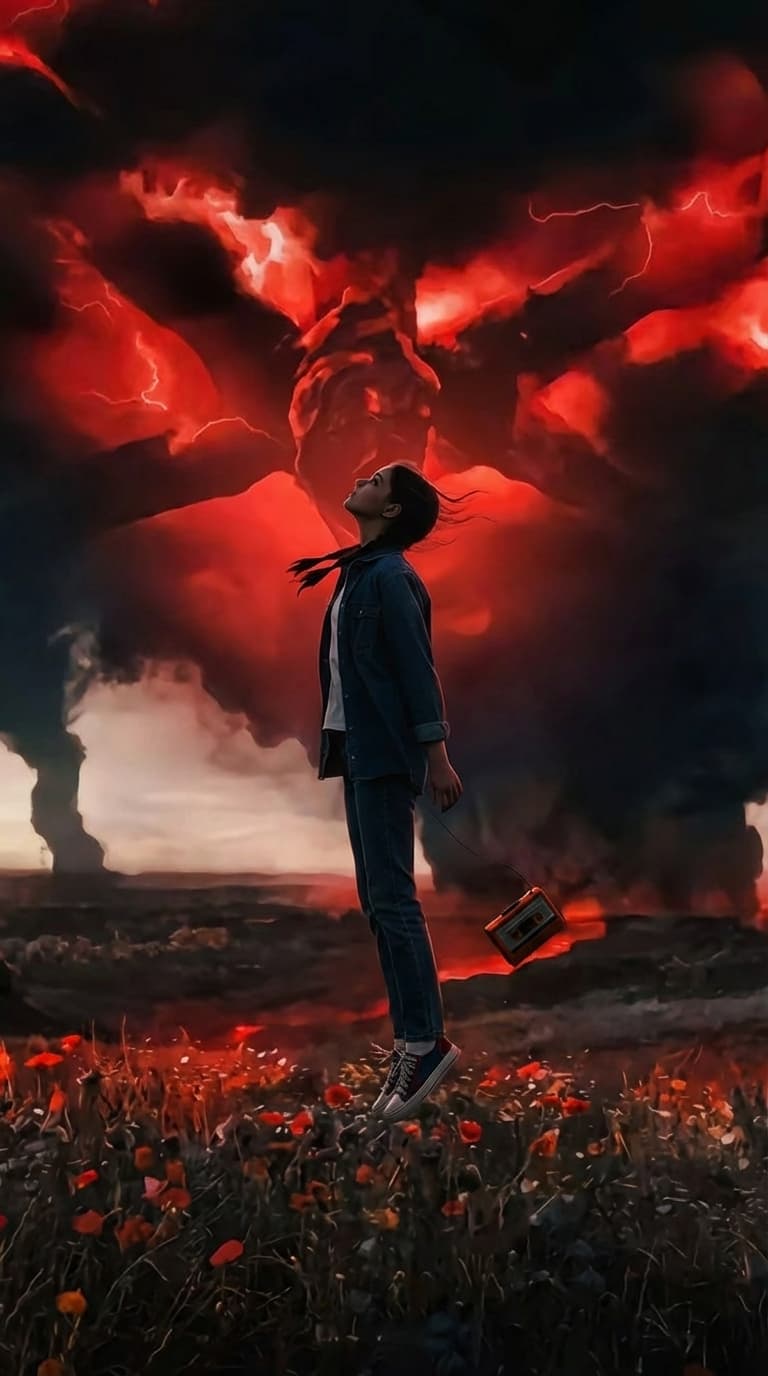
Upload one photo to create an AI video transformation from photo. The finished scene begins with a relaxed person listening to a portable player in a grassy park, then shifts into a red storm world as the person rises from the ground and floats in the air.
A quiet start with a strange turn
The opening image sets a clear mood: an 1980s-inspired outfit, oversized headphones, a small retro player, warm light, soft background detail, and a calm outdoor setting. The person starts low to the ground, making the later change in posture easy to read.
The transformation builds in two visible beats. First, the person moves from a seated pose toward standing while the camera keeps the full figure in view. The scene then changes to a dark field beneath a red sky, where lightning and a looming creature shape push the quiet memory into a supernatural moment.
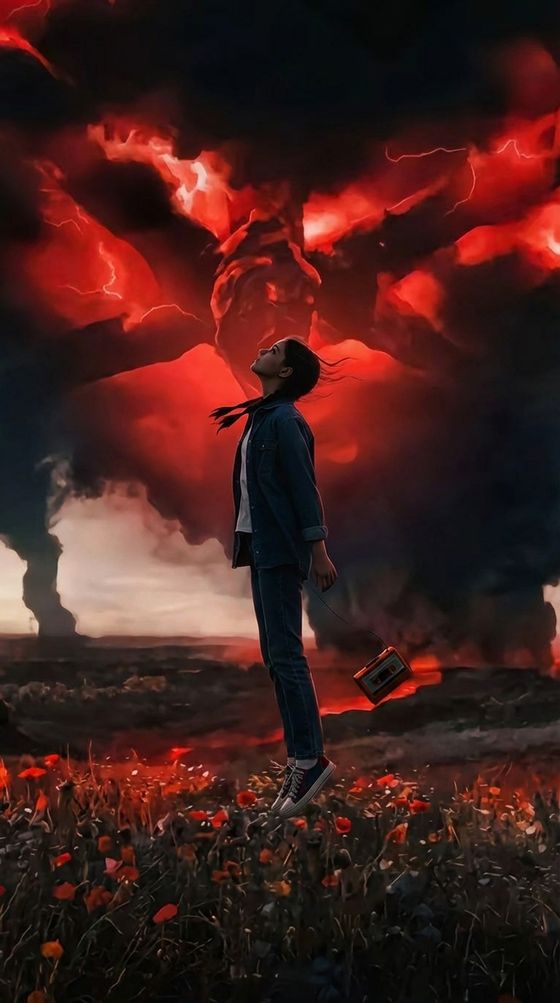
The final movement is the lift. Feet leave the ground, arms open slightly, hair moves in the air, and the portable player floats alongside the subject. The body stays upright and relaxed while the background carries the tension.
Three scenes that fit the template
A retro character reveal
Start with a portrait that already has a clear pose and a strong outfit. The headphones, denim layers, and portable player establish the character before the visual effect changes the setting around them.
A supernatural short
Use the transformation as the turning point in a small story. A peaceful park moment can become a warning scene when the sky turns red and a distant creature appears above the field.
A mood-first social clip
Choose a photo with enough room to show the whole body. The slow camera movement and gradual rise let viewers follow the pose change, the new sky, and the floating finish in one vertical sequence.
How to create the transformation
- Upload one photo with the subject visible and enough surrounding space for a full-body composition.
- Let the template move the subject from a relaxed pose into a standing and floating sequence.
- Review the red-sky transition, airborne pose, and final vertical video from the template card.
A full-body image gives the movement more room to read. A photo with a distinct outfit and a recognizable personal object also makes the opening frame easier to connect with the later supernatural setting.
Frequently asked questions
What do I upload for this AI video transformation from photo?
Upload one photo of the subject. A full-body composition with visible space around the person suits the seated-to-floating movement.
What happens during the transformation?
The subject moves from a relaxed seated pose toward standing, then rises above the ground with arms slightly open and a portable player floating nearby.
What does the final scene look like?
Skira template
Try this template
sssfxx_xx
HAWKINS
Keep exploring
More in Producer's Note

AI Watercolor Style Transformation Image From Image
Use an image to create an image centered on 🎨 Watercolor style transformation with this Skira template.

AI She Feigns Dancing Elegantly Video From Image
Use an image to create a video centered on She feigns dancing elegantly with this Skira template.

AI Authentic Talking-head Hair Clip Video From Image
Use an image to create a video centered on Authentic Talking-Head Hair Clip Sales Template with this Skira template.

AI Hot Dance Video From Image
Use an image to create a video centered on Hot Dance with this Skira template.