

ArtArch Newsroom
Producer's NoteAI Fashion Video Generator for a Hannah Montana Photo Moment
Create a vertical pop-style video from one uploaded photo, placing the subject into stage and performance scenes with Hannah Montana-inspired energy.
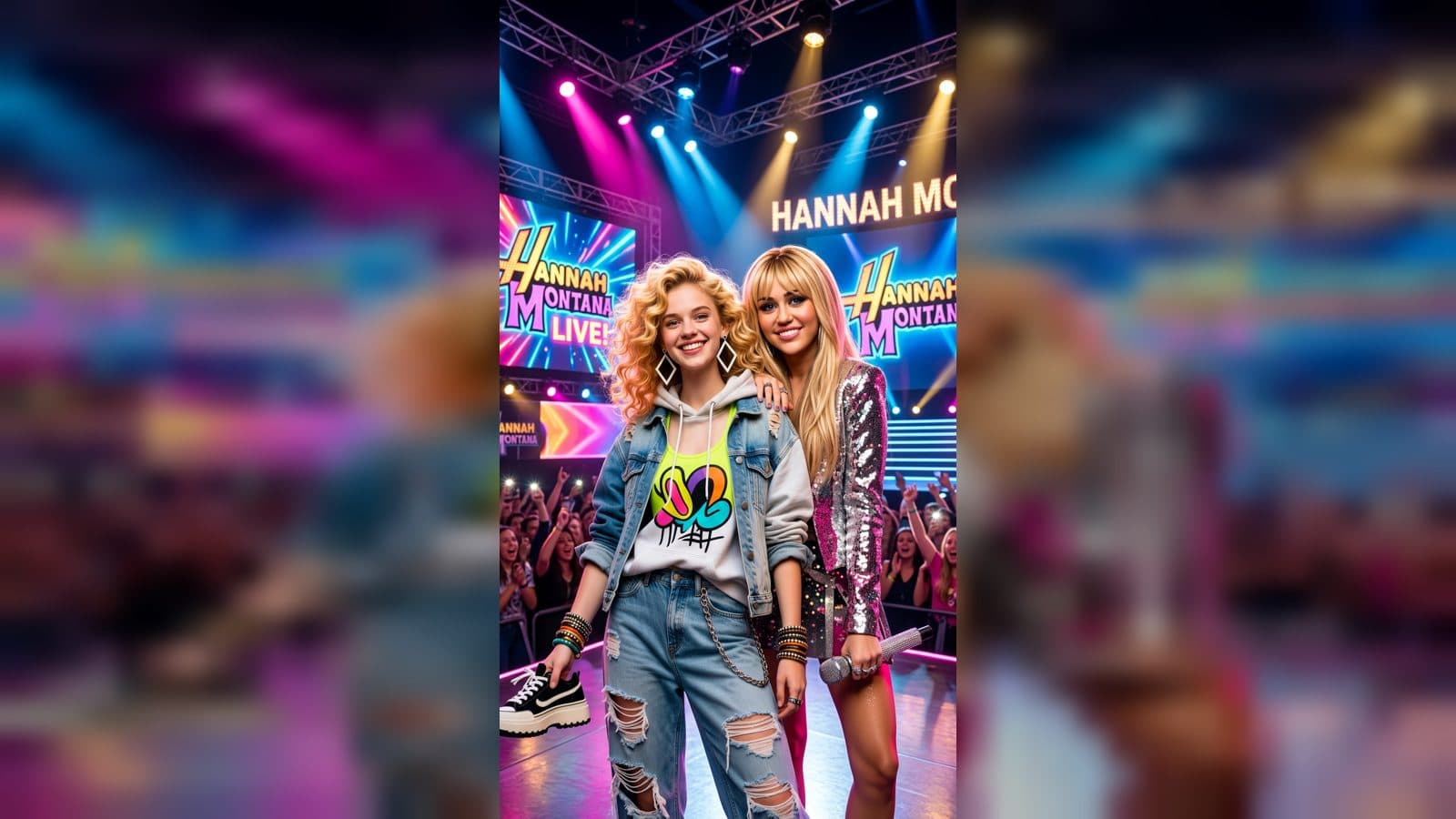
Upload one photo to create a vertical fan-style video that places the subject into stage and performance scenes with Hannah Montana. The sequence moves between photo moments and a bright pop setting, giving a single portrait the feel of a short backstage-to-stage story with an upbeat soundtrack.
A pop photo becomes a mini movie
The finished sequence presents the subject looking into the camera beside Hannah Montana in an event setting, then shifts to a stage photo moment. It also places the subject between the prepared background and performer for a more composed group scene. The vertical frame keeps the person prominent while the stage atmosphere supplies the context.
This is a useful format for a fan preparing a birthday post, a creator making an early-2000s pop tribute, or a short-form account building a themed series around recognizable music and fashion. It also gives a photo account a clear narrative: first the meeting, then the stage, followed by a lively closing beat. The prepared visual scenes and pop chorus are part of the template experience.
Create your performance video
- Upload the photo you want to bring into the pop scene.
- Review the generated meeting and stage moments, including the subject-facing-camera composition.
- Continue to the vertical mini movie with its upbeat female-vocal pop chorus.
A photo with the subject clearly visible works best for the direct-to-camera moments. The template handles the surrounding performer, stage, background scenes, and music so the uploaded image remains the starting point for the story.
Frequently asked questions
What do I upload to start?
You upload one photo of the person who should appear in the Hannah Montana photo moments.
What scenes appear in the result?
The video includes a performance-setting photo, a stage photo, a composed scene with the subject and performer, and an upbeat closing sequence.
What is the mood of the finished video?
It has a playful, confident pop mood with a short female-vocal chorus and a vertical mini-movie structure.
When would this template be useful?
Use it for a fan post, a themed birthday greeting, a pop-culture edit, or a short video series built around stage-photo moments.
Click the template card on this page to enter the experience page and try this template.
Keep exploring
More in Producer's Note

AI Watercolor Style Transformation Image From Image
Use an image to create an image centered on 🎨 Watercolor style transformation with this Skira template.

AI She Feigns Dancing Elegantly Video From Image
Use an image to create a video centered on She feigns dancing elegantly with this Skira template.

AI Authentic Talking-head Hair Clip Video From Image
Use an image to create a video centered on Authentic Talking-Head Hair Clip Sales Template with this Skira template.

AI Hot Dance Video From Image
Use an image to create a video centered on Hot Dance with this Skira template.