

ArtArch Newsroom
Producer's NoteAI Dance Video Generator from Photo for a Summer Outfit Challenge
Turn one photo into a dance challenge video with a summer outfit, a reference pose and setting, and playful copied dance motions.
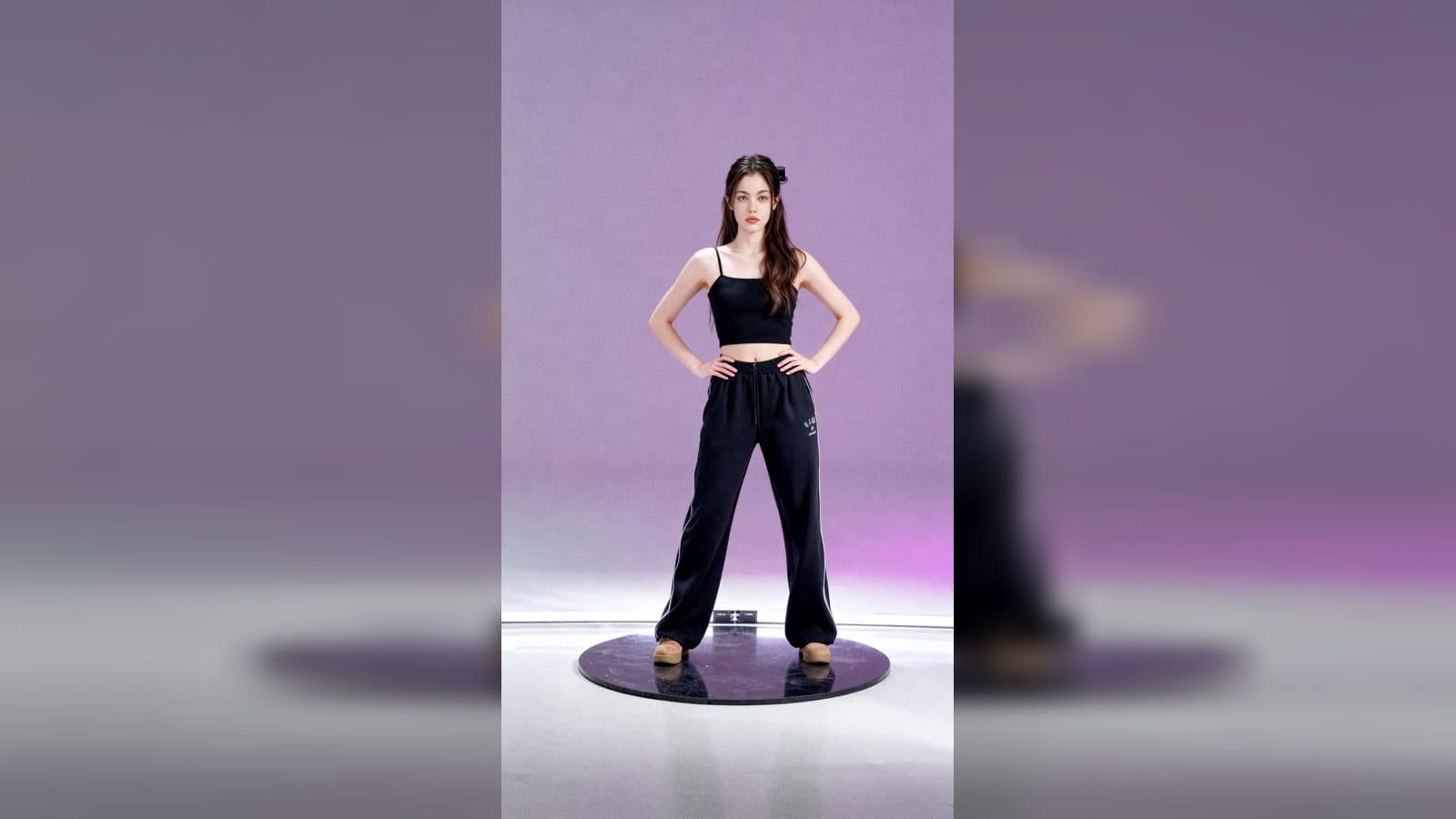
Upload one photo to create a dance challenge video with the subject in a summer outfit, placed in a styled reference setting and moving through a playful dance routine. The finished clip uses the uploaded person's appearance, a supplied pose and background, and a fixed dance performance as the visual guide.
How the dance look comes together
The subject faces the camera in a summer outfit while the composition follows the stance and camera angle of the template's reference scene. The setting gives the clip a consistent stage, so the change from a still portrait to a moving challenge feels like one complete shot.
The dance motion comes from the template's supplied performance. The subject copies those movements in the generated video, creating a simple action-led result that is easy to watch and share as a short fashion or dance post.
Three ways to use the challenge clip
A short dance post
Start with a clear portrait and let the subject take the lead in the reference setting. The copied routine gives the post a visible action from its first moment.
A summer outfit reveal
Use the video to introduce a seasonal look. The summer clothing stays visible as the subject moves, while the reference pose and background keep attention on the outfit and the dance.
A playful profile introduction
Turn one portrait into a light movement-based introduction for a social profile. The camera-facing stance makes the subject easy to recognize while the dance adds personality to the still image.
How to create the video
- Upload one photo of the person you want to feature.
- Open the She copies dance motions playfully template card.
- Review the summer outfit, reference setting, and copied dance routine in the completed video.
Choose a clear portrait
A visible subject gives the generated dance a strong focal point. The template supplies the summer clothing direction, pose, background, dance performance, and motion treatment as part of the result, so the only personal material to provide is the uploaded image.
Frequently asked questions
What do I upload?
Upload one photo of the person you want to animate in the dance challenge.
What does the subject wear?
The result places the subject in a summer outfit while keeping the camera-facing presentation of the challenge.
Where does the pose and setting come from?
The template provides a reference pose, camera angle, and background for the finished scene.
How does the movement work?
The subject copies the dance motions from the template's supplied performance video.
Click the She copies dance motions playfully template card on this page to enter the experience page and try it with your photo.
Keep exploring
More in Producer's Note

AI Watercolor Style Transformation Image From Image
Use an image to create an image centered on 🎨 Watercolor style transformation with this Skira template.

AI She Feigns Dancing Elegantly Video From Image
Use an image to create a video centered on She feigns dancing elegantly with this Skira template.

AI Authentic Talking-head Hair Clip Video From Image
Use an image to create a video centered on Authentic Talking-Head Hair Clip Sales Template with this Skira template.

AI Hot Dance Video From Image
Use an image to create a video centered on Hot Dance with this Skira template.