

ArtArch Newsroom
Producer's NoteAI Cyberpunk Image Gallery Generator from One Photo
Turn one uploaded image into an eight-image cyberpunk gallery with portrait variations, futuristic styling, and a music-backed gallery video.
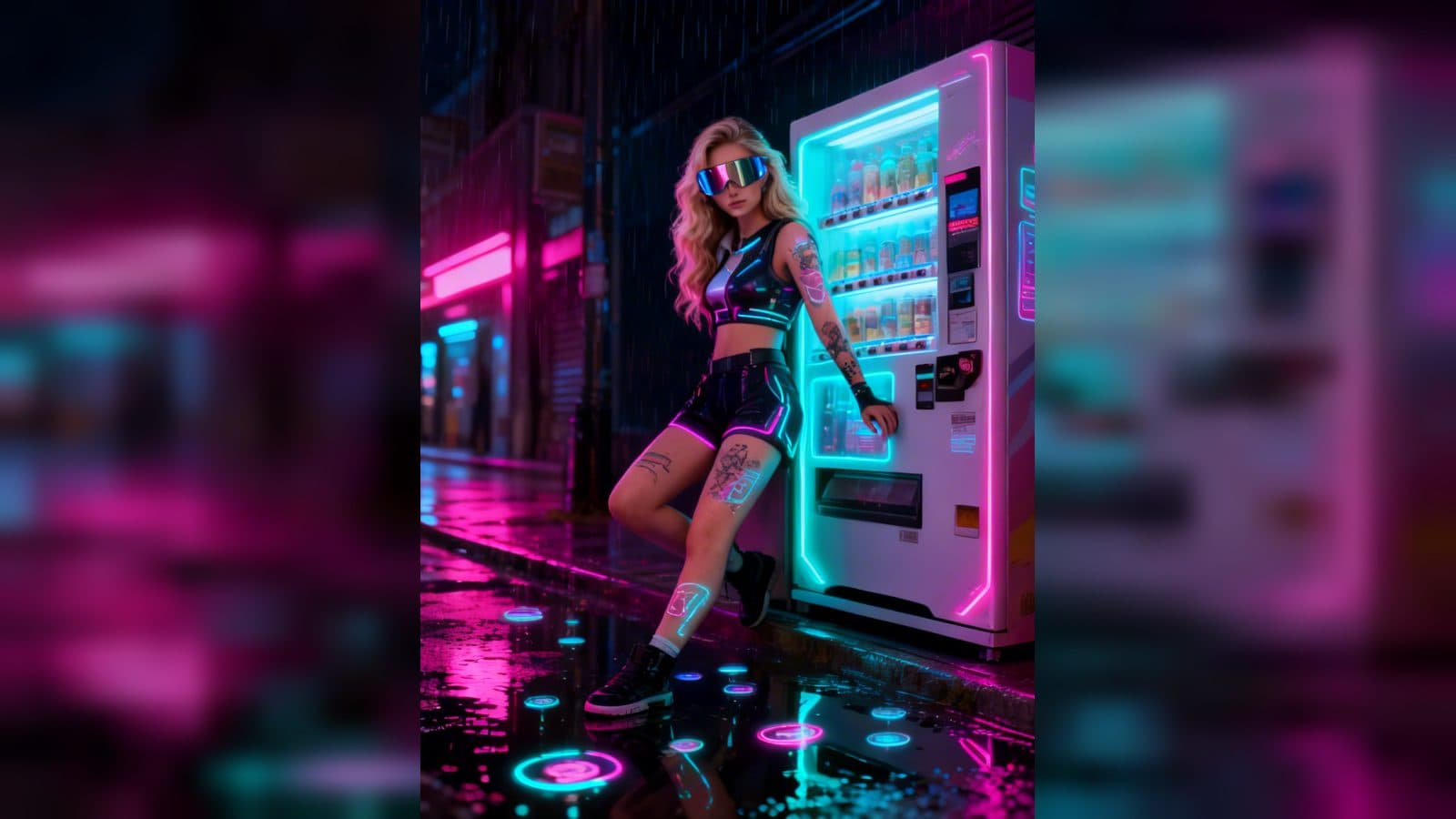
Upload one image to create an eight-image cyberpunk gallery with a consistent subject and varied futuristic styling. The finished set uses a 1080 × 1440 portrait format for each image, then brings the gallery together in a video with music. It is a practical way to turn one reference photo into a complete visual set instead of choosing a single treatment.
What the gallery gives you
The template keeps the uploaded image as the reference while building a series of cyberpunk illustrations. Each result is designed to feel different through changes in pose, viewpoint, futuristic details, and setting. The common visual thread is a dark, high-energy cyberpunk look with a strong character focus.
Eight images make the result useful as a set. You can compare several directions side by side, select a favorite portrait, or keep the complete sequence for a profile refresh or a visual concept board. The gallery also includes a music-backed video version, so the images can be viewed as a single presentation rather than only as separate files.
Three ways to use one reference image
Build a profile image set
Start with a clear portrait and use the eight-image output to explore different cyberpunk treatments for a profile, creator page, or character identity. The repeated subject keeps the set connected while the changing visual direction gives you options.
Assemble a concept board
When you are collecting visual references for a futuristic project, a single gallery is easier to compare than scattered experiments. The portrait-sized images let you review the set as a sequence and keep the strongest direction for later design work.
Make a short visual presentation
The gallery video turns the still results into a music-backed viewing experience. It gives a themed image set a clear beginning-to-end format for a presentation, a mood post, or a quick creative draft.
How to create the cyberpunk gallery
- Upload one image as the subject reference.
- Open the cyberpunk gallery template and let it create the set of eight portrait images.
- Review the images together, then use the gallery video to see the collection as a music-backed sequence.
Frequently asked questions
What do I need to upload?
You need one image. The template uses it as the reference for the cyberpunk gallery.
How many images are created?
The gallery contains eight portrait images. Each one uses the same reference subject with a different visual direction.
What size are the gallery images?
The image stages use a 1080 × 1440 portrait format.
Is there a video version?
Yes. The template combines the gallery images into a video with music so you can view the set as one presentation.
Click the cyberpunk gallery template card on this page to enter the experience page and try it with your image.
Keep exploring
More in Producer's Note

AI Watercolor Style Transformation Image From Image
Use an image to create an image centered on 🎨 Watercolor style transformation with this Skira template.

AI She Feigns Dancing Elegantly Video From Image
Use an image to create a video centered on She feigns dancing elegantly with this Skira template.

AI Authentic Talking-head Hair Clip Video From Image
Use an image to create a video centered on Authentic Talking-Head Hair Clip Sales Template with this Skira template.

AI Hot Dance Video From Image
Use an image to create a video centered on Hot Dance with this Skira template.