

ArtArch Newsroom
Creative AgentCreating a Clean AI Beach Environment Reference
AI beach environment reference case study with saved ArtArch Studio media, prompt decisions, visible results, and practical production notes.
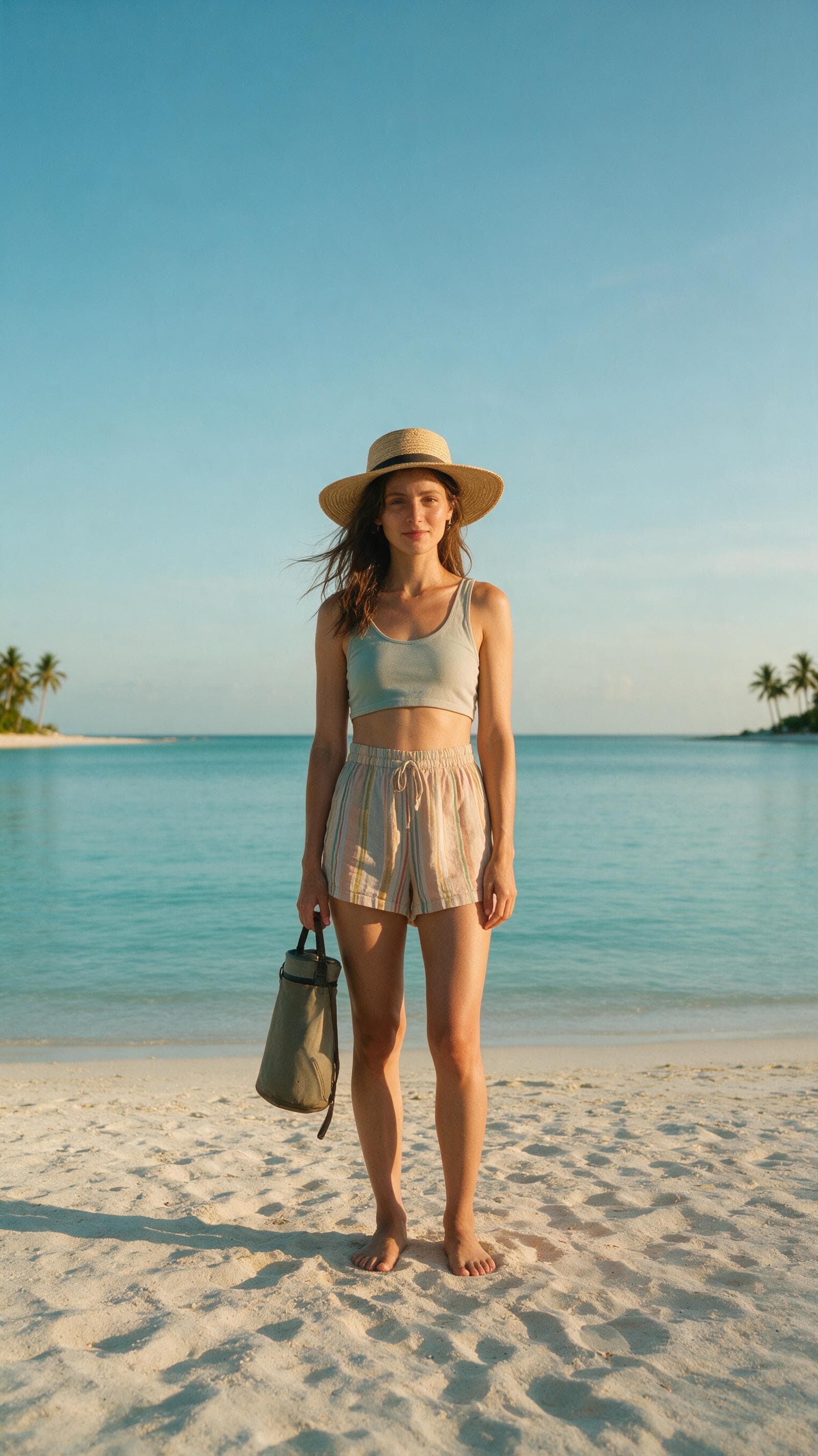
A real user request supplied a location-only prompt for this AI beach environment reference example. The resulting ArtArch Studio canvas contains a vertical tropical beach plate with open sand and a clear horizon, giving the creative agent a concrete result to inspect and explain.
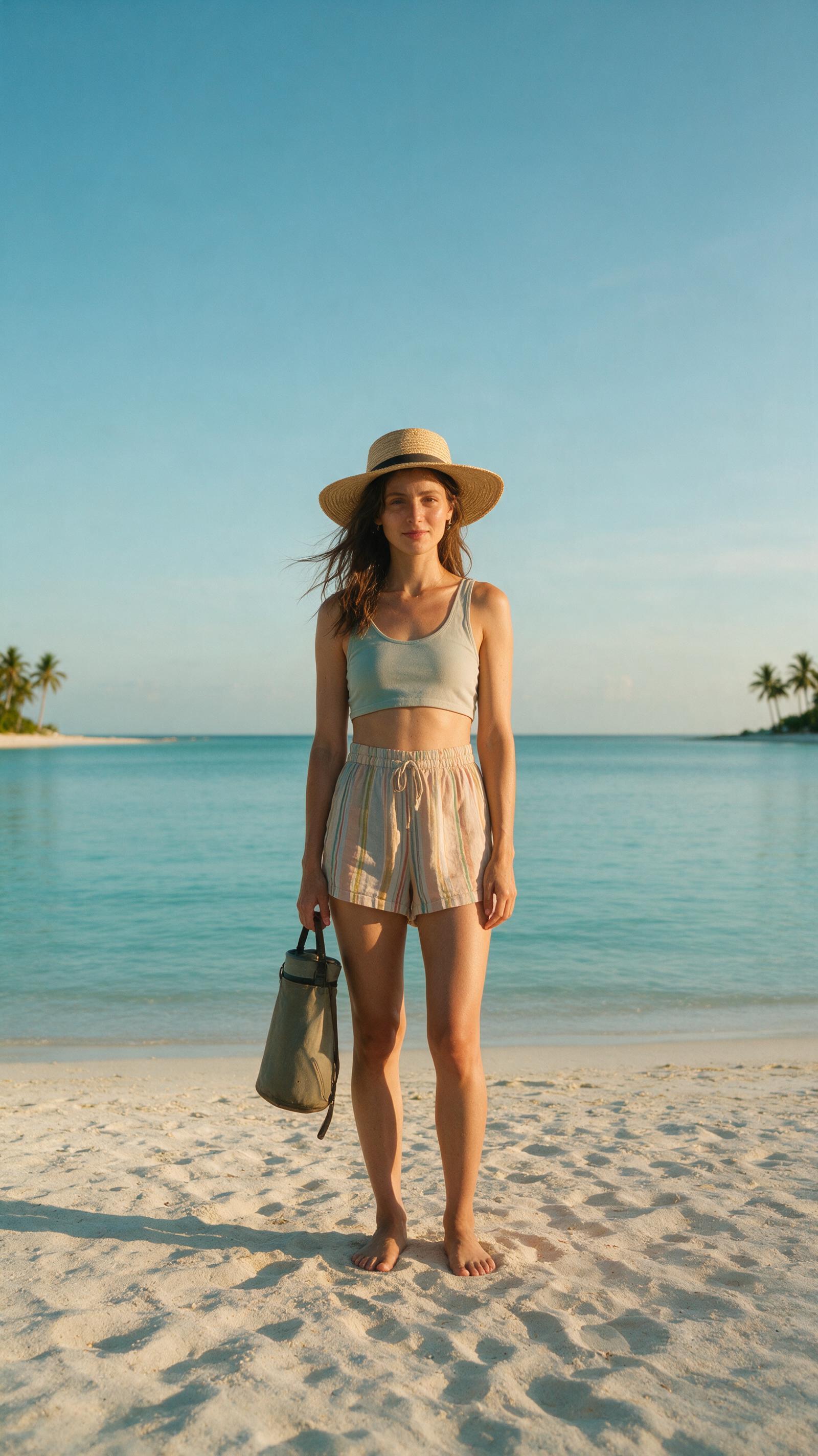
Canvas image: a vertical tropical beach plate with open sand and a clear horizon.
Why the constraint mattered
Ask for pale sand, calm turquoise water, distant palms, and no people.
The controlling choice was simple: Generate the location separately when several character frames must share the same setting.
Evidence in the canvas media
The environment output has a wide usable foreground and a simple horizon, which makes it a clear location authority for later character work.
That visible evidence supports one clear production rule: Generate the location separately when several character frames must share the same setting.
Production notes
- Start with a location-only prompt.
- Write the visible constraint that matters most: Generate the location separately when several character frames must share the same setting.
- Generate one reviewable result, inspect still frames as well as playback, and keep the saved canvas media as the production record.
This pattern is suited to fashion shoots, travel stories, dance videos, or reusable background planning.
Open the source ArtArch Studio canvas to inspect the saved creative context.
Frequently asked questions
What should I prepare first?
Prepare a location-only prompt. Use the clearest original files available and decide which one owns identity, product detail, or endpoint composition.
What should I inspect in the result?
Check the result against this visible target: a vertical tropical beach plate with open sand and a clear horizon. Review framing, subject identity, props, text, and the first and last frames when video is involved.
Can I reuse the same setup?
Yes. Keep the canvas media and the decision that controlled it: Generate the location separately when several character frames must share the same setting.
Open the experience from the template card on this page and try the template with a related creative request.
Keep exploring
More in Creative Agent

Designing a Three-Scene AI Character State Machine
three-scene AI character state machine case study with saved ArtArch Studio media, prompt decisions, visible results, and practical production notes.

Extracting First and Last Frames to Plan AI Video Transitions
AI video transitions case study with saved ArtArch Studio media, prompt decisions, visible results, and practical production notes.

Fan-Dance-to-Idle AI Transition With a Clean Endpoint
fan-dance-to-idle AI transition case study with saved ArtArch Studio media, prompt decisions, visible results, and practical production notes.
An Idle-to-Fan-Dance AI Transition With the Prop as the Cue
idle-to-fan-dance AI transition case study with saved ArtArch Studio media, prompt decisions, visible results, and practical production notes.